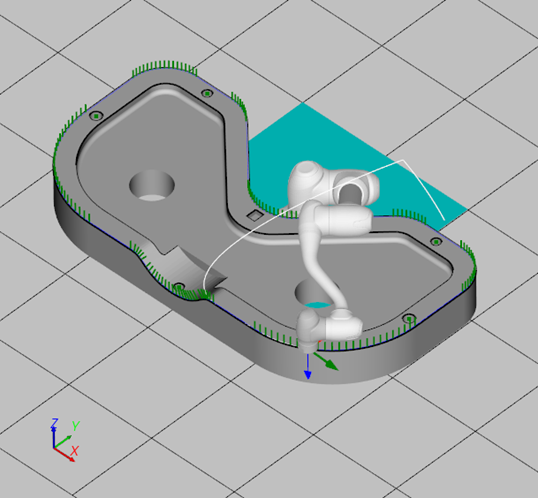
This chapter guides overall procedures from loading a cad file to the simulation of the generated script.
-
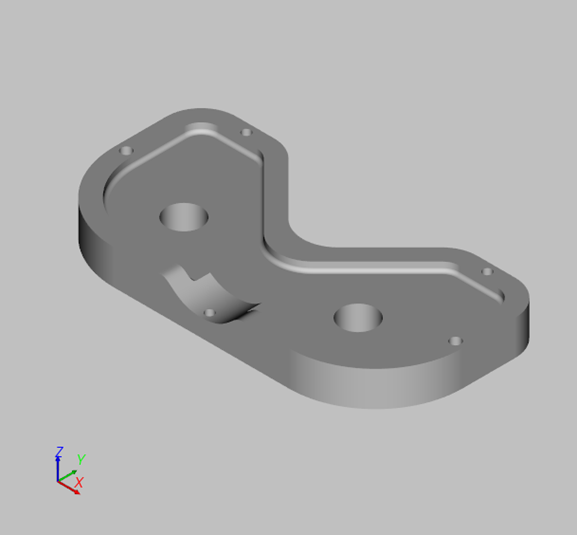
Load a CAD file.
-
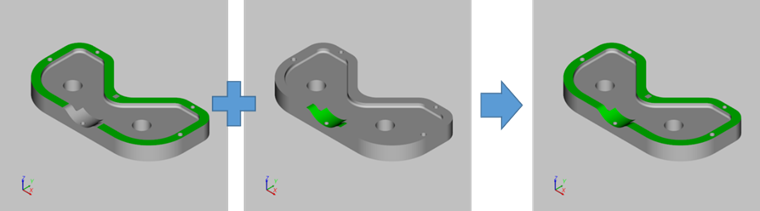
Merge surfaces. User ‘Merge Surface’ function.
-
Create edge of the surface. User ‘Create Surface Edge’ function.
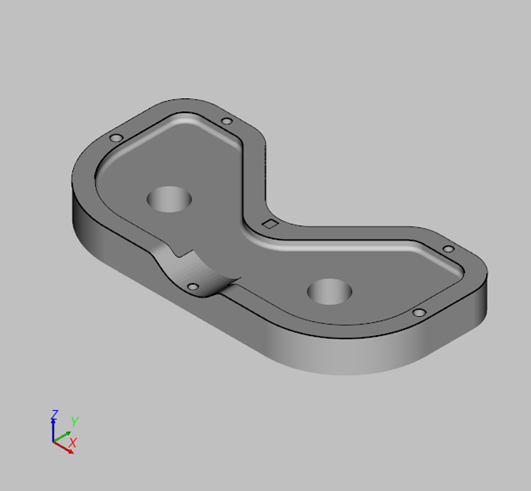
-
Create a surface edge path. Use ‘Create Glue Path’ function.
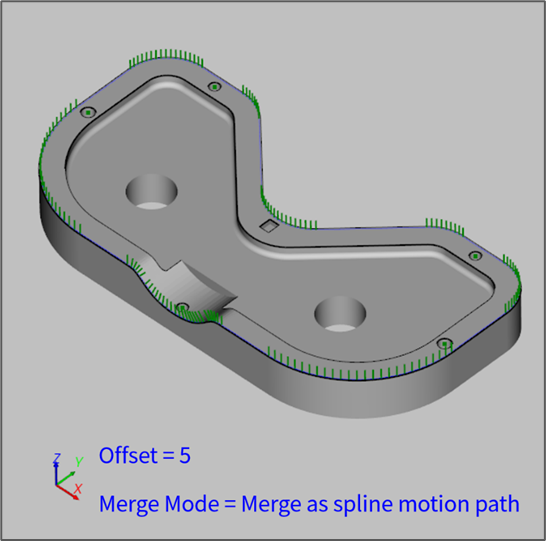
-
Create source points for registration. User ‘Create Circular Center Point’ function.
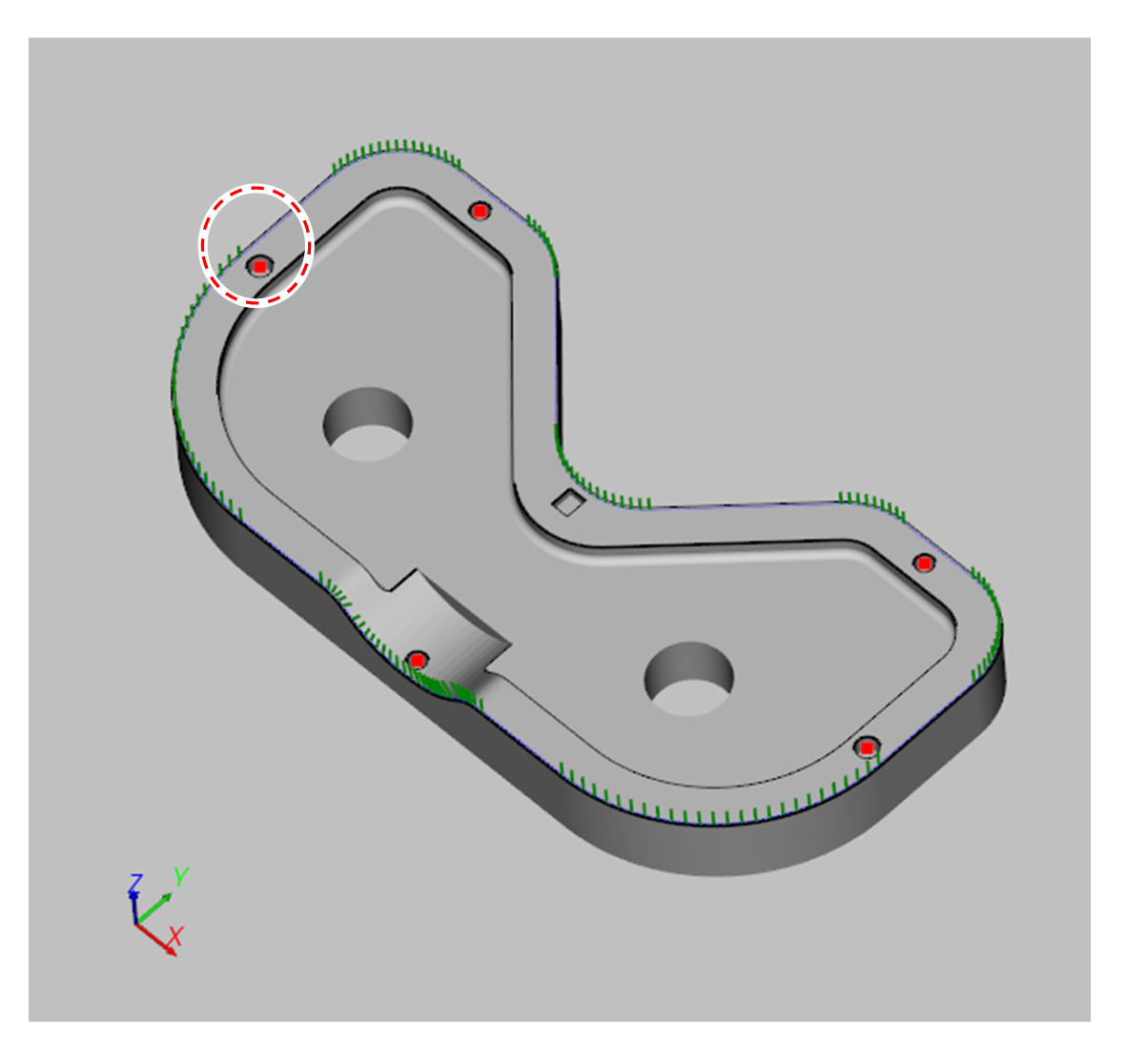
-
Measure the target points in the robot space. User the ‘Create Point On TCP Position’.
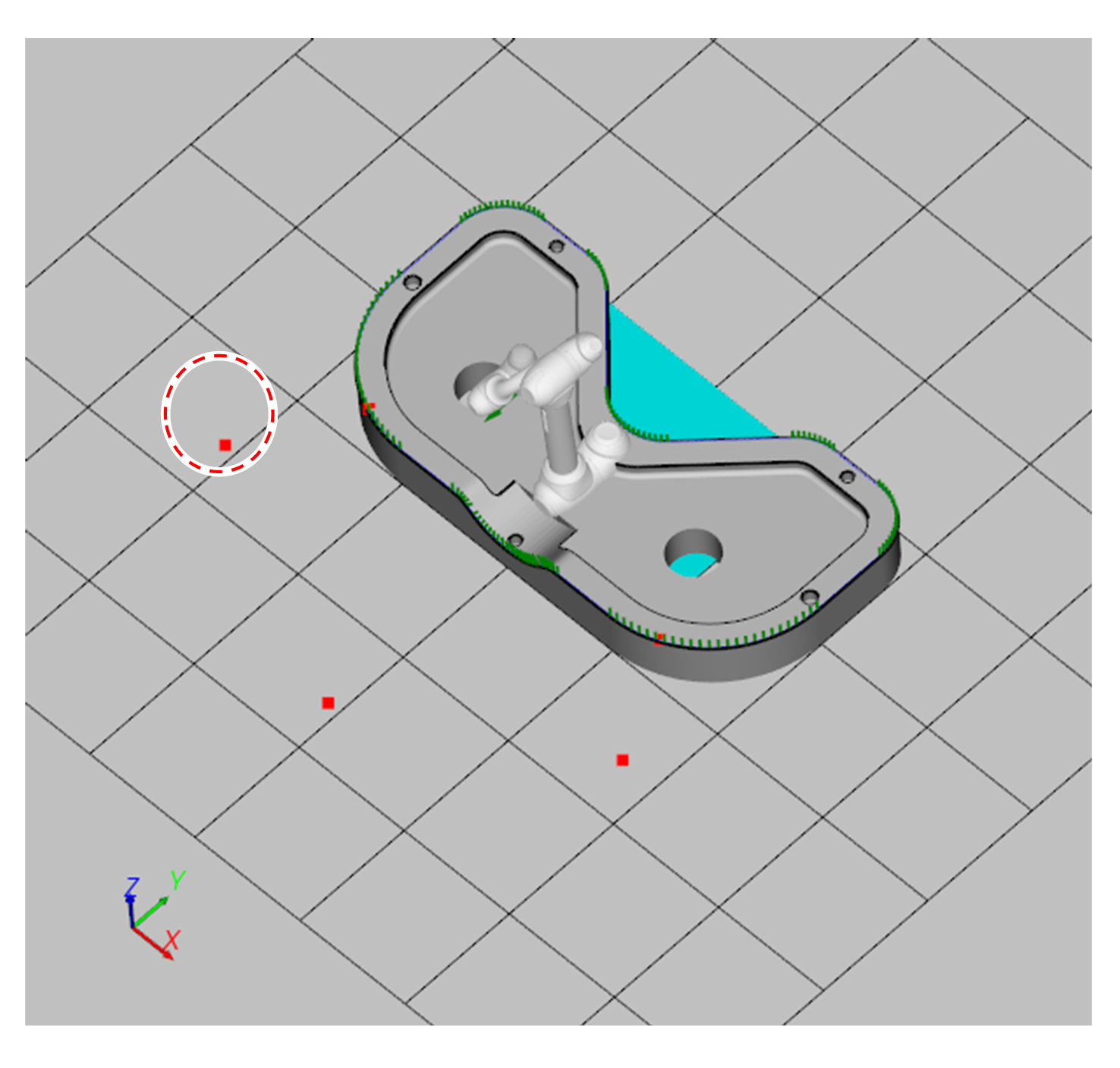
-
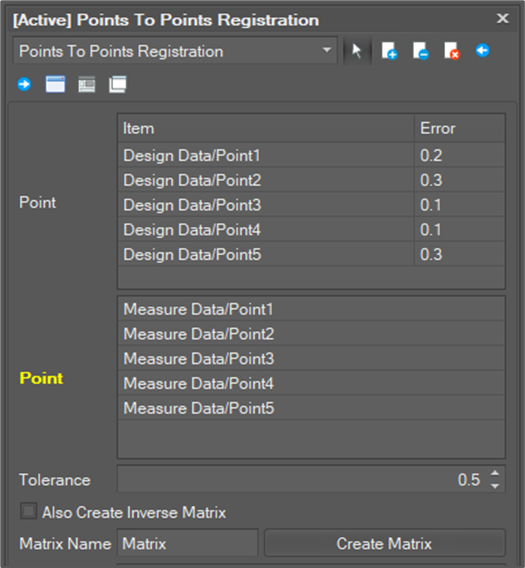
Create a transformation matrix from the source points in CAD space to the target points in the robot space. Use the ‘Points To Points Registration’ function.
-
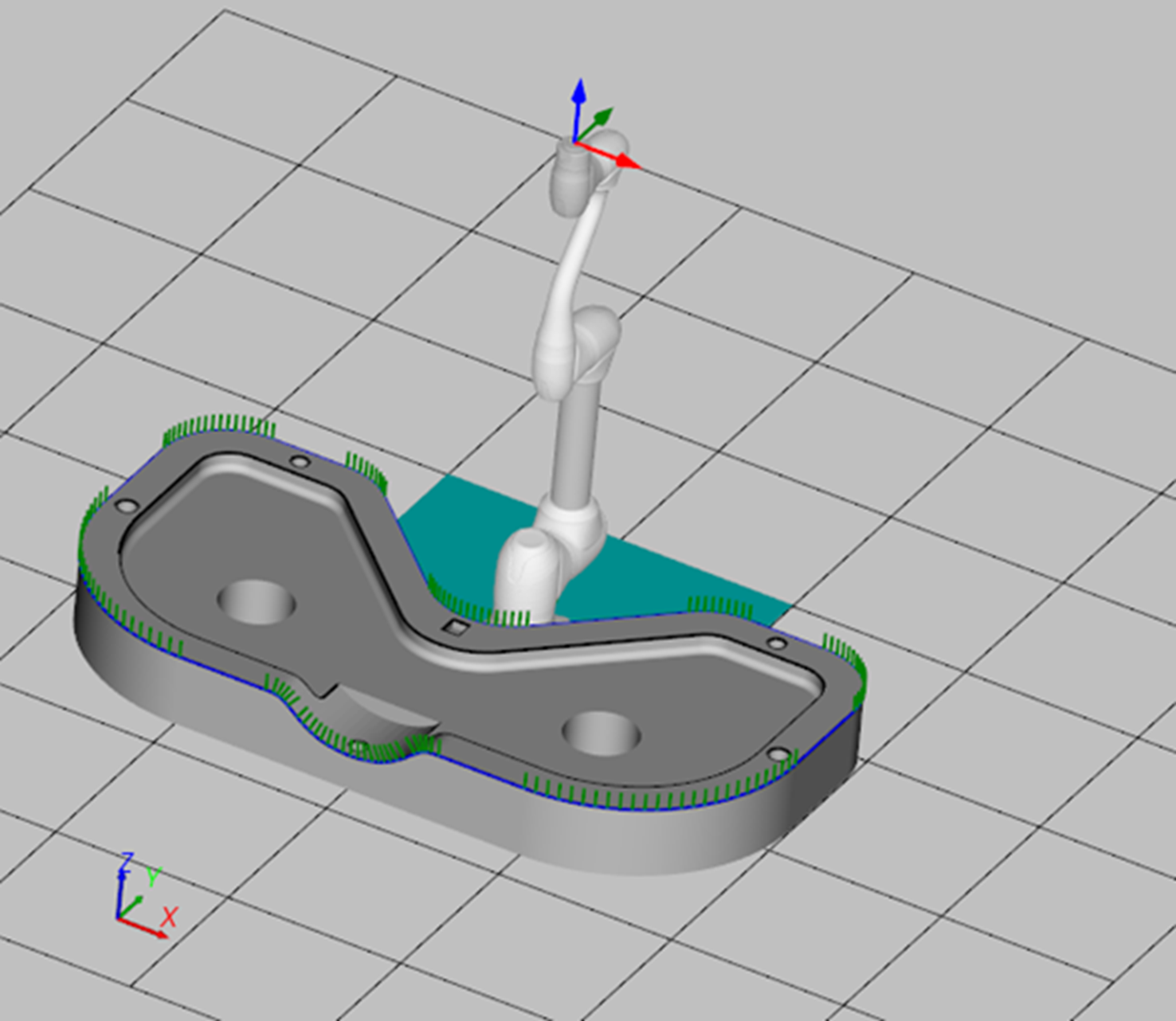
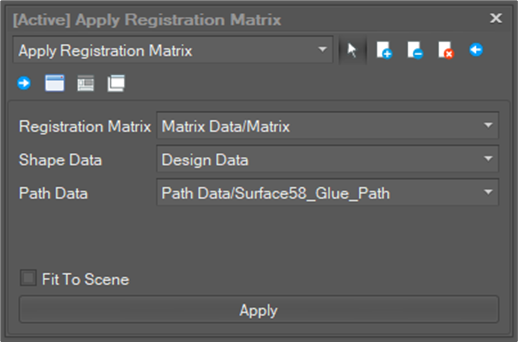
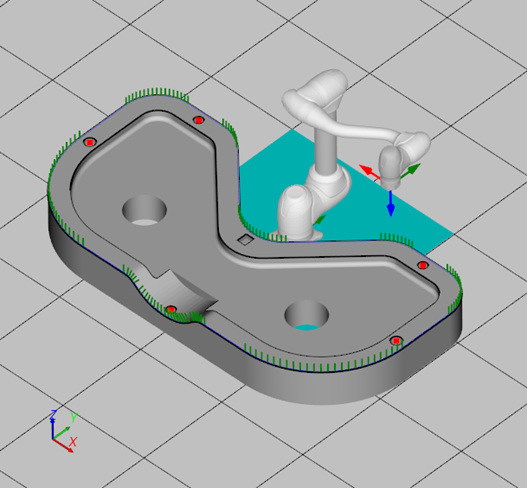
Move the path data and the shape data into the robot space. Use the ‘Apply Registration Matrix’ function.
-
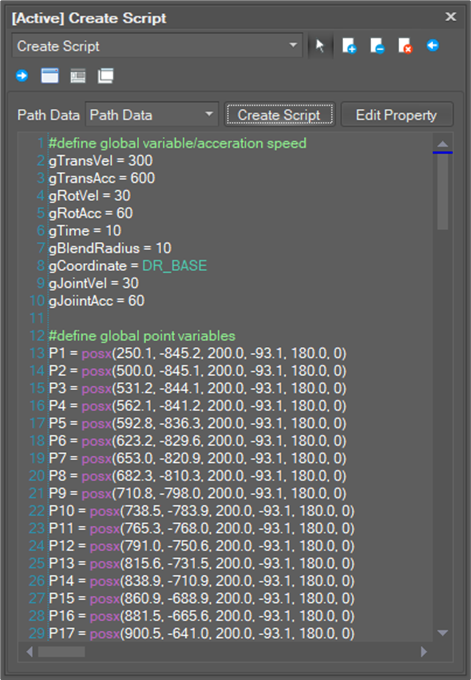
Create a script. User ‘Create Script’ function.
-
Turn on simulation.