It provides the ability to create straight lines/curves.
Create spline curve
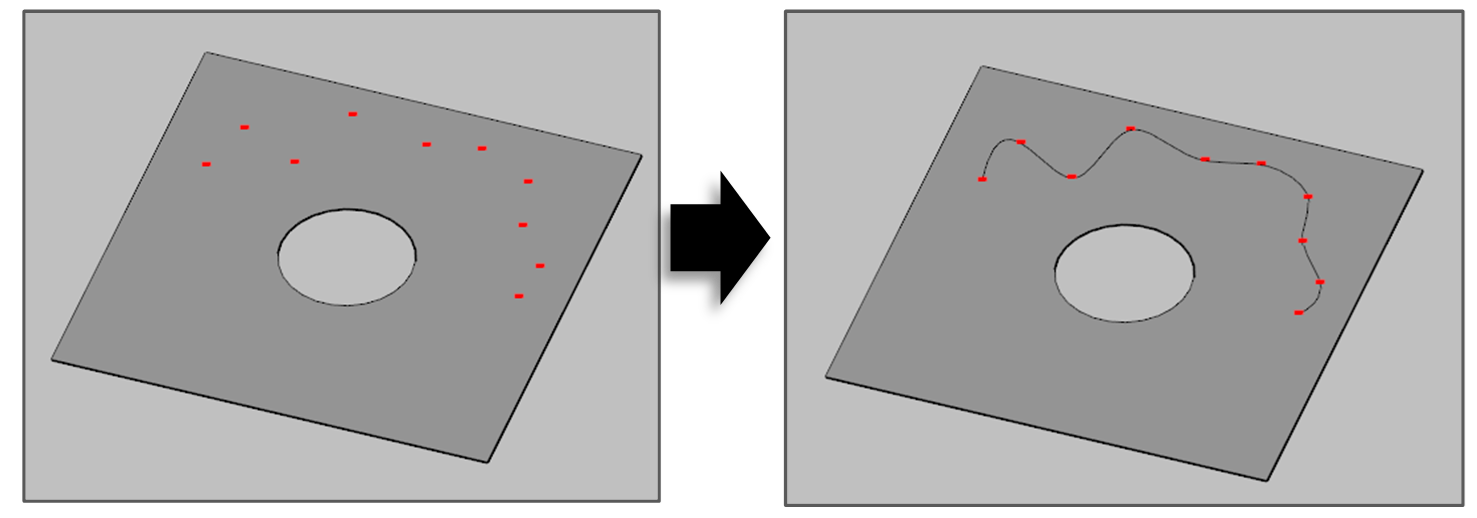
The function creates a spline curve connecting all the selected point objects.
-
Click [Create Curve] button in the menu bar.

-
Select [Create Curve] option in the active window.
-
Set creation option.
-
Group: A group to which newly created object belongs.
-
-
Select 2 or more point objects.
-
Select the [Create] button.
Create Estimated Line
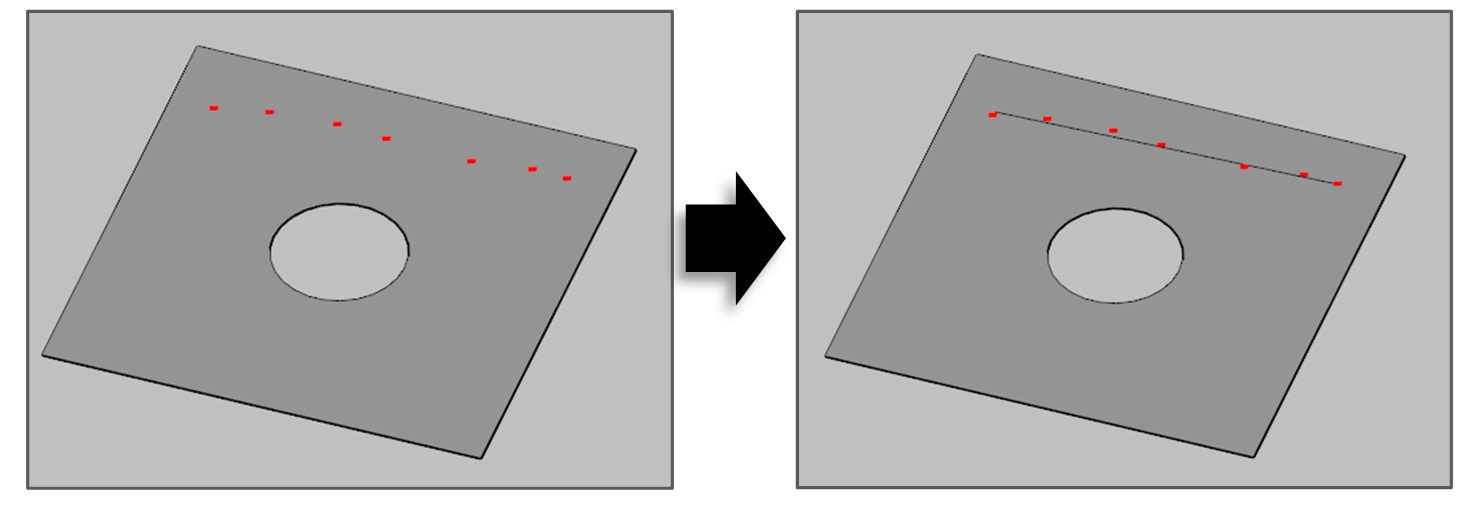
The function creates a line object which minimizes the sum of distance from the point to the line.
-
Click [Create Curve] button in the menu bar
-
Select [Create Estimated Line] option in the active window.
-
Set creation option.
-
Group: A group to which newly created object belongs.
-
-
Select 2 or more point objects.
-
Select the [Create] button.
Create Surface Edge
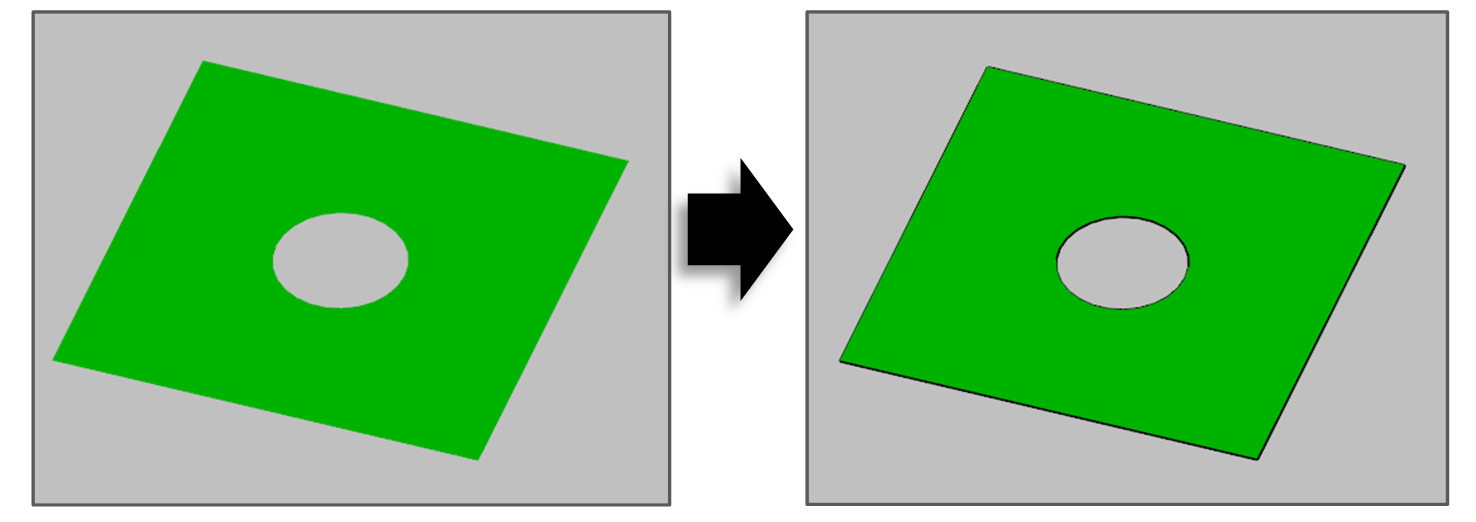
The function creates curve object of surface edges.
-
Click [Create Curve] button in the menu bar.
-
Select [Create Surface Edge] option in the active window.
-
Set creation option.
-
Group: A group to which newly created object belongs.
-
-
Select 1 or more surface object.
-
Select the [Create] button.