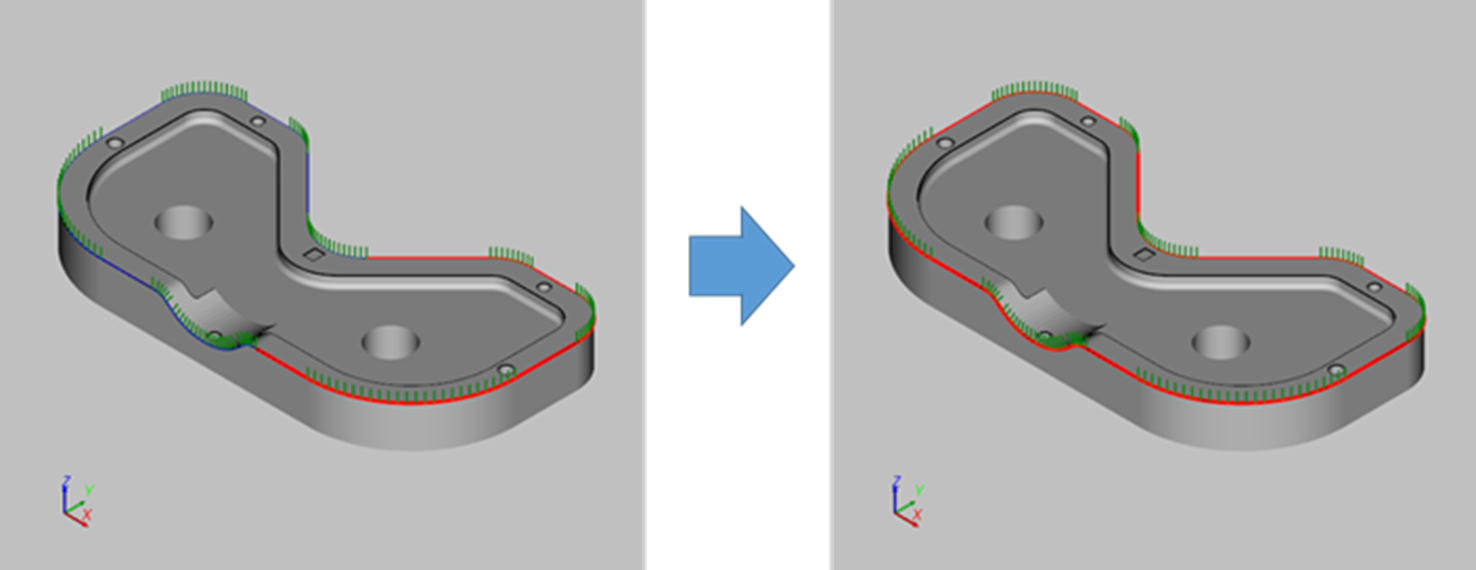
The function merges path segments into a segment.
-
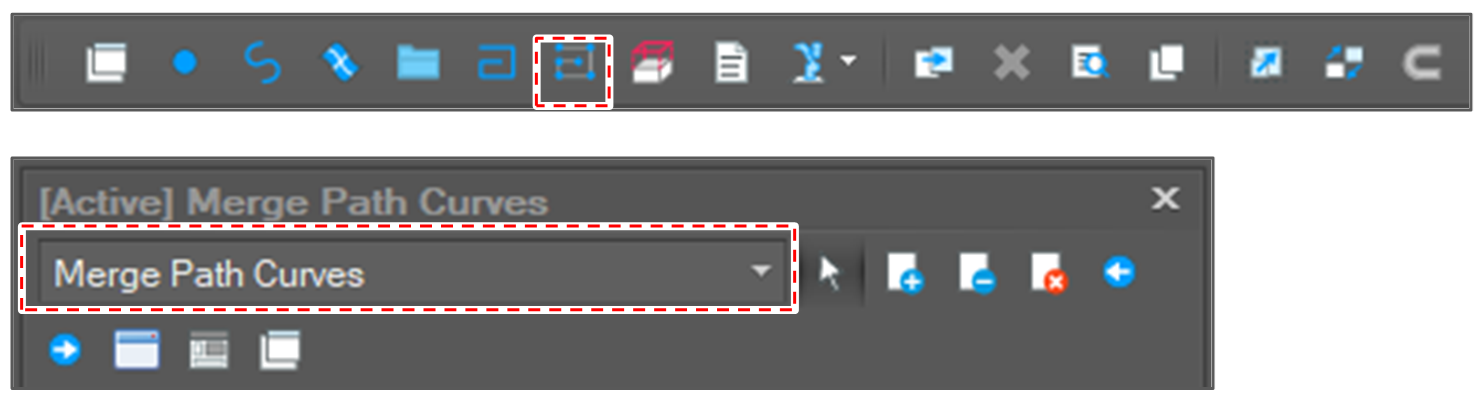
Open [Merge Path Curves] window.
After clicking the [Edit Path] button, select [Merges Path Curves] option.
-
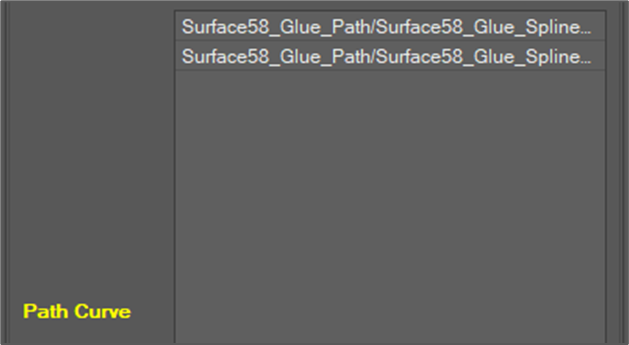
Select path segments to merge.
-
Set the merge angle tolerance.

If the angle between two segments is greater than the tolerance, the merge failed. -
Click the [Run] button.

-
Check the result.