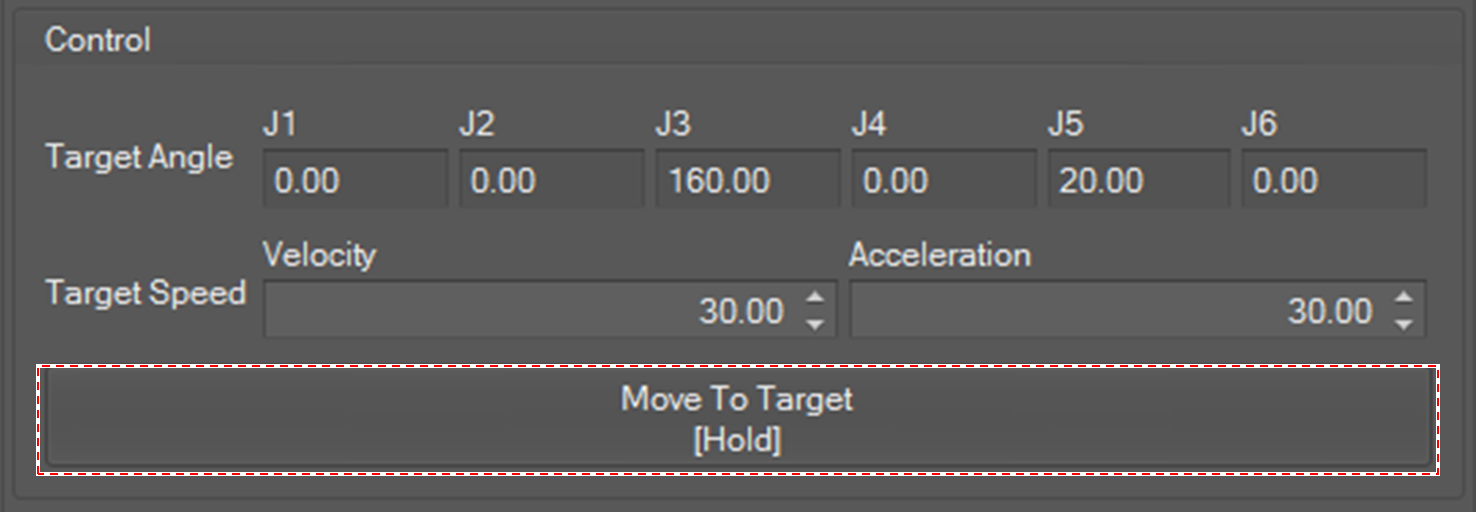
To control the robot packing mode, select Control on the main menu and click the Packing/Unpacking button.
Control is available when entering recovery mode and the window is activated when control is available.

Packing/Unpacking
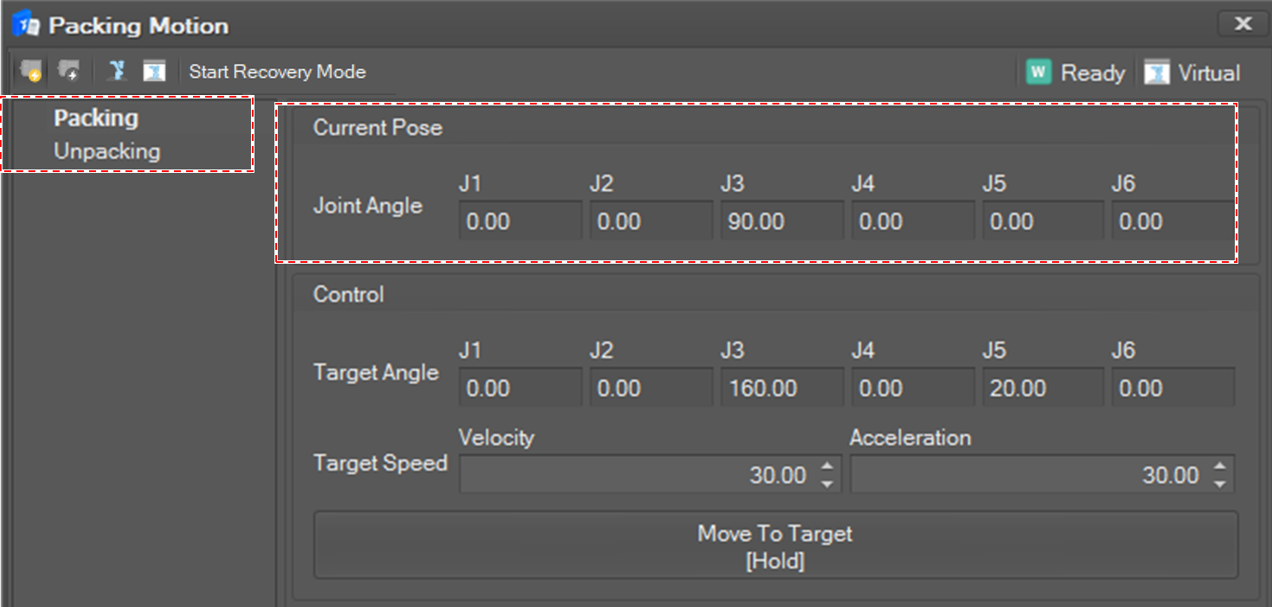
Select Packing or Unpacking in the Packing Motion list. Then, the current joint angles are displayed and updated in 100 milliseconds.
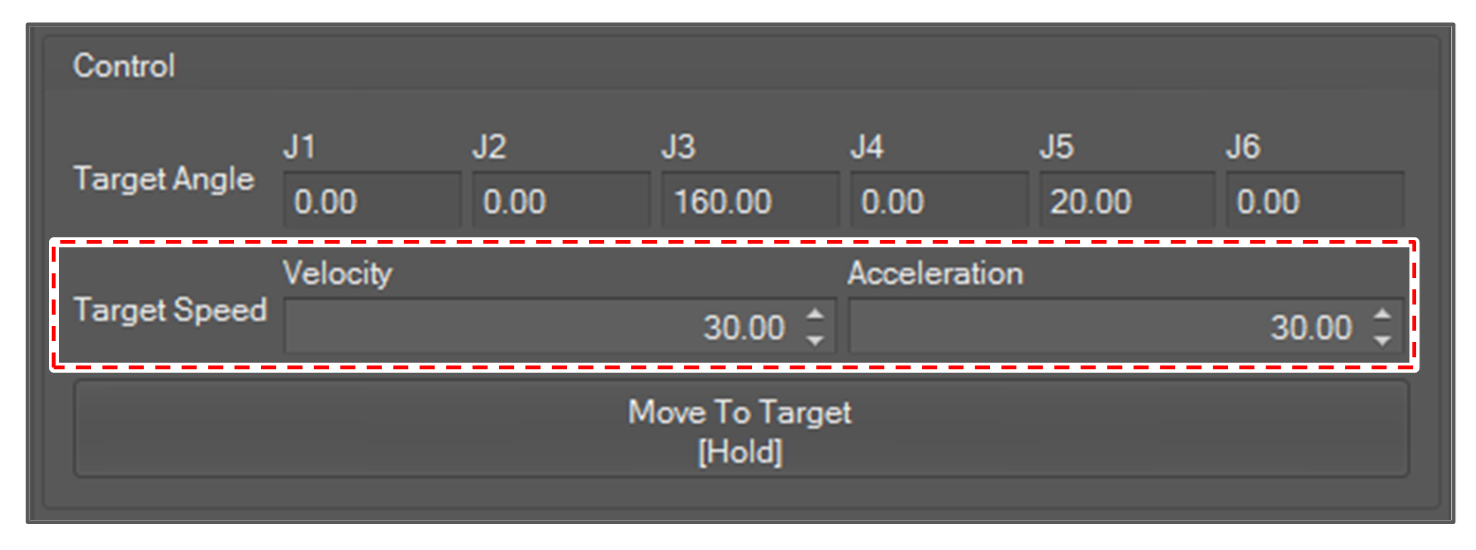
Set the speed and acceleration for packing or unpacking.
To pack or unpack the robot into the set specified packaging pose, Click and hold the Move To Target button.
If you release the button, the robot motion stops.