
World Coordinate
To configure the world coordinate, click Modify Item 
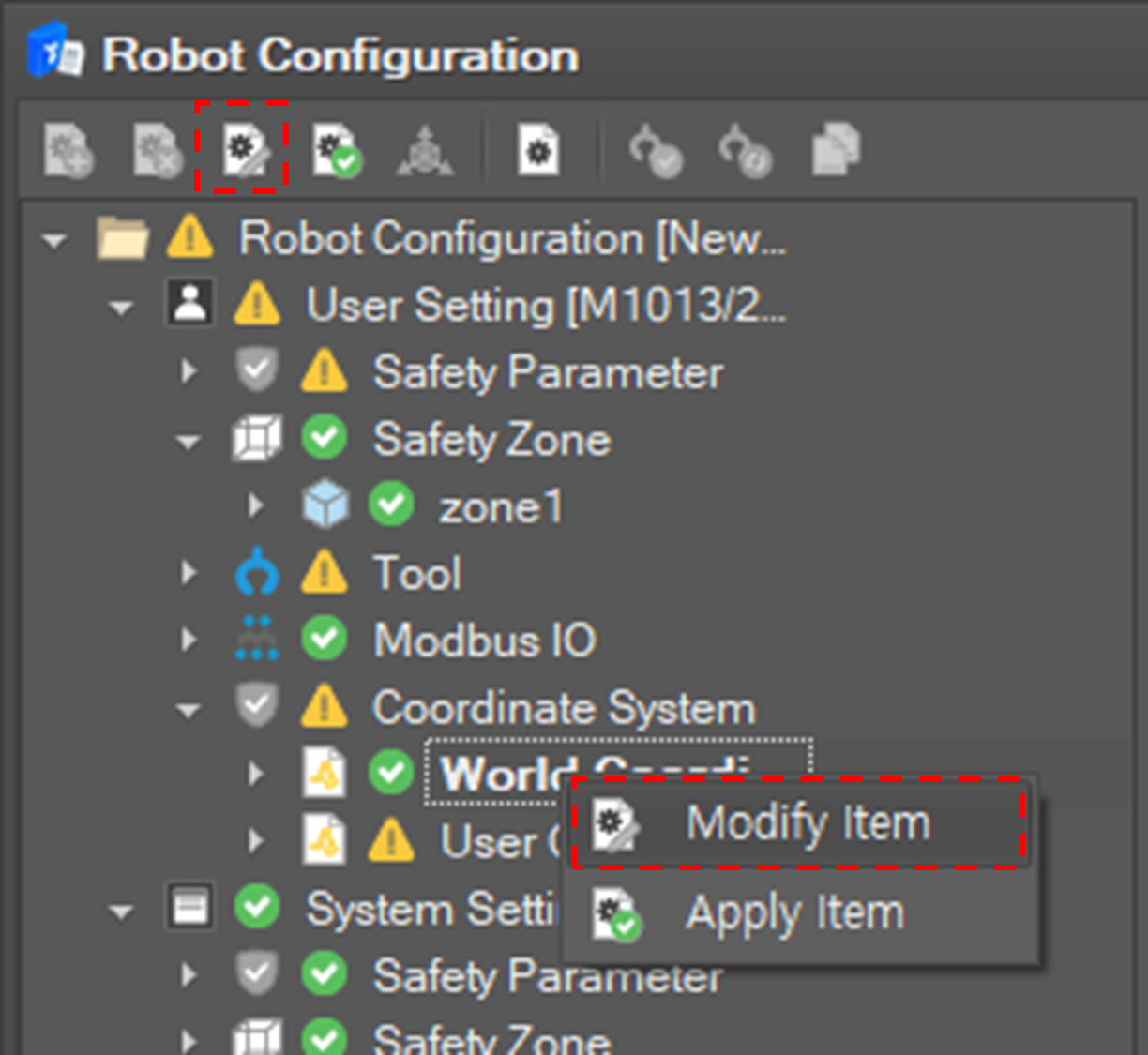
Configure the world-base relation in the editing window. World-Base relation means the position and the orientation of the robot based on the world coordinate system.
|
Item |
Description |
|
X |
Coordinates of the relative position of the robot base in the X axis direction of the world coordinate system |
|
Y |
Coordinates of the relative position of the robot base in the Y axis direction of the world coordinate system |
|
Z |
Coordinates of the relative position of the robot base in the Z axis direction of the world coordinate system |
|
RZ |
Angle of the XY coordinate axis of the robot base rotated with the Z axis of the world coordinate system as the rotation axis |
|
RY |
Angle of ZX coordinate axis of robot base rotated with Y axis rotated above |
|
RX |
Angle of YZ coordinate axis of robot base rotated with X axis rotated above |
Add a user coordinate
To add a user coordinate, click Add Item 
Set the properties of the user coordinate and click the Confirm button.
|
Property |
Description |
|
ID |
At most 100 user coordinates can be defined. The id of the coordinate is pre-assigned. So select the id of the coordinate. It cannot be duplicated with other coordinate setting. |
|
Basis Coordinate System. |
Set the basis coordinate system among the World coordinate system and the Base coordinate system. |
|
Coordinate Setting |
Set the origin position and the orientation of the user coordinate system based on the basis coordinate system. X, Y, Z: the origin position based on the basis coordinate system. RZ, RY, RX: the orientation of the coordinate based on the basis coordinate system. |
Modify the user coordinate
Modify the user coordinate
To modify a user coordinate, click Modify Item 
The coordinate ID cannot be modified.

After setting properties, click the Confirm button.
Delete a user coordinate
To delete a user coordinate, click Delete Item 