
If a break point is set to a program line, the program running is paused when the running cursor reaches the line.
Add Break Point
When the cursor is at a line with no break point, if you click the Toggle Break Point 
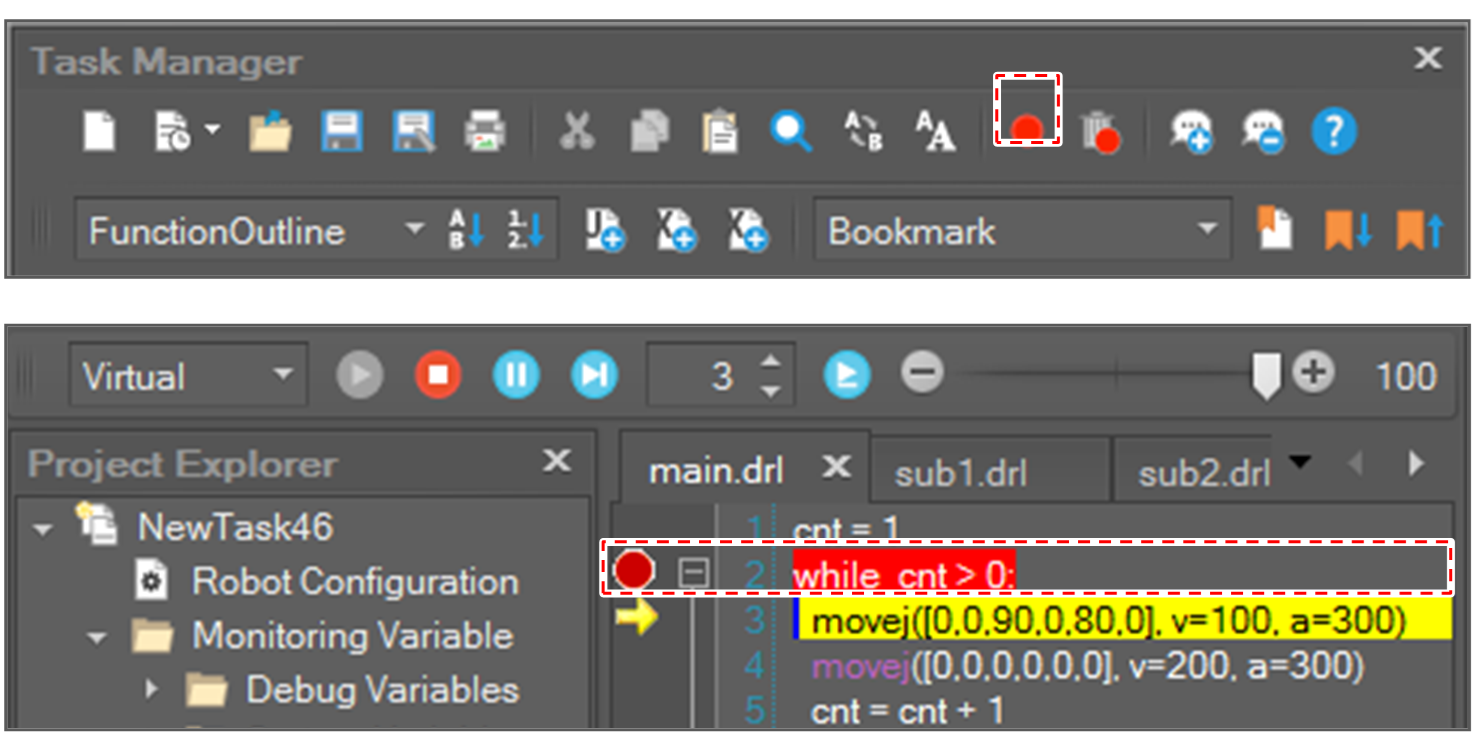
When there is no break point in that marker line, if you click the marker area, a break point is added to the line.
Remove Break Point
When the cursor is at the line with a break point, click the Toggle Break Point
-
The break point can be also removed by clicking a break point in the marker area.
-
To remove all break points at once, click the Remove All Break Points

