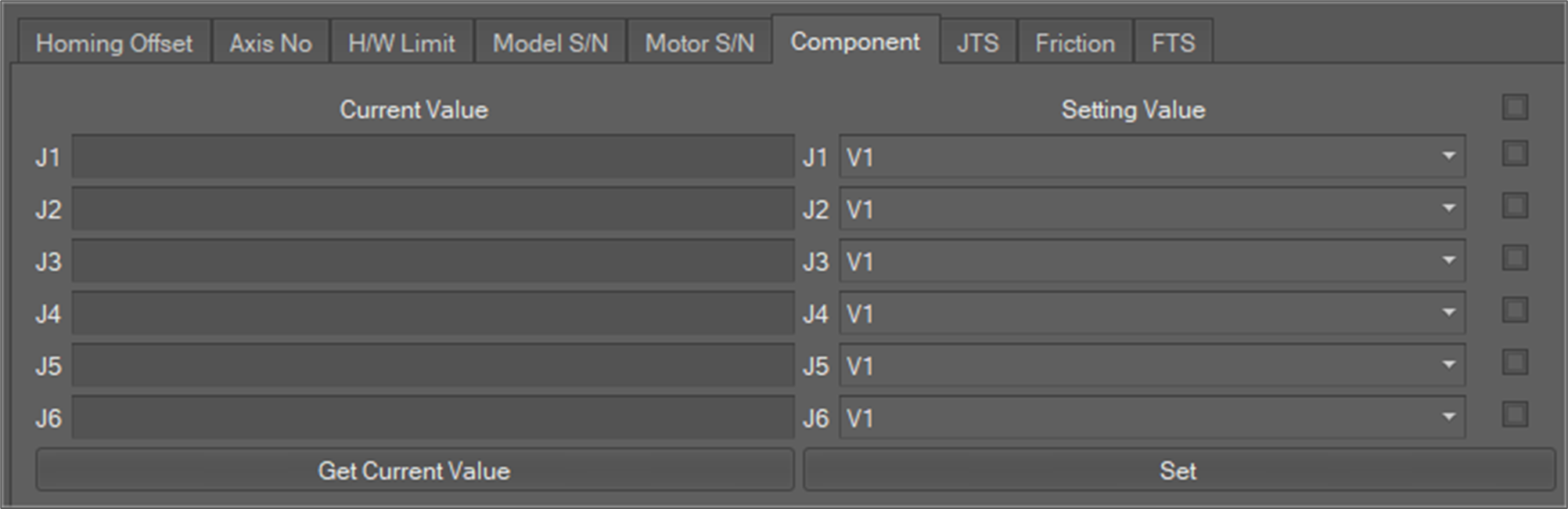
This menu is used to update and inquire about the component of each joint of the robot.
-
Select the Component tab as shown below.
-
When the user clicks the Get Current Value button, the Component information of each axis is displayed in the Current Value area.
-
If you want to set a value, you can enter a new value in the Setting Value area. And then to reflect the setting value of each axis of the Component, select the check box of each axis and click the Set If you want to change the values of all axes, check all check boxes and click the Set button.