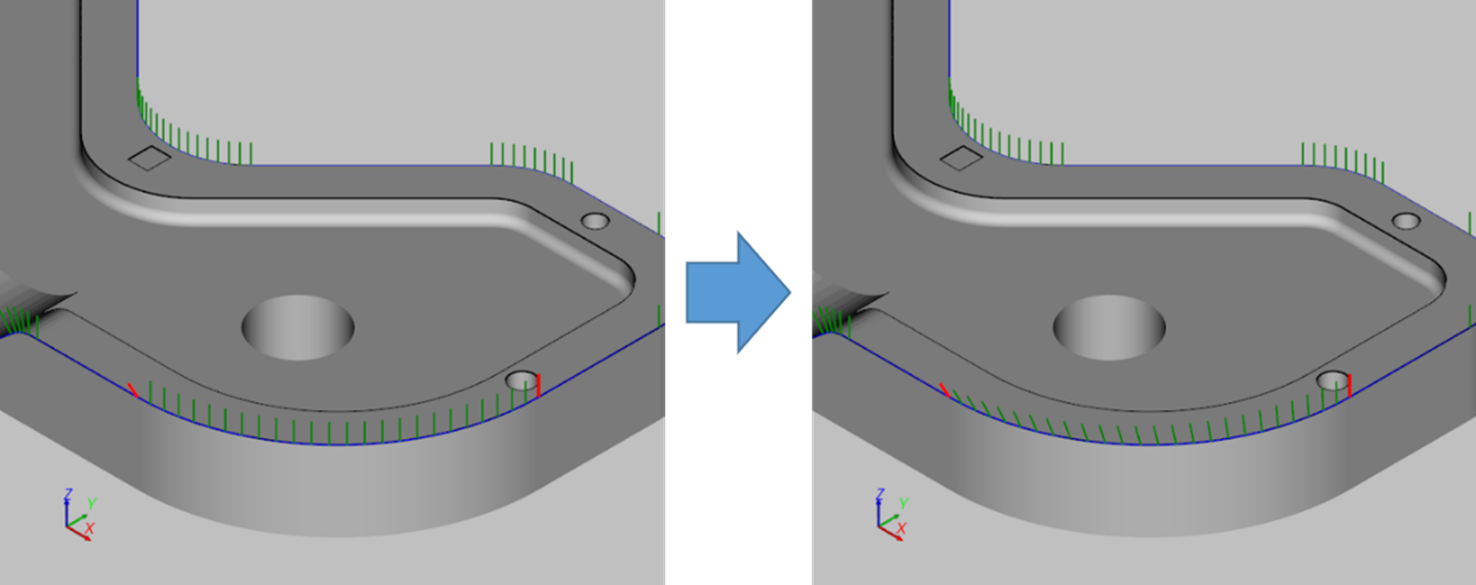
The program provides a function to change the orientation of a path.
Path orientation rotation
-
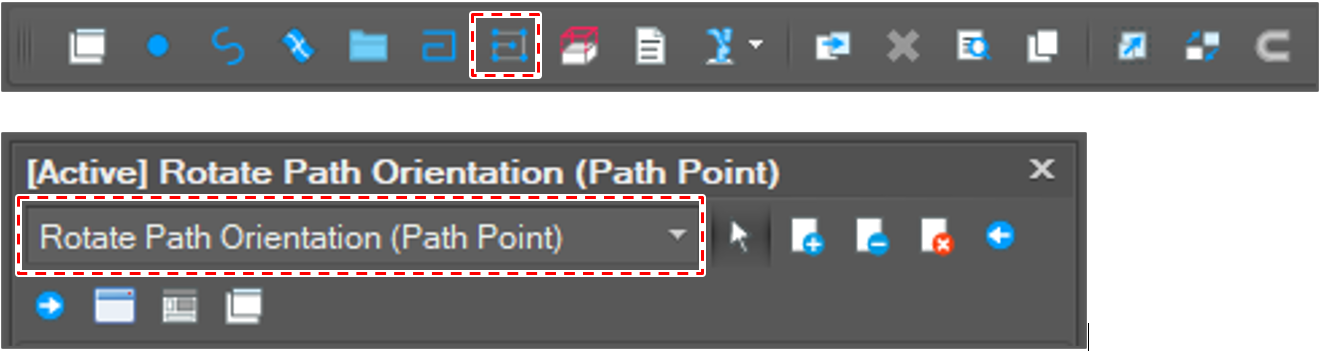
Open [Rotate Path Orientation] window.
After clicking the [Edit Path] button in the menu bar, select [Rotate Path Orientation (Path Point)] option.
-
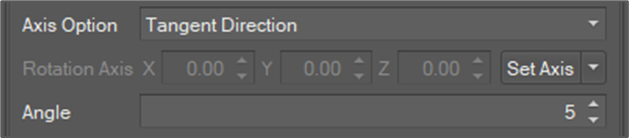
Set rotation options.
-
Axis option: There are options as below.
Tangent Direction
The tangent direction at the path point.
Perpendicular to the Tangent direction
The direction perpendicular to both the tangent direction and the head-up direction.
User Setting
The user can set direction directly.
-
Rotation Axis: The direction when [Axis Option] is selected as [User Setting]
-
Rotation angle: Angle in degree
-
-
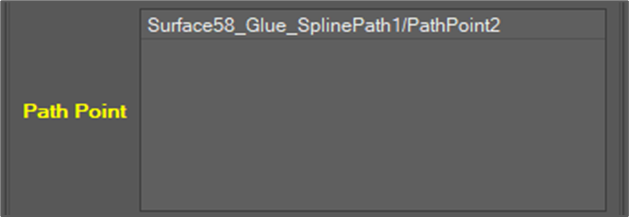
Select path point objects to rotate.
-
Click the [Rotate] button.

-
Check the result.
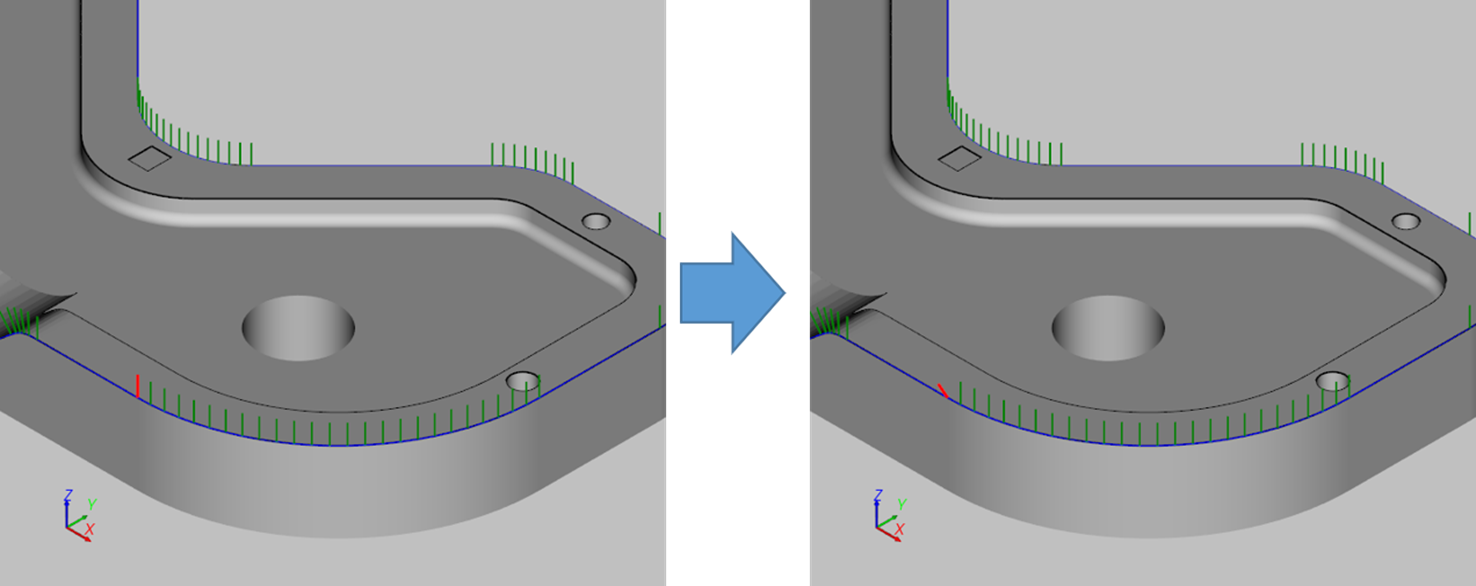
Path orientation interpolation
The fuction interpolates the orientation of all path points between two pivot path points evenly.
-
Orient the two waypoints at either end of the interval to be interpolated.
-
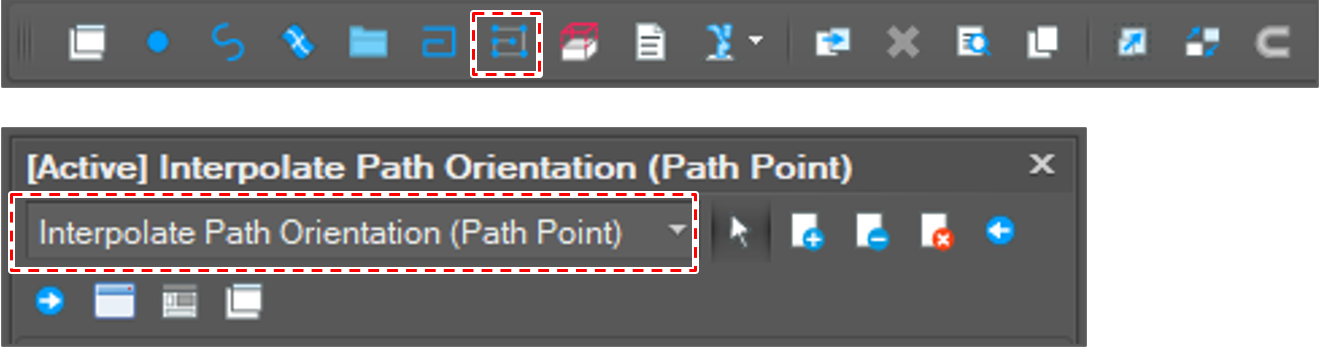
Open [Interpolate Path Orientation] window.
After clicking [Path Edit] button, select the [Interpolate Path Orientation(Path Point)] option.
-
Select two path point objects.

-
Click the [Run] button.

-
Check the result.