If the user run a menu, an operation window opens. If the user run a menu when an operation window is already shown, the window is switched to the corresponding user interface.
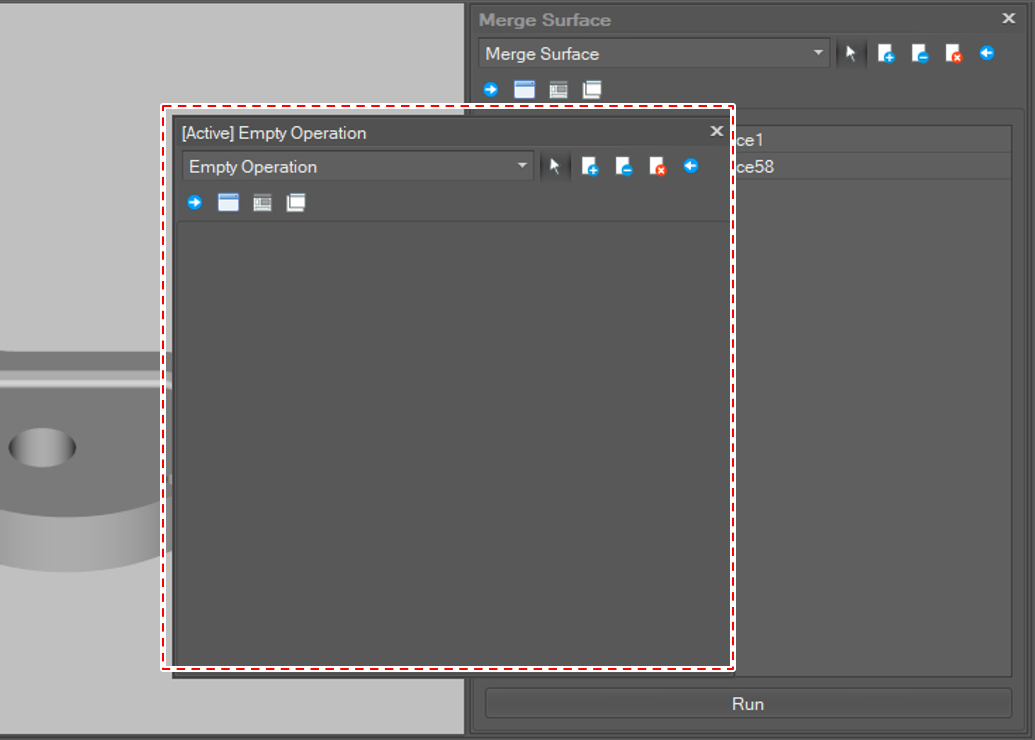
The program provides a function to open another operation window. To open another operation window, click [Open a New Work Pane] menu in the menu bar. Then a new empty operation is shown.
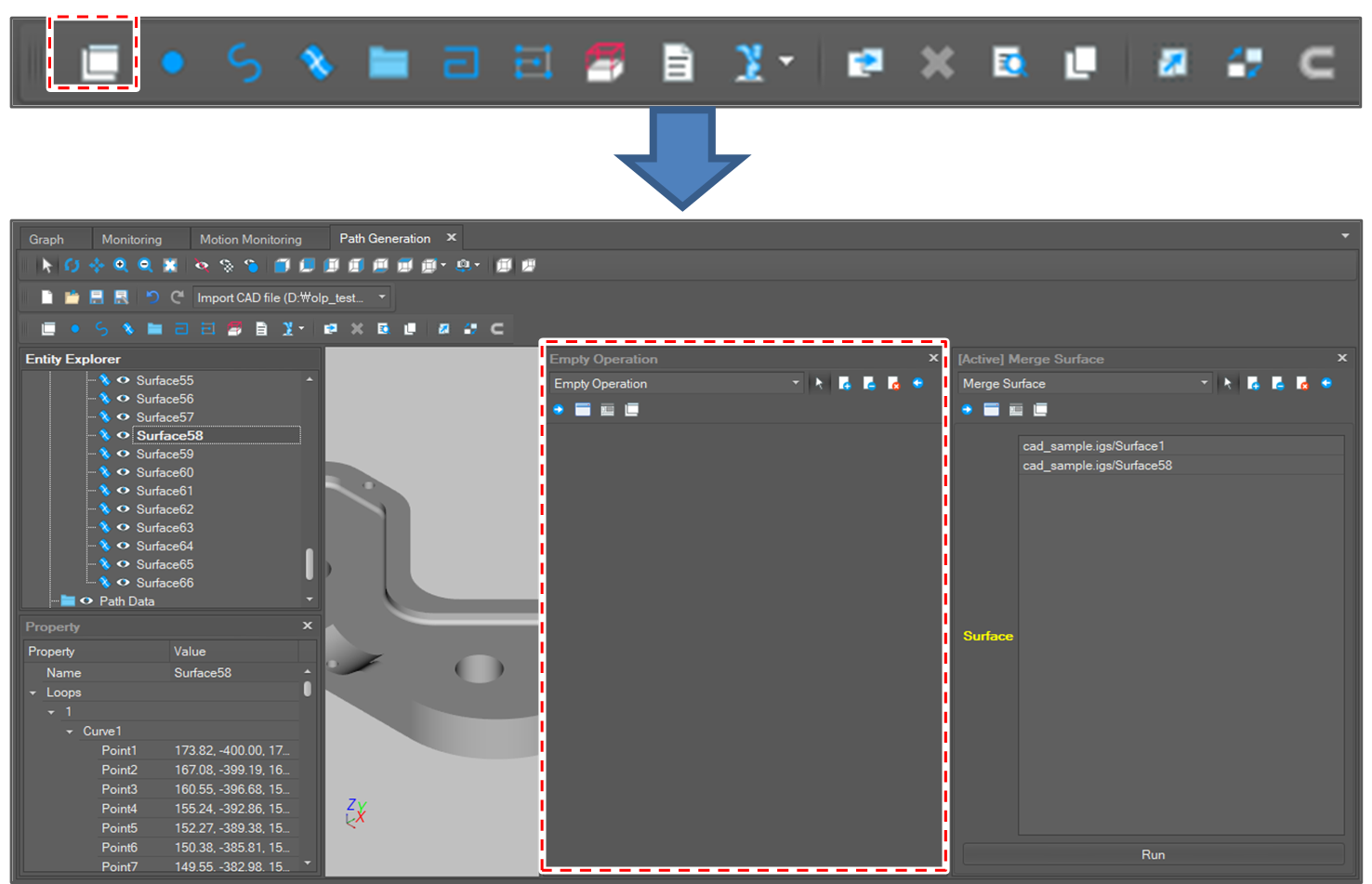
If there are more than 1 operation window, the Active operation is updated when the user clicks an operation menu.
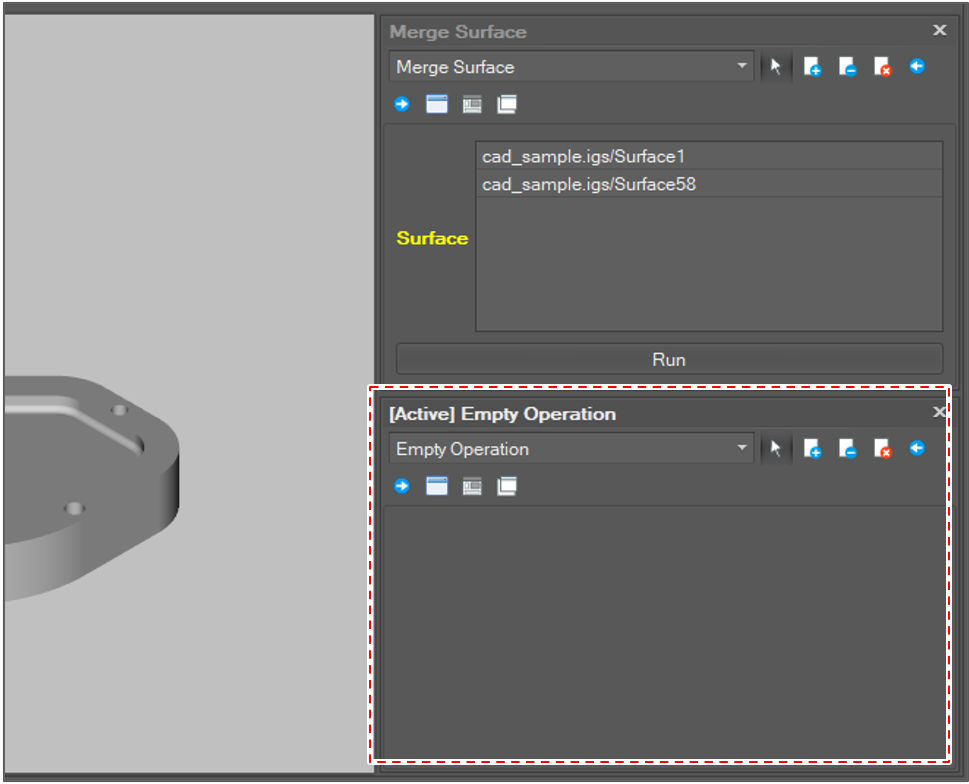
The operation window can be docked to anywhere.
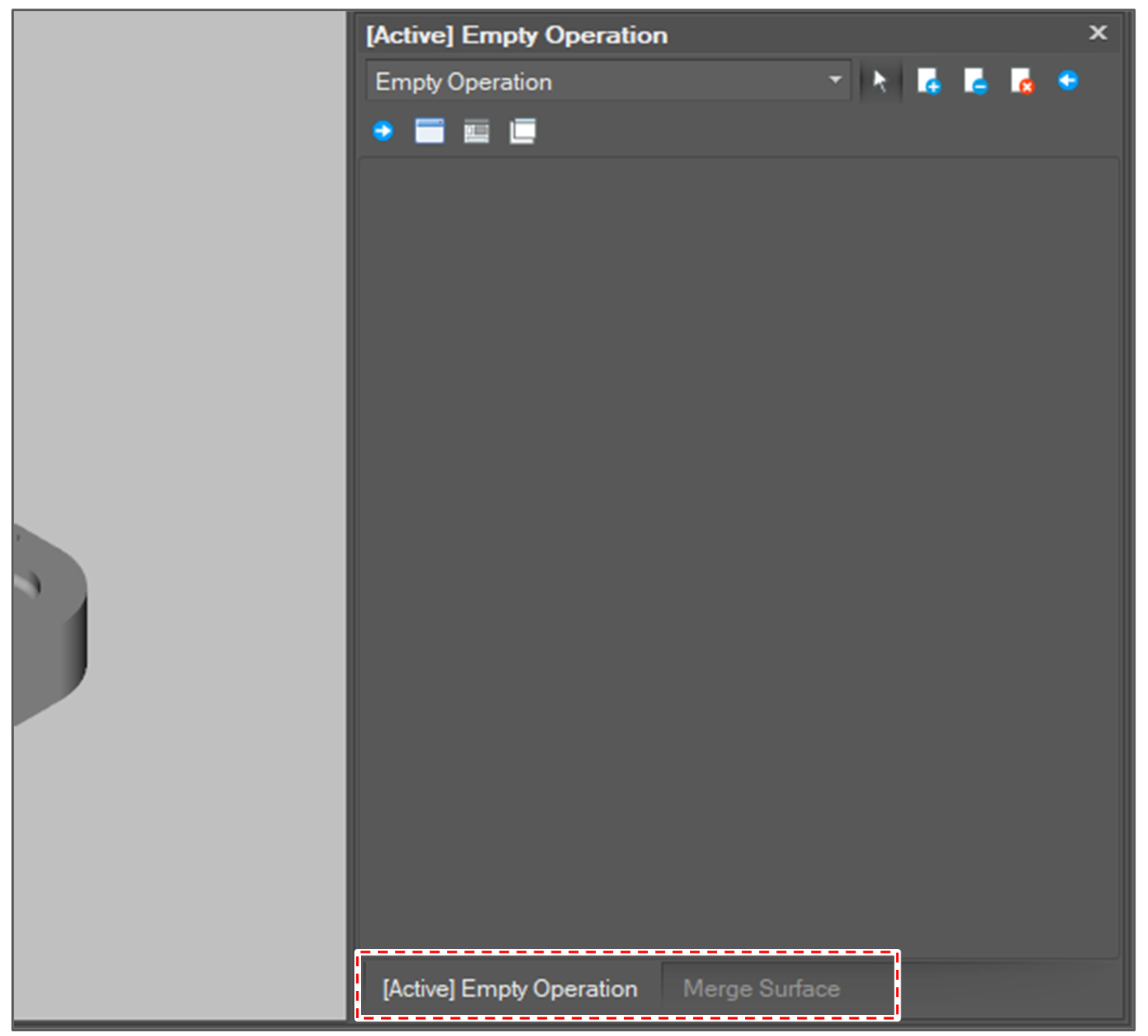
The operation window can be overlapped with another operation window. In other word the usr can compose a tab window.
The operation window can be popped up as well.
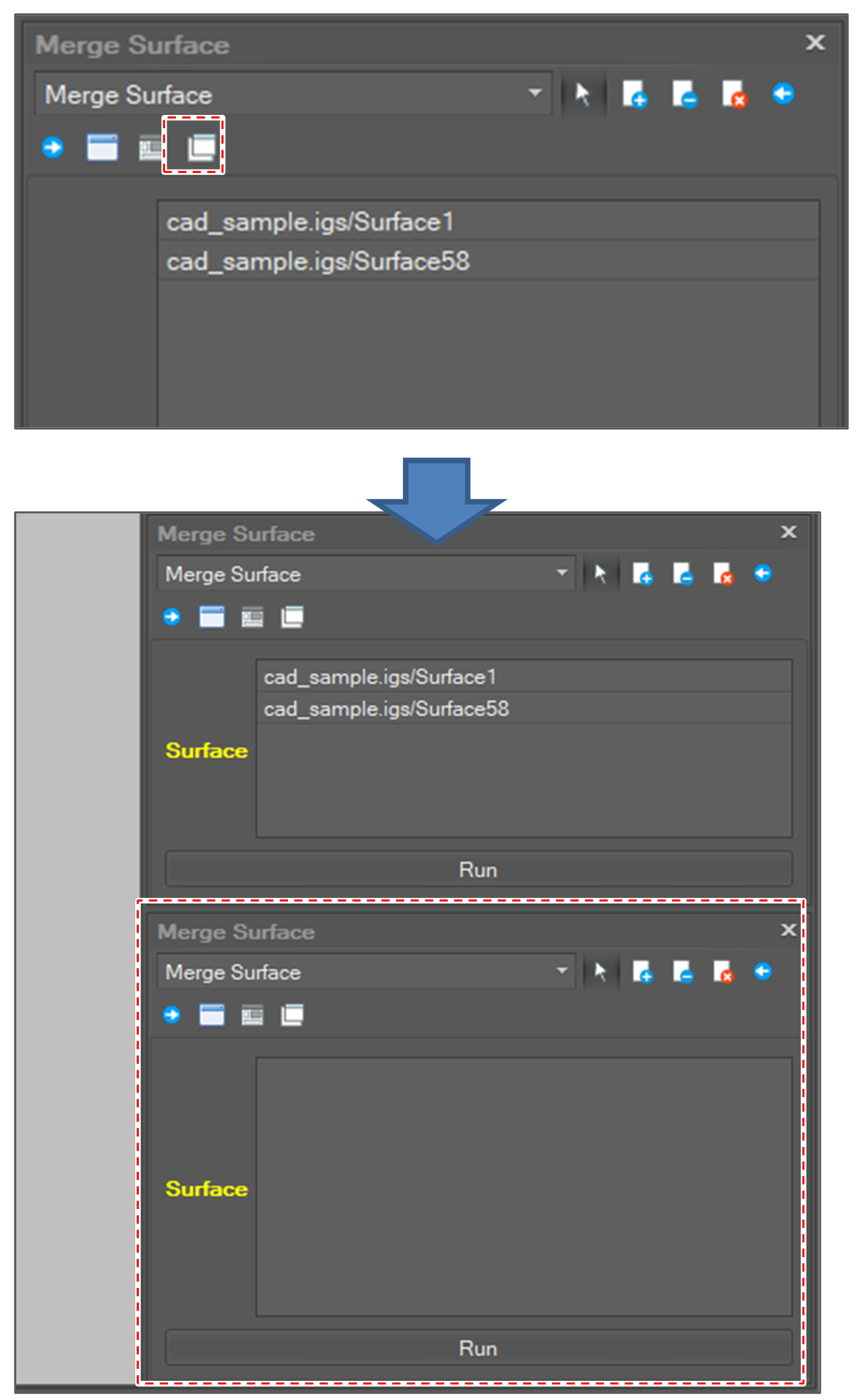
The operation window can be cloned. If the user clicks [Open A Cloned Panel] button, a clone panel is shown up.