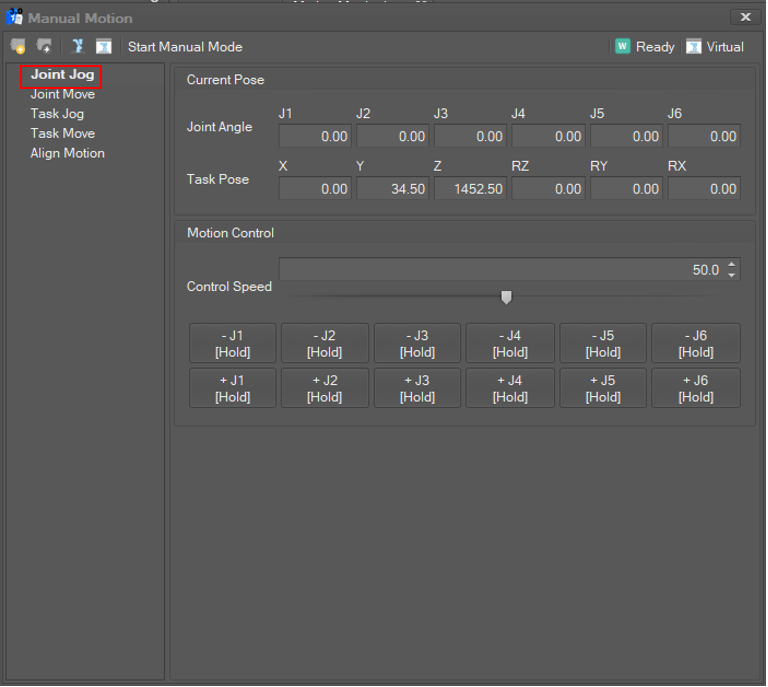
Select Joint Jog in the Manual Motion list. Then, the current joint angle and TCP position are displayed and updated in 100 milliseconds.
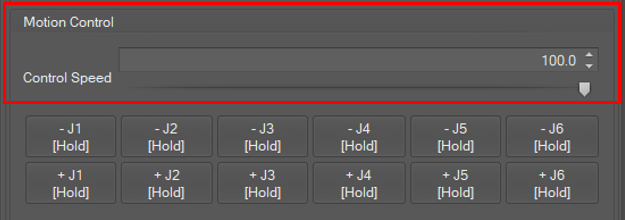
Set Jog Speed
Jog speed is set in percent units. The joint angle speed for 100% is 30 degrees/seconds. To set the speed, click the spin button or move the slide bar.
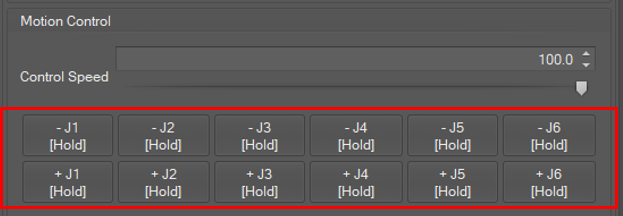
Jog the joint angles
Use the + (plus) or – (minus) buttons to adjust the joint angles. If the button is released, the motion stops.
-
To decrease the joint angle, click the – (minus)
-
To increase the joint angle, click the + (plus)