
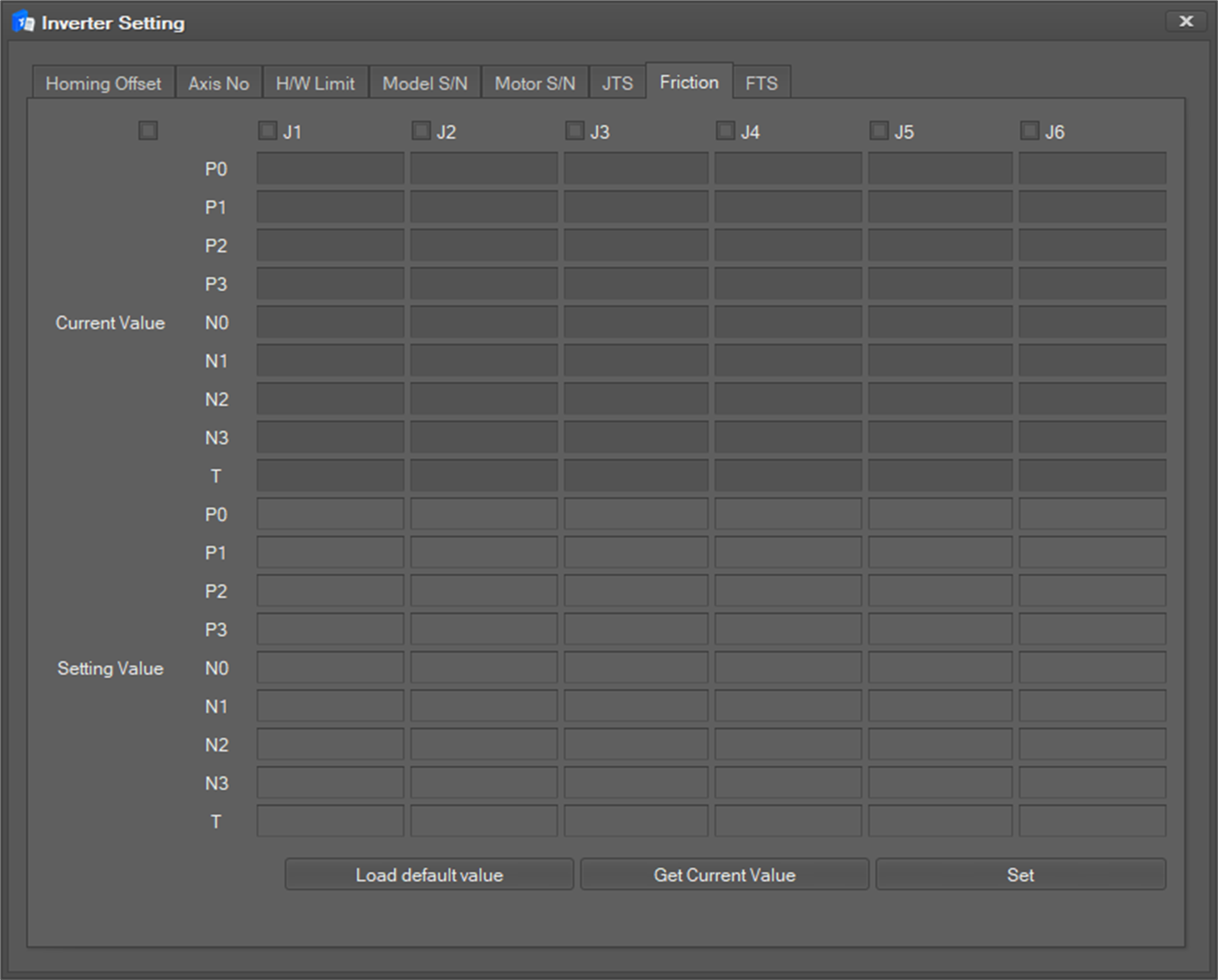
This menu is used to update and query the friction settings.
-
Select the Friction tab.
-
Select the joint axis to set by checking the check box at the top. At this time, if you select the check box on the left, you can select all joint axes.
-
Click the Load default value button to load the default values for each joint.
-
You can inquire the current value of each joint when you click the Get Current Value button.
-
To reflect, click the Set button.