
This menu is used to update and inquire about various setting information on the inverter installed in each joint of the robot.
Caution
Use this menu with caution because it is closely related to the robot hardware settings
To open the Inverter Setting window, select Service Tool in the main menu and click the Inverter Setting button.

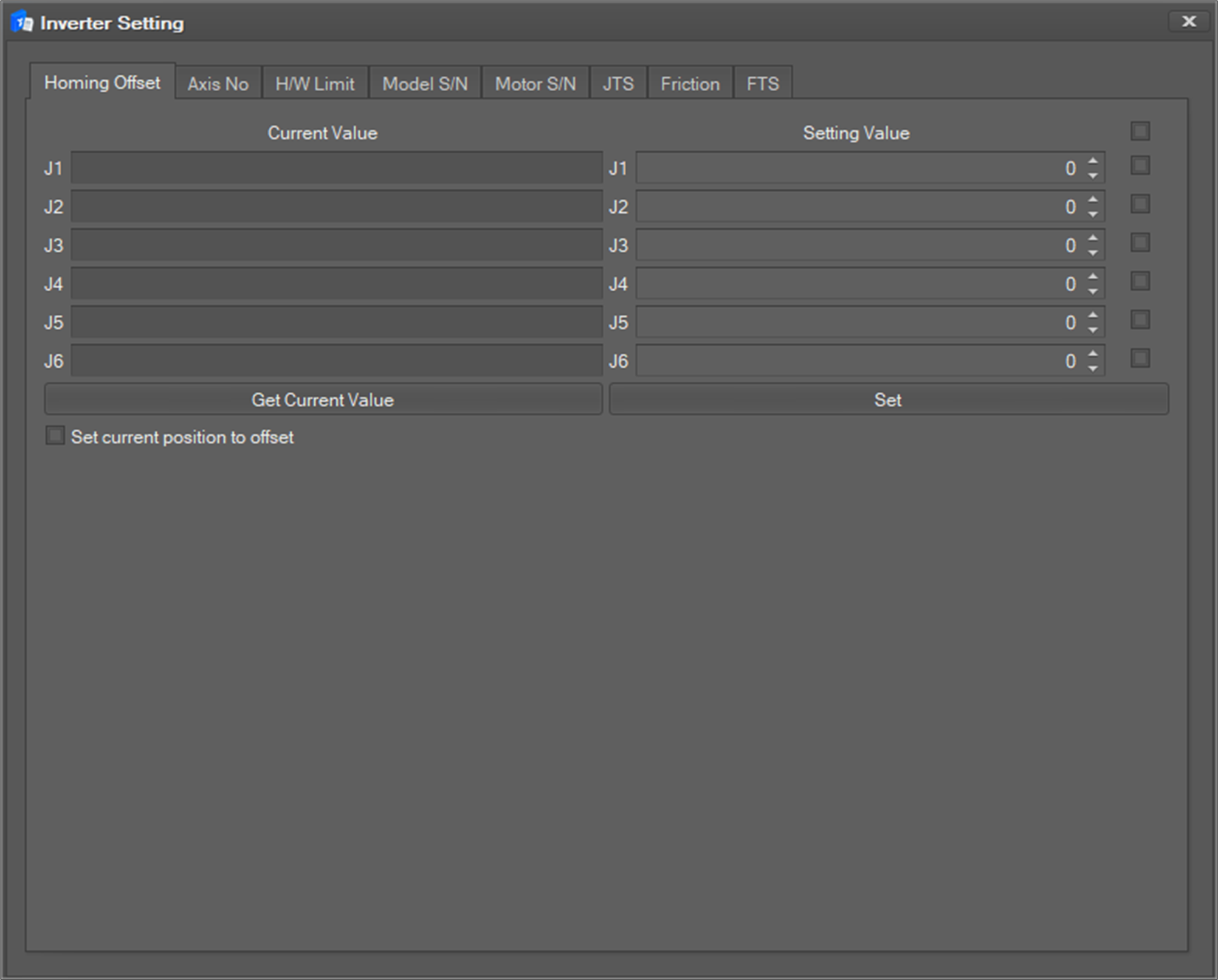
The following inverter setting window will appear.
Caution
JTS, Friction, and FTS tab in the figure above only appear for A model.
Caution
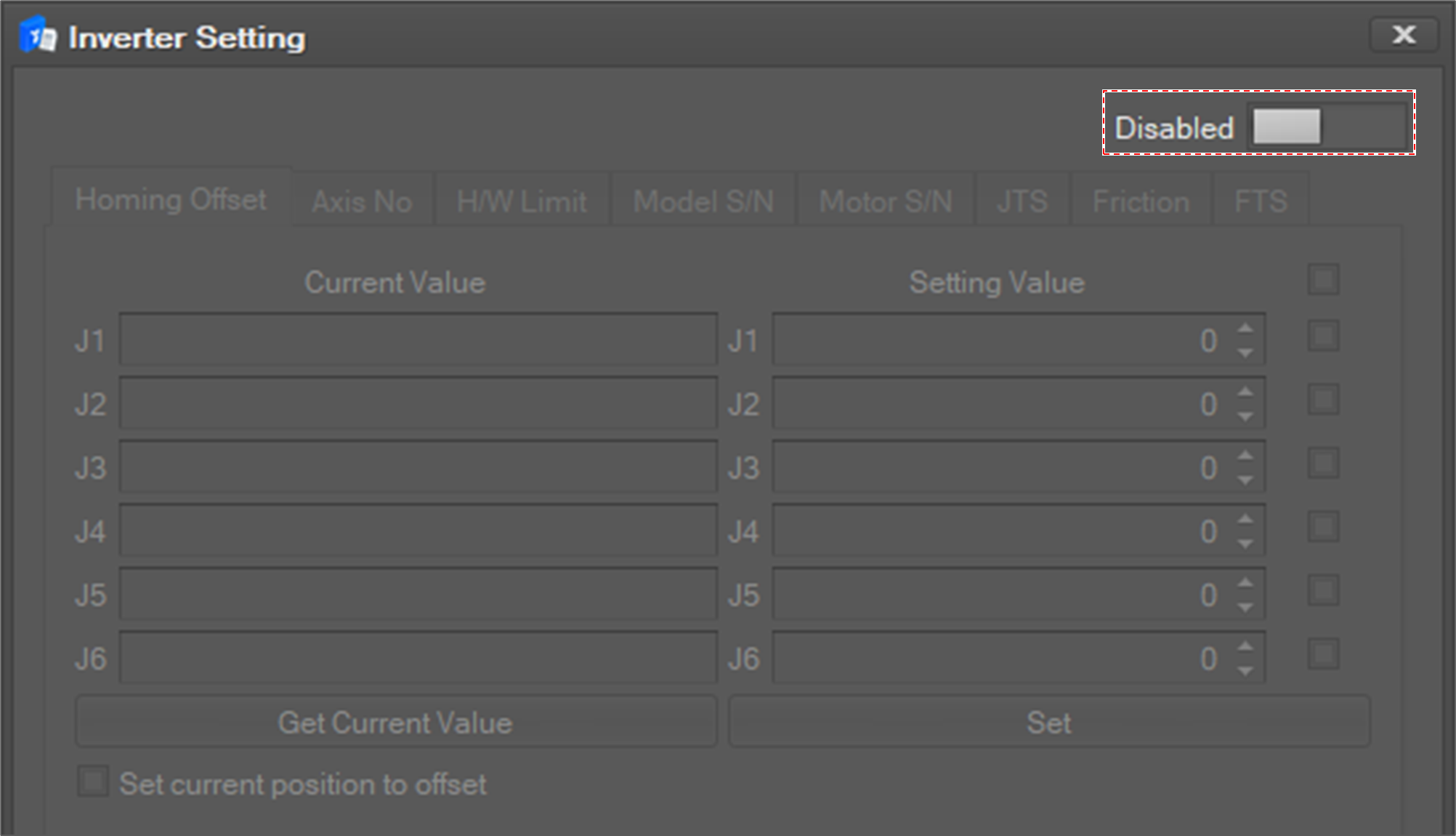
For A model, the system must be 'servo on' for inverter setting. Otherwise, the setting window will be disabled as shown above. If servo on is not possible, you can change the inverter setting window to active by using the enable / disable button that appears at the top of the window only when the servo off.