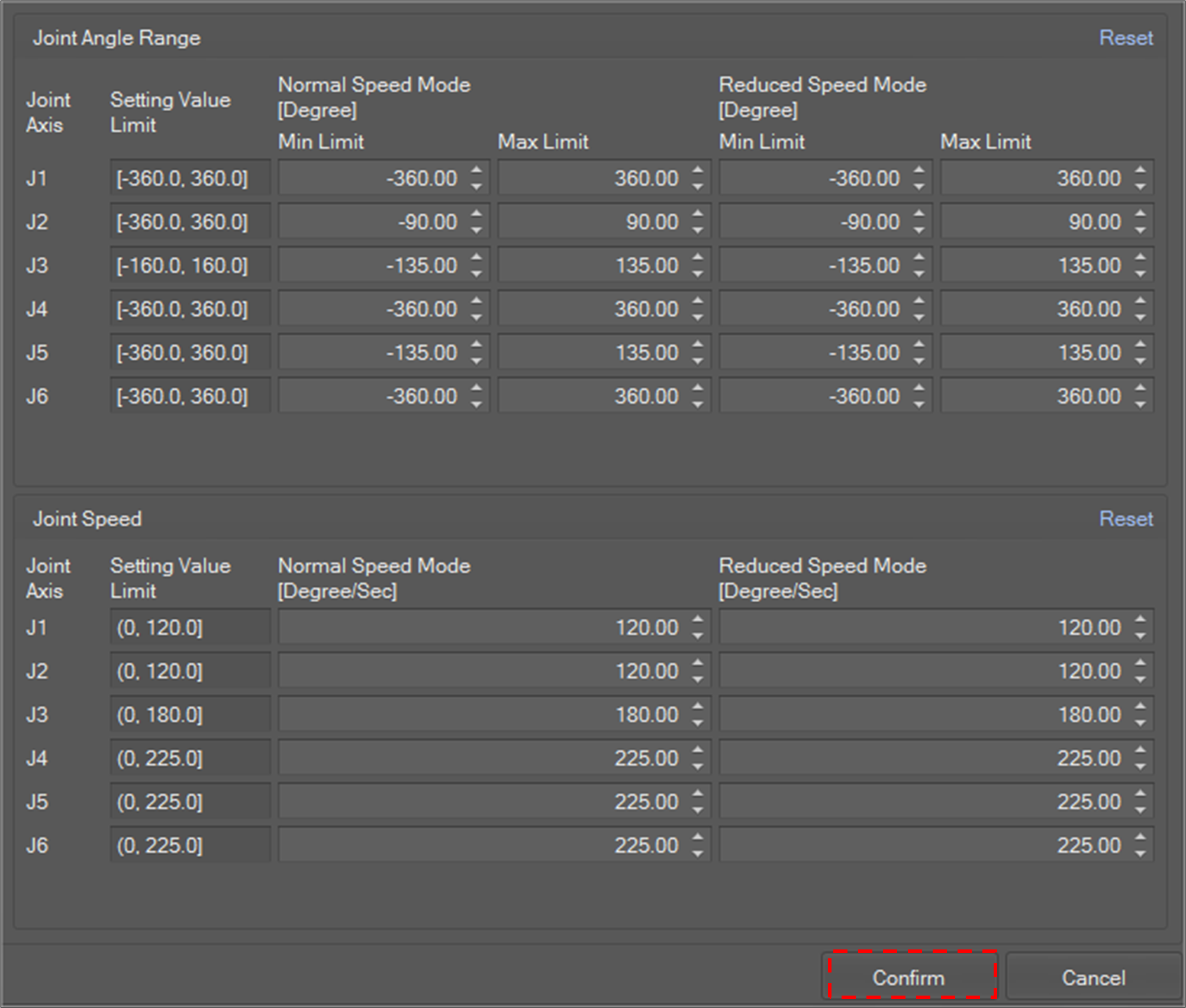
To set a robot configuration,
-
Select a configuration item in the tree and click the Modify Item


-
It is also possible to edit by right-clicking a configuration item in the tree and selecting Modify Item on the context menu.
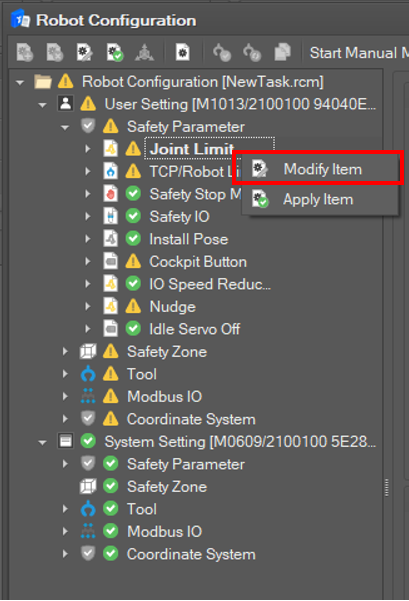
-
-
After editing the settings, click the Confirm Then the edit window closes and the setting is applied to the system. If the setting is successfully set in the system, System Setting is updated.