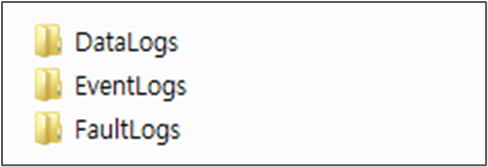
System Log Overview
There are three kinds of logs for the robot controller.
|
Event log |
|
|
Data log |
|
|
Fault Log |
|
Backing Up the System Log
To back up the system log,
-
Select Service Tool in the main menu and click the Log Backup button.

-
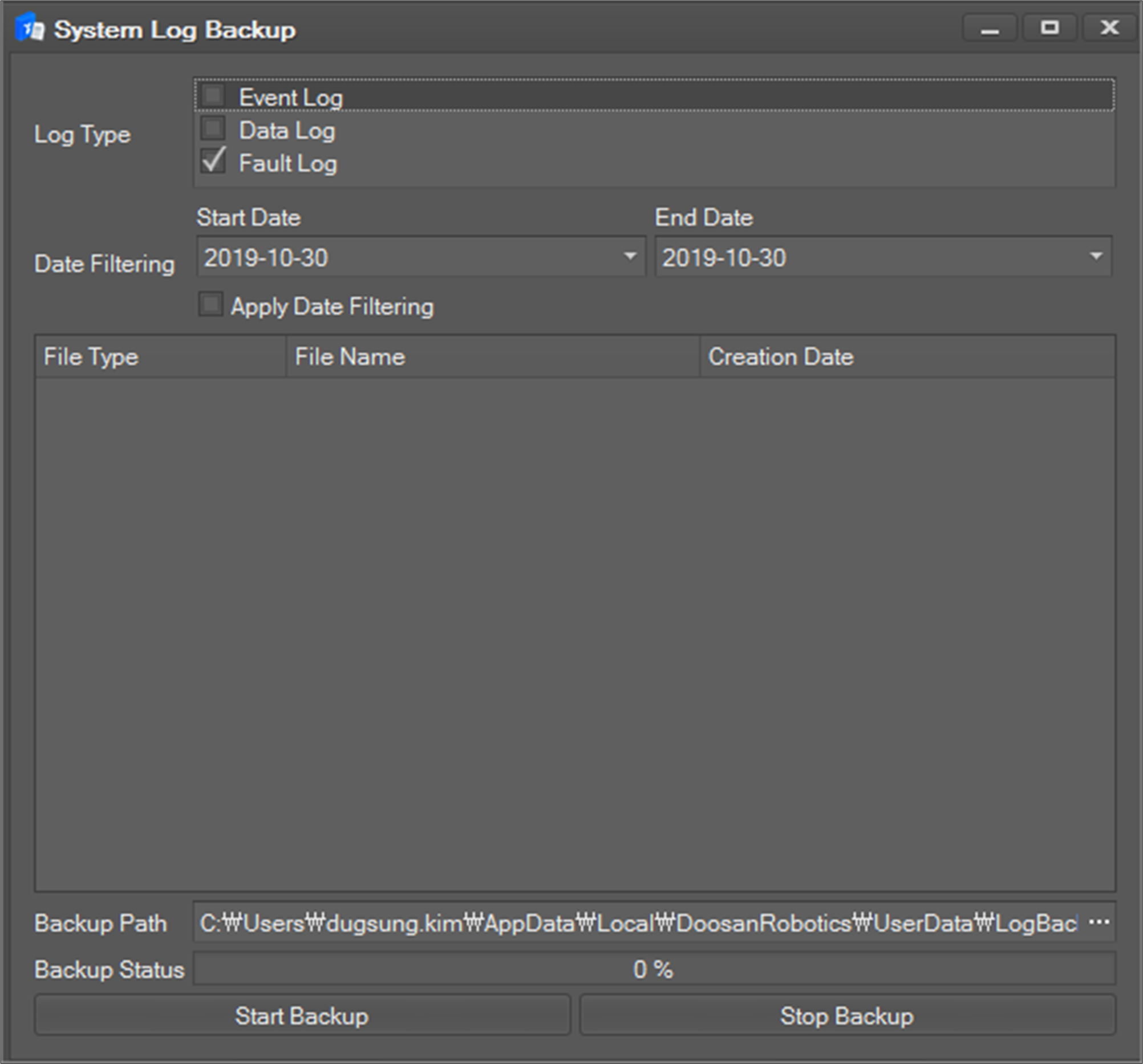
Select the Log Type to back up by ticking the checkbox. If the selection changes, the log file list is updated.
-
In the case of the fault log, you can set the date range to back up. If you want to set the range, tick the checkbox for Date Filtering and select the date range. If Date Filtering is unchecked, the whole fault log is listed.
-
If you want to set a period, check Apply Date Filtering and select a period.
-
-
Select the backup directory by clicking the

-
Click the Start backup button to start the back up.
-
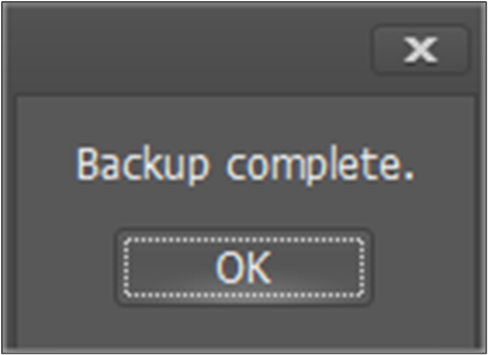
If backup is finished successfully, a popup message is shown.
-
Files are saved separately by log type.