
To update the inverter firmware, select Service Tool from the main menu and click the Inverter Setting -> Firmware Update button.

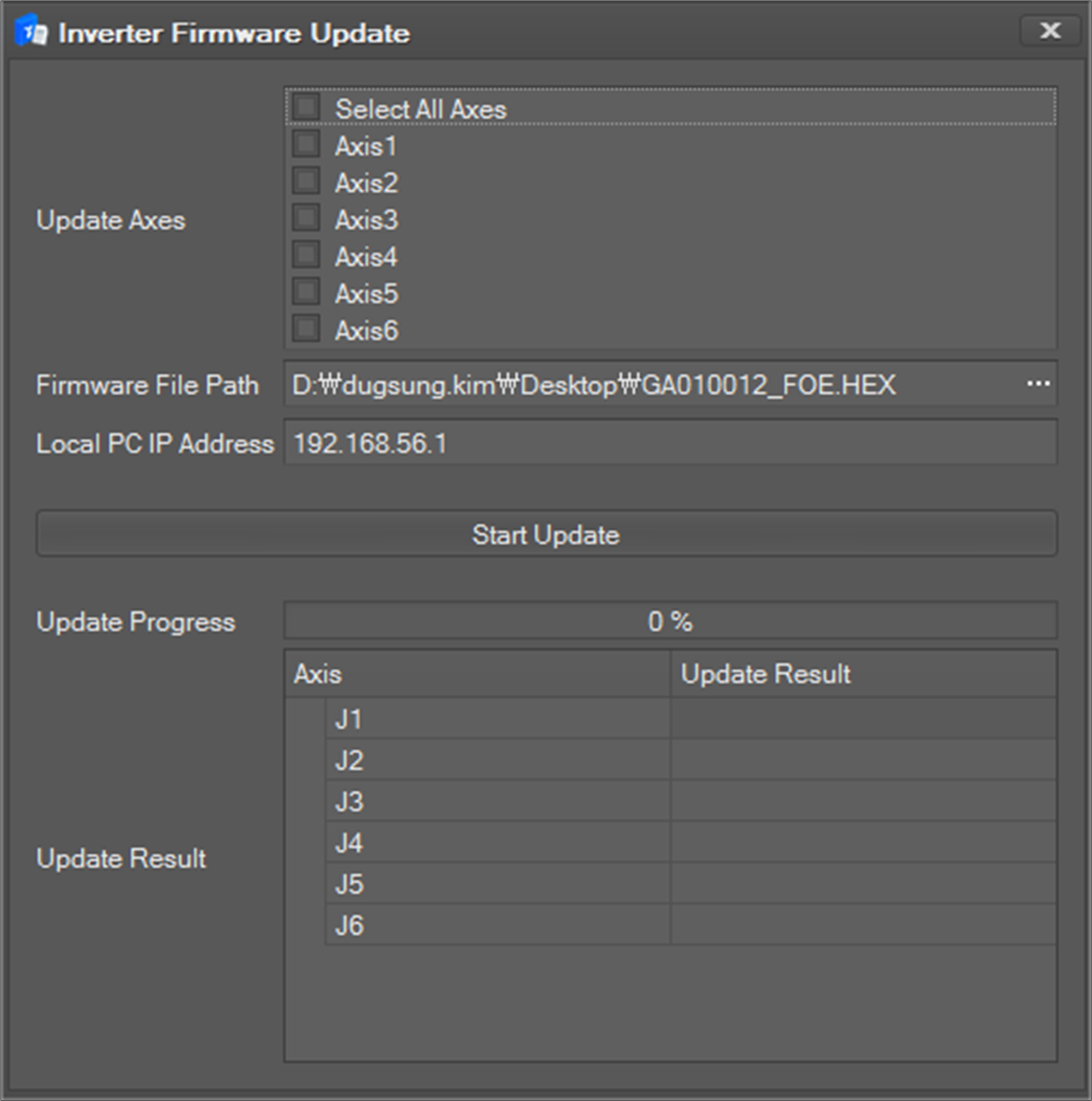
The following firmware update window will appear.
-
Select the desired axis to update in the Update Axes area.
-
Select the Firmware file Path to update.
-
Set the IP address of the PC currently running the program in the Local PC IP Address Normally it is set to auto.
-
Press the Start Update button to display the progress bar at the bottom and the update results for each axis in the Update Result area.
-
When the update is complete, you will be prompted to restart your system and the update will end. You must restart your system to reflect the update.