
It is allowed for two or more clients to connect to a robot controller, for example a Teaching pendant and two or more DRFTs. If each client tries to manipulate the robot or change to a safety configuration, problems could occur, so robot control is only allowed for those who have control authority.
So, if you want to manipulate the robot with the Service Tool, you must first get control authority.
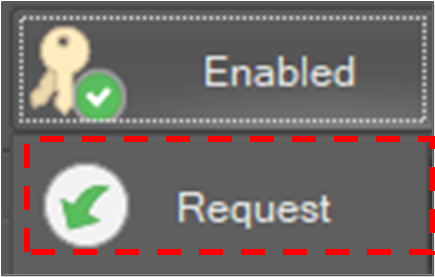
To acquire control authority, select Home on the main menu and click the Request button.

-
It is also possible to acquire control authority by clicking the Request button on the status bar.
Then, in another client program that currently has control authority, a query window pops up.
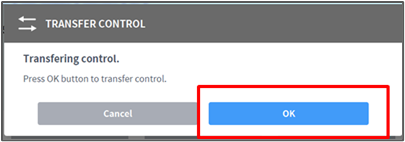
If you want to yield the authority, click the OK button and the authority is given to the requesting client and the state UI is updated.
