
The layout and data type for each graph can be configured.
To change the graph layout and data type,
-
Click the Set Graph Layout


-
Select a graph layout type.
-
It supports from 1 by 1 to 2 by 3.
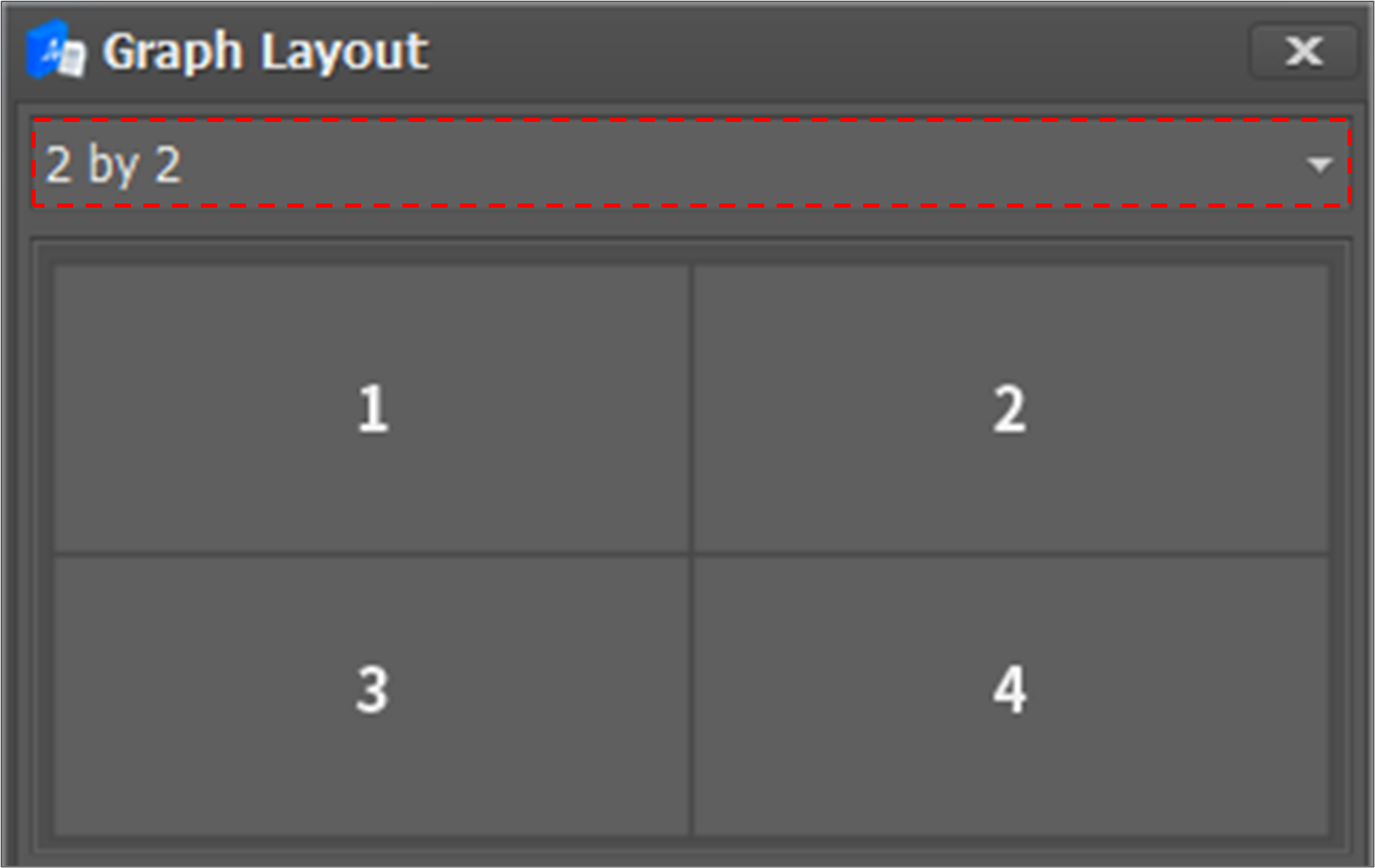
-
-
Assign a data type to each graph.
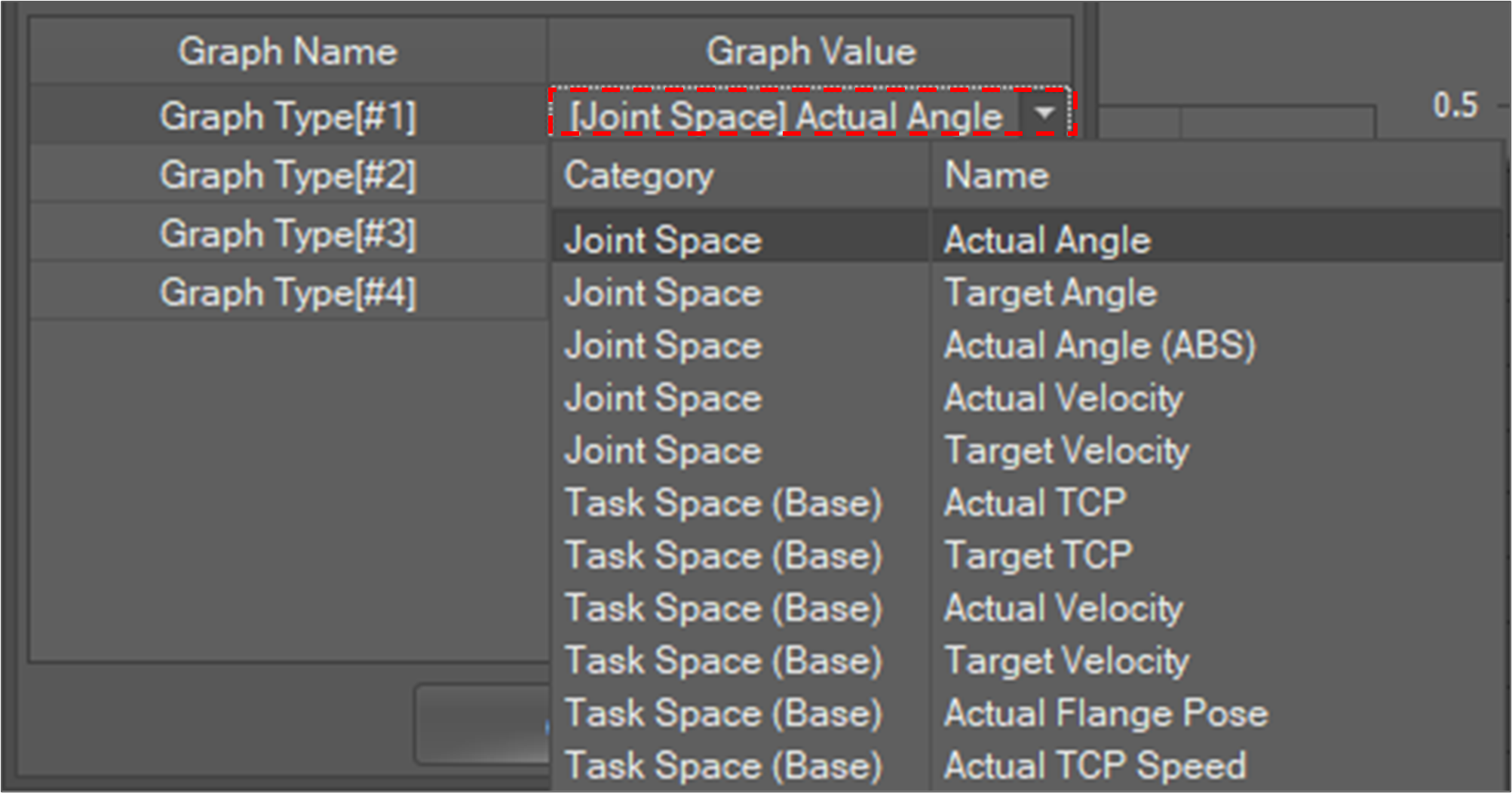
-
Click the OK button.
