
The program provides functions to transform the selected objects.
Object translation
The function moves the selected objects by offset.
-
Click [Transform Object] button.

-
Select [Translate Objects] option in the active window.
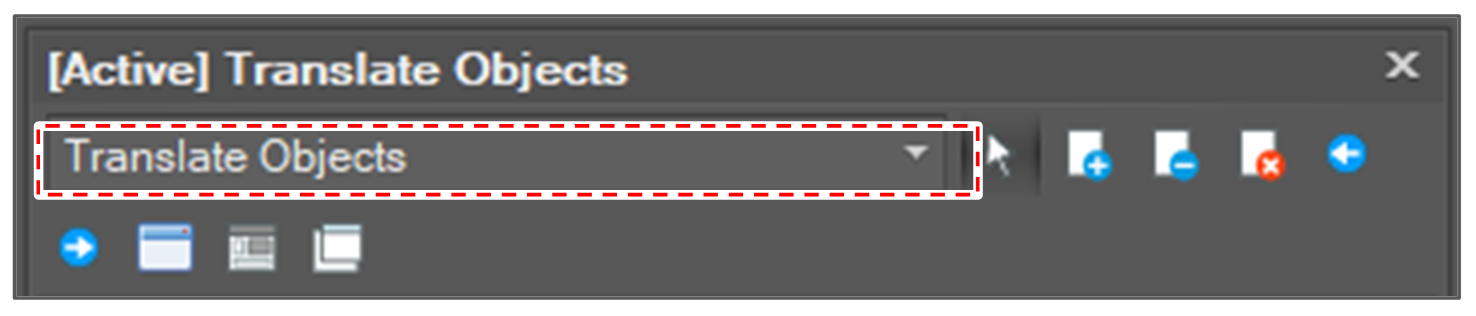
-
Select translation options.
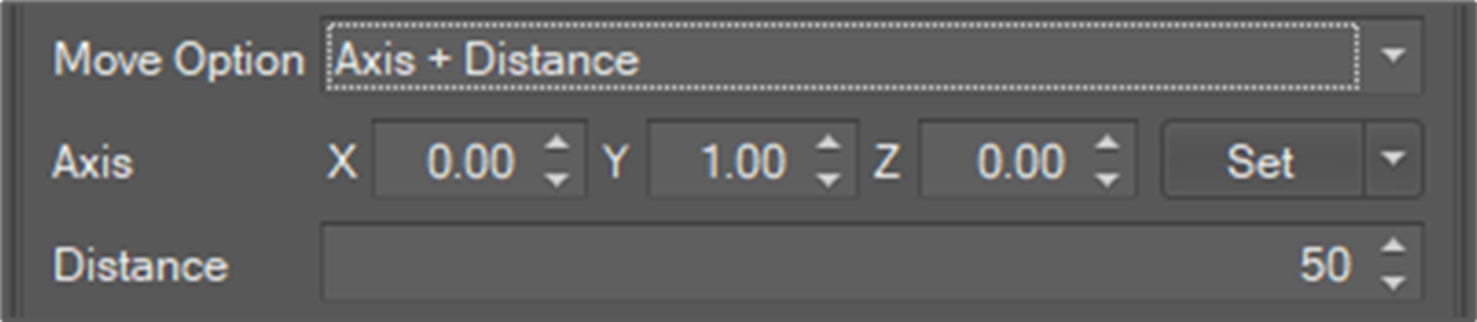
There are two move options.
-
Axis + Distance: The function moves the selected objects by the distance along the axis.
-
Offset: The function moves the selected objects by offset(X, Y, Z).
-
-
Select objects to move
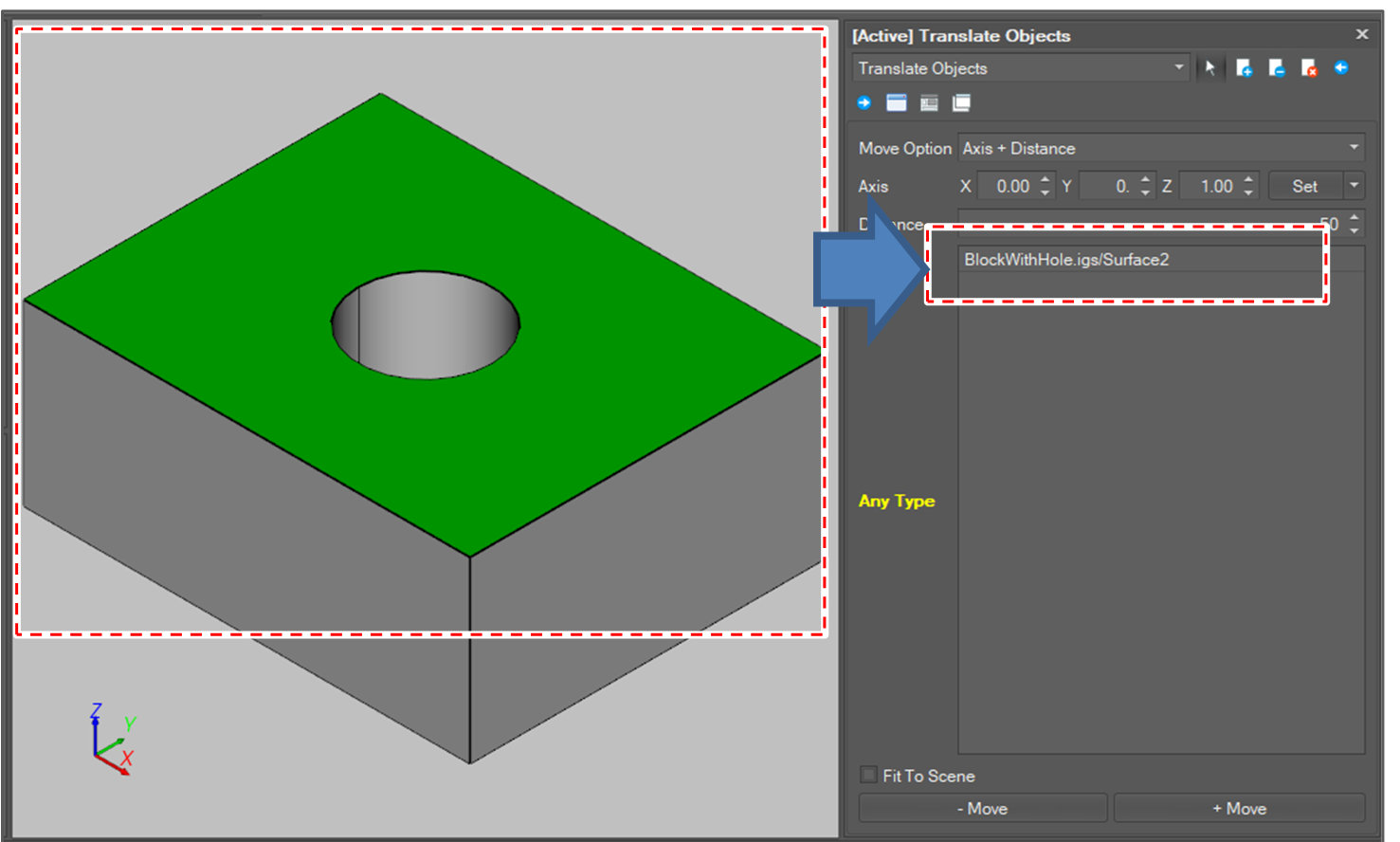
-
Click [Move] button.

Object rotation
The function rotates the selected objects along an axis.
-
Click [Transform Object] button.
-
Select [Rotate Objects] option in the active window.
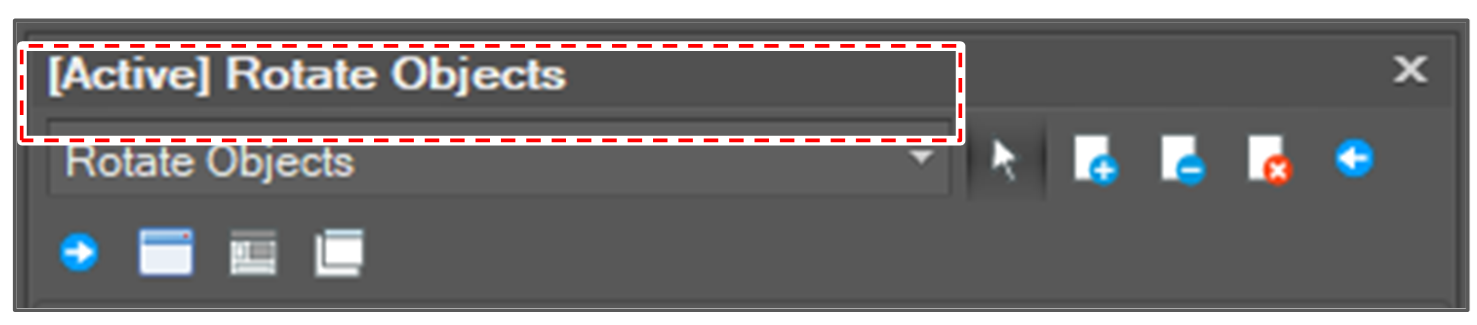
-
Select rotation options.
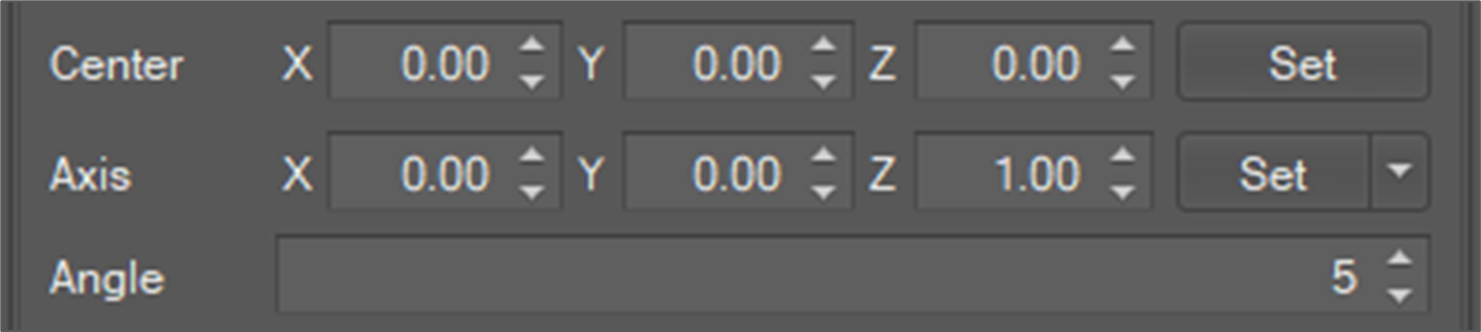
-
Rotation center (X, Y, Z)
-
Rotation Axis (X, Y, Z)
-
Rotation angle in degree.
There are help function to set rotation axis.
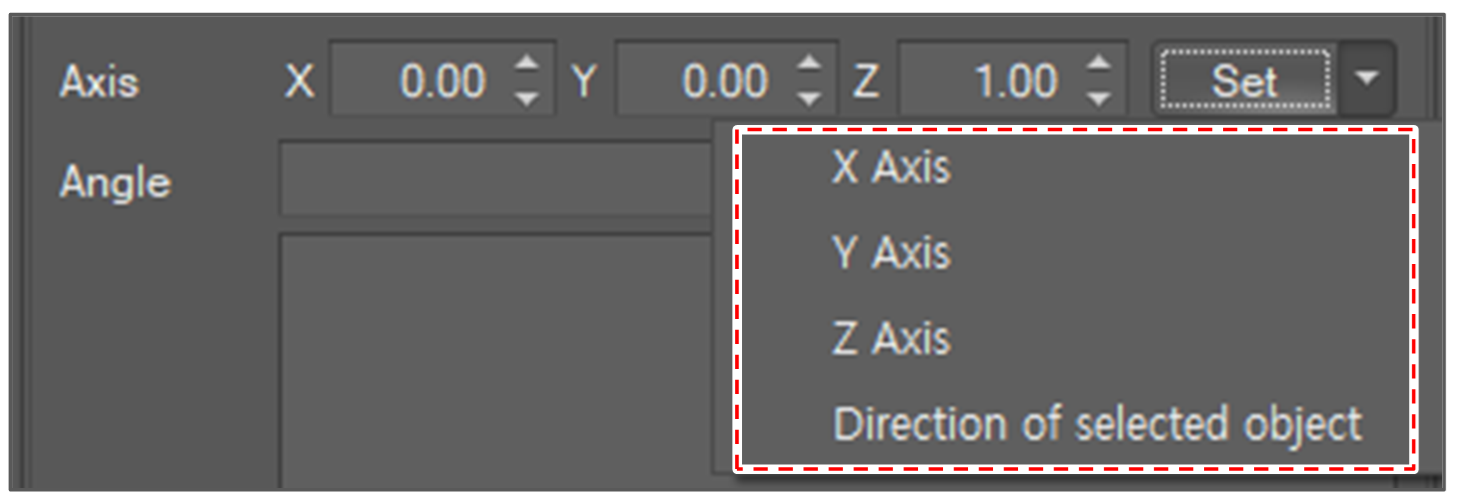
X Axis
(1, 0, 0)
Y Axis
(0, 1, 0)
Z Axis
(0, 0, 1)
Direction of selected object
If two points selected, the direction from starting point to the end point is set.
If a line or a path segment is selected, the direction of the line is set.
If the direction vector of a path segment is selected, the direction vector is set.
If a plane is selected, the normal vector of the plane is set.
-
-
Select objects to rotate.
-
Click the [Rotate] button.

Object mirror transformation
The function moves and mirrors the selected object to the opposite side of an axis.
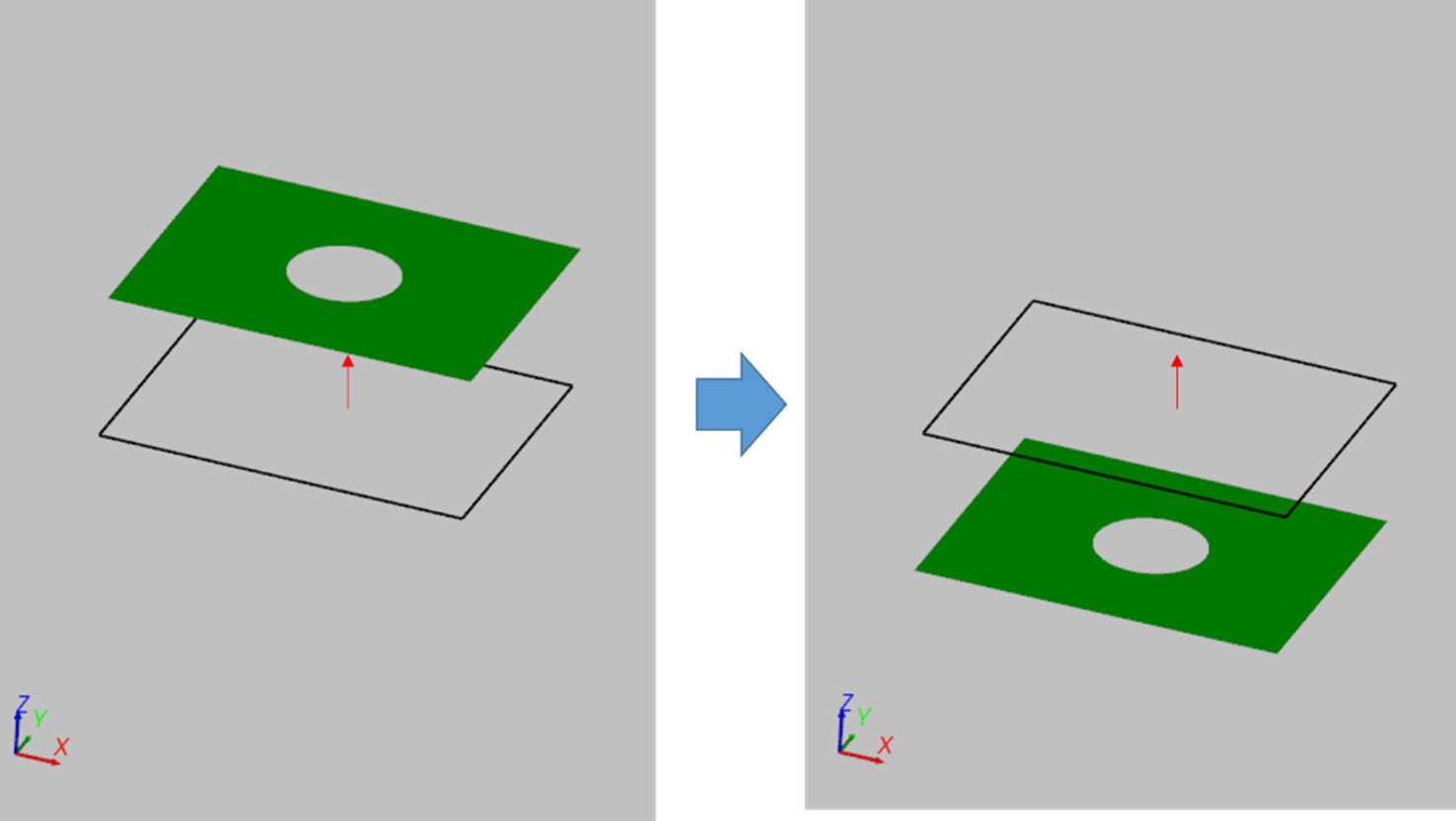
-
Click [Transform Object] button.
-
Select [Mirror objects] option in the active window.
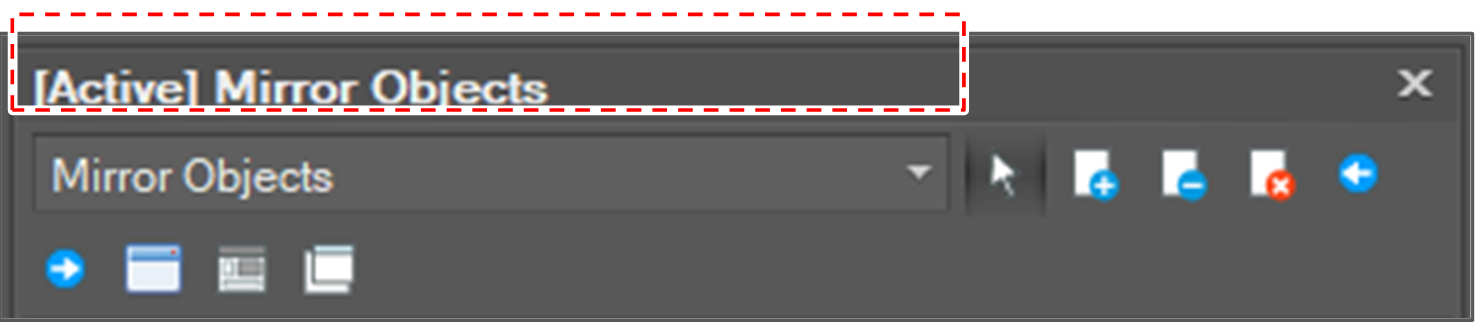
-
Set mirroring axis.

The mirror axis setting options are as follows.
Provides normal direction lookup function. The options for selecting objects for lookup are:
-
If two points selected, the direction from starting point to the end point is set.
-
If a line is selected, the direction of the line is set.
-
If a path is selected, the direction of the path is set.
-
If the direction vector of a path segment is selected, the direction vector is set.
-
If a plane is selected, the normal vector of the plane is set.
-
-
Select objects to mirror.
-
Select the [Mirroring] button.
