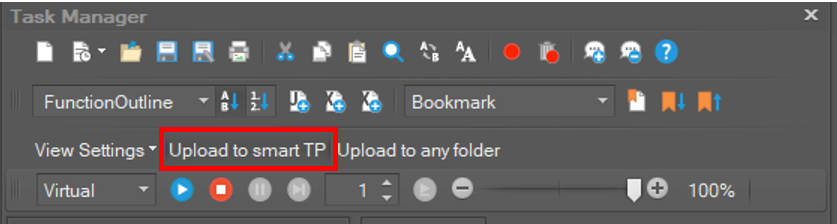
If you click the Upload to Smart TP button on the toolbar, all DRL scripts in the project will be uploaded to the Smart TP. (You can import and run the DRL scripts in smart tp.)
At this time, the program files extension is *.drl, and the sub program files will be added inside the sub folder.
The name of the upload folder is Project Name + "_" + Time.
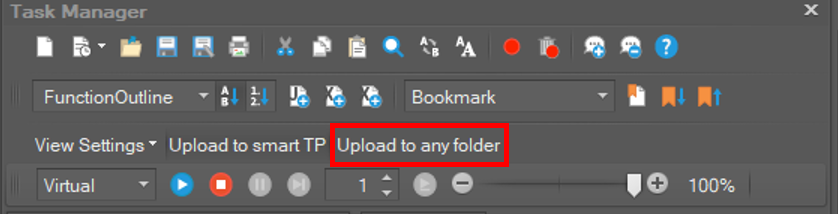
Upload to any folder
If you click the Upload to any folder button on the toolbar, all DRL scripts in the project will be uploaded to the folder to selected by user.
At this time, the program files extension is *.drl, and the sub program files will be added inside the sub folder.
The name of the upload folder is Project Name + "_" + Time.