You can use the error code to check the cause of an error and countermeasures in the troubleshooting guide.
If you want to use the Troubleshooting Guide, select Service Tool from the main menu and click the Troubleshooting Guide button.

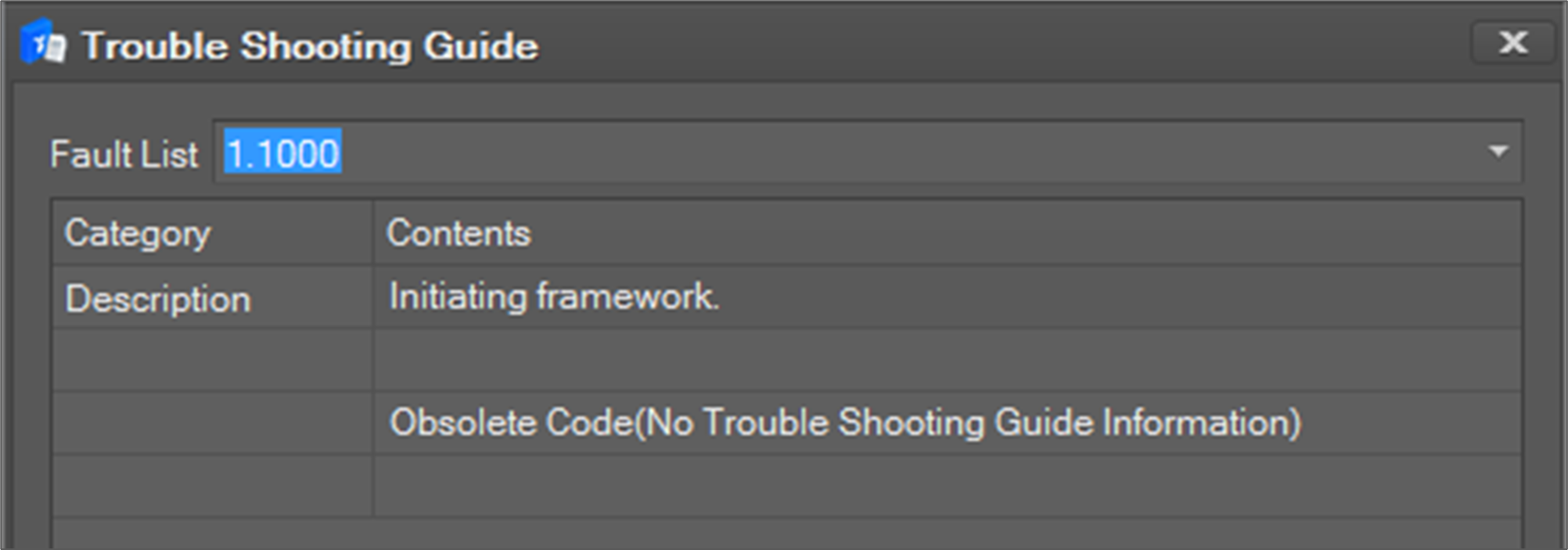
When the following window appears, you can select the desired number from the fault list to check the type of error message and the corresponding solution.