
When the program running is paused, if you click the Run Next Program Line 
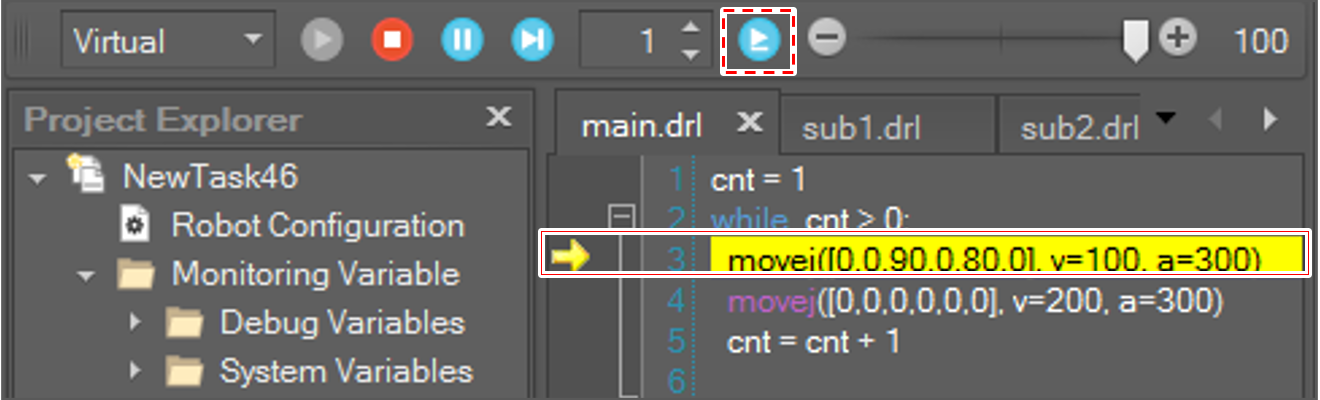
When the program running is paused, the selected line means the next running line, which means it is not executed yet.
To run multiple lines, change the line number.

When the program runs, the yellow trace moves along the execution line as shown above. If you do not want to use this function, uncheck the Display DRL Execution Line as shown below.
