
You can set welding conditions using the items configured in the communication settings, such as welding mode, test signal, welding condition, and welding option among the EtherNet/IP interface settings. You can use the default welding conditions as is or add new welding conditions based on the default welding conditions.
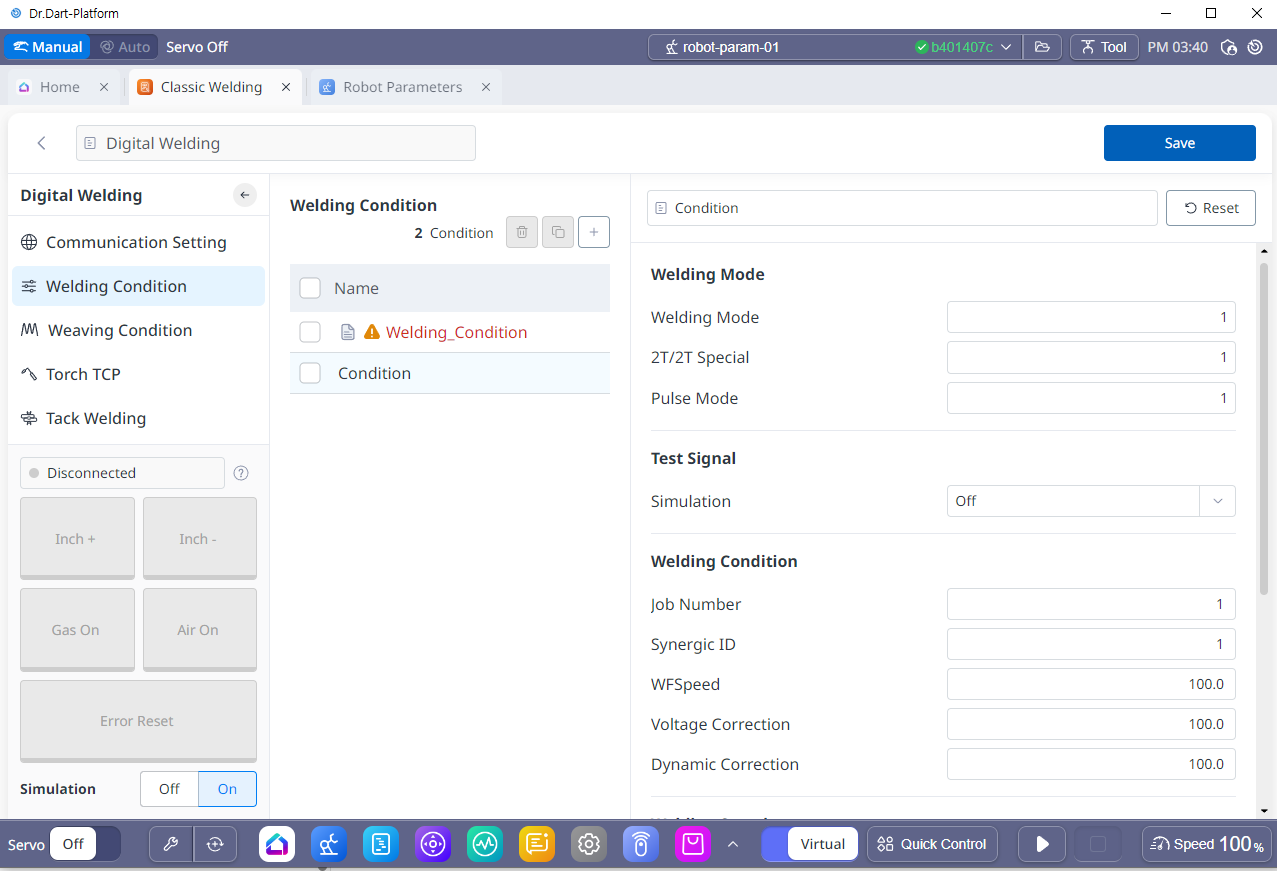
1. Welding Condition Default Setting
-
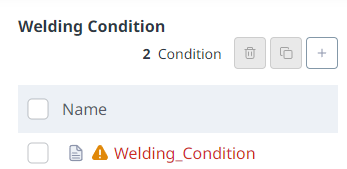
Default Welding Condition
-
The welding conditions provided by default allow you to perform a welding program with the conditions or duplicate it with a different name and modify it. Deletion is not possible, and in the case of digital welding, one basic condition is provided.
-
Custom Welding Condition
-
Welding conditions created by the user using the basic welding settings. They can be modified, duplicated, and deleted.
-
2. Welding Condition Setting Screen
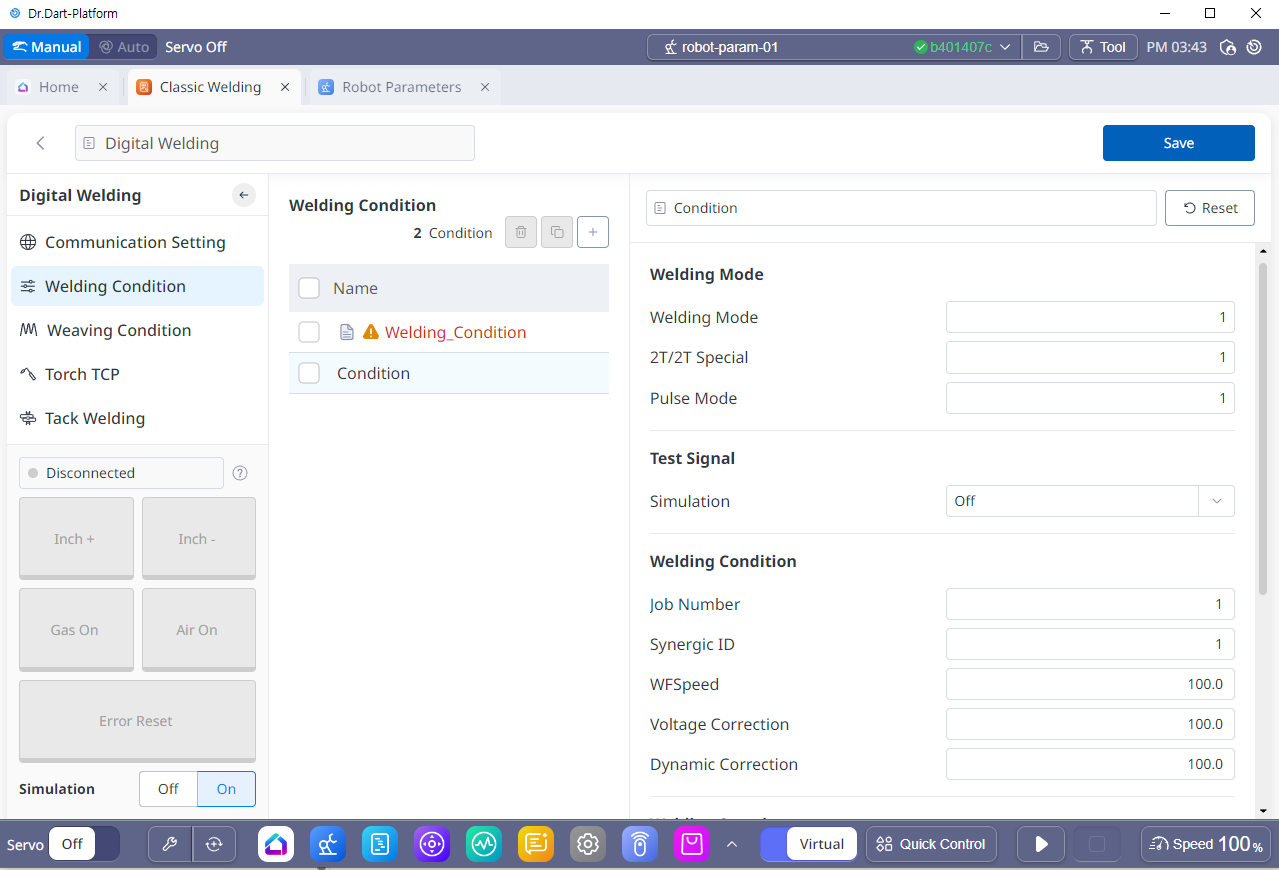
The welding conditions created by the user have different settings depending on the welding mode, test signal, welding condition, and welding option set in the communication settings. Before adding a welding condition, you must first configure each signal in the communication settings.
-
You can set user input values based on the values set in the communication settings.
-
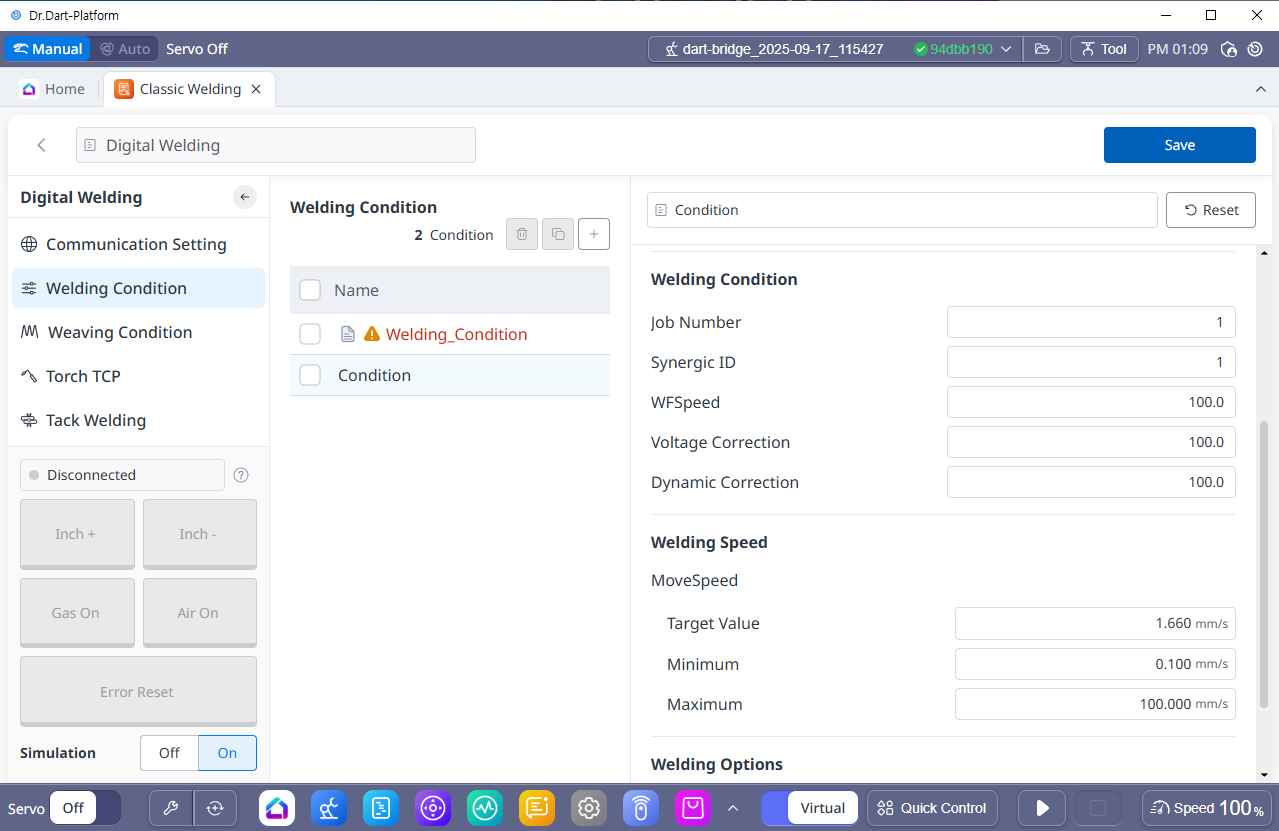
For welding speed, this is an item provided by default when creating welding conditions, regardless of communication settings.
-
The welding speed can be set to a maximum of 100 mm/sec and a minimum of 0.100 cm/min.