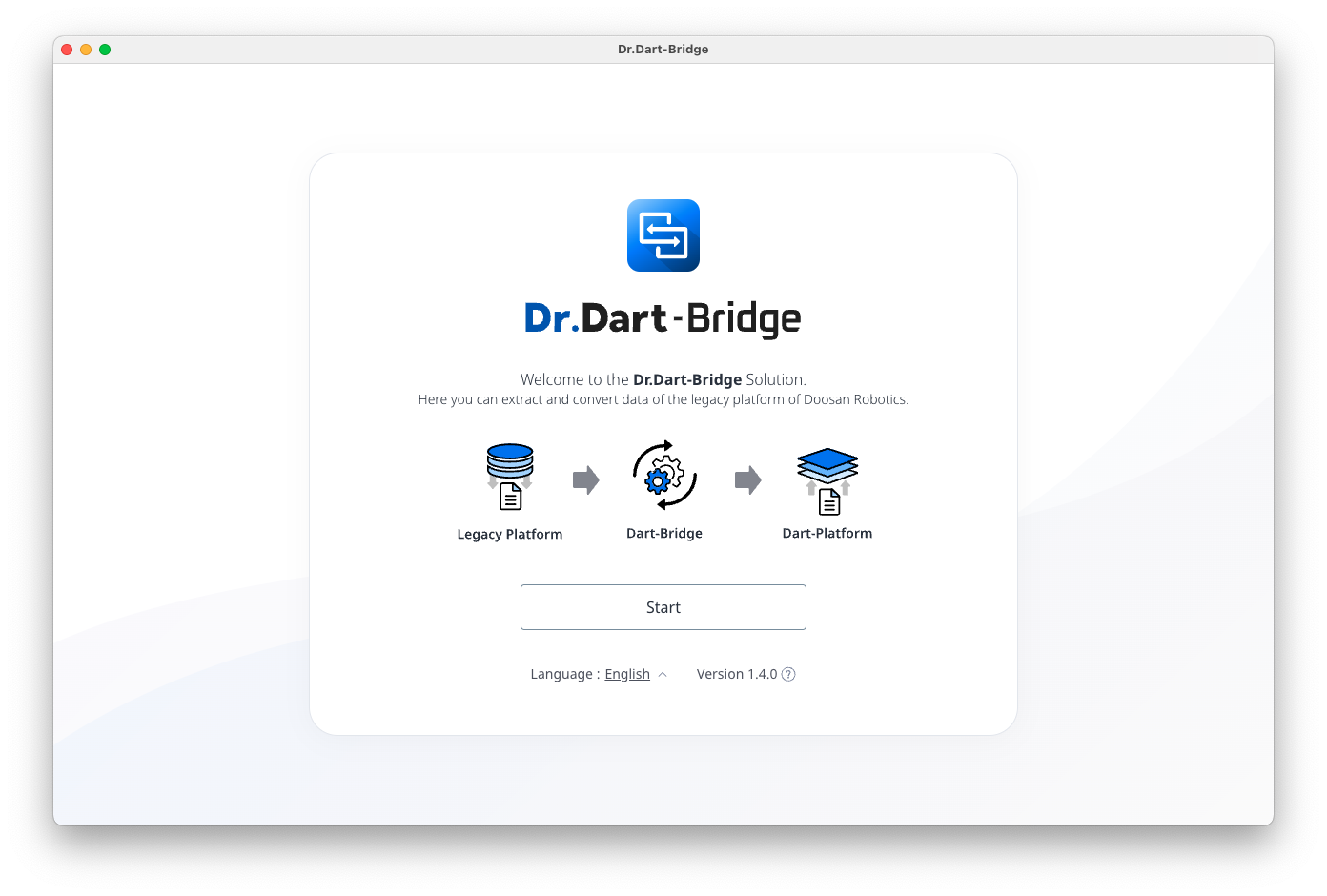
1. Start screen
This is the entry screen when running the Dart-Bridge program.
Provides [Start] button, [Language Information], and [Version Information].
2. Language Information
You can change the language to your preferred language by selecting the [Language Information] menu.
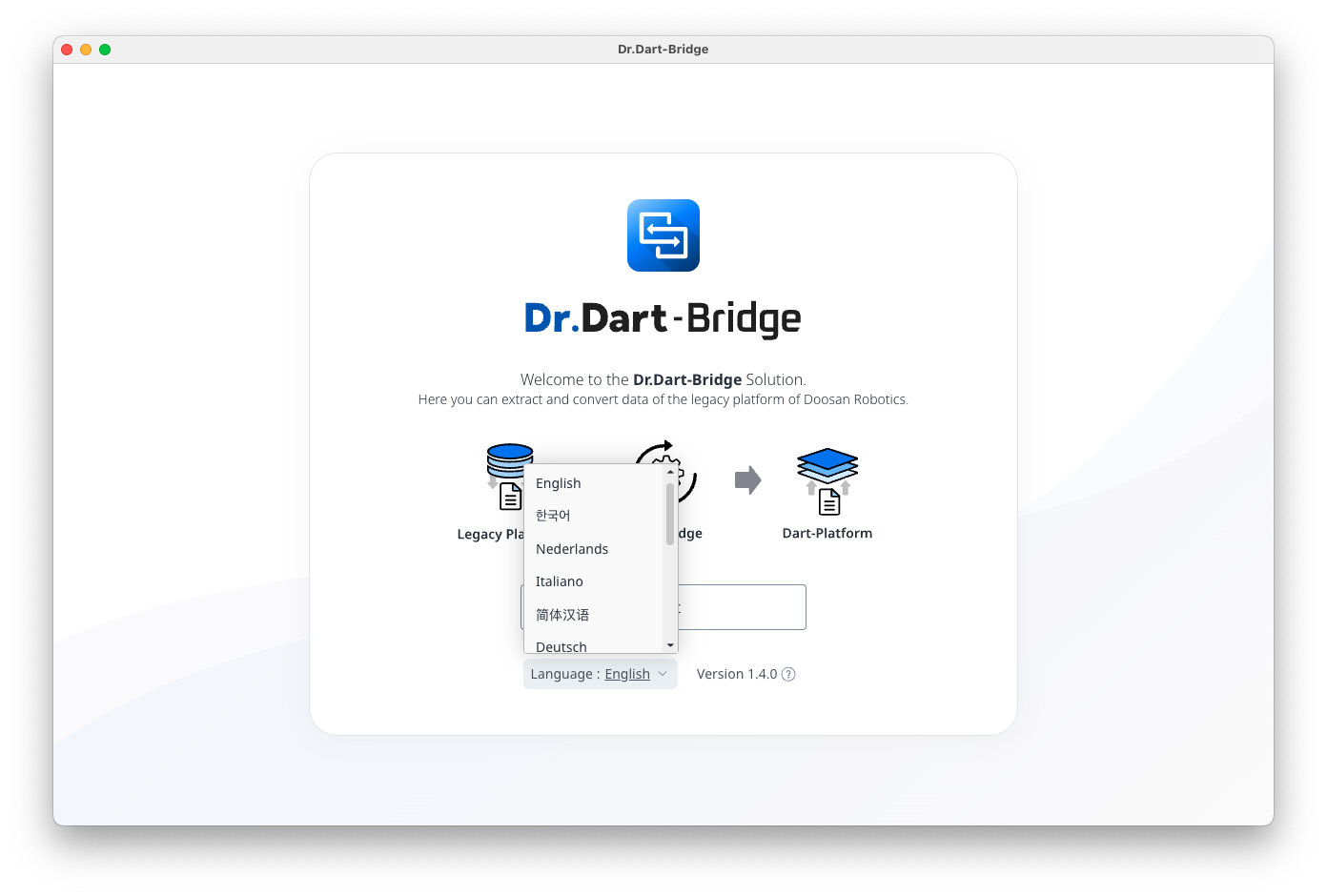
The list of supported languages is as follows:
-
English
-
Korean
-
Dutch
-
Italian
-
Chinese
-
German
-
French
-
Spanish
-
Japanese
-
Czech
-
Hungarian
-
Polish
-
Portuguese
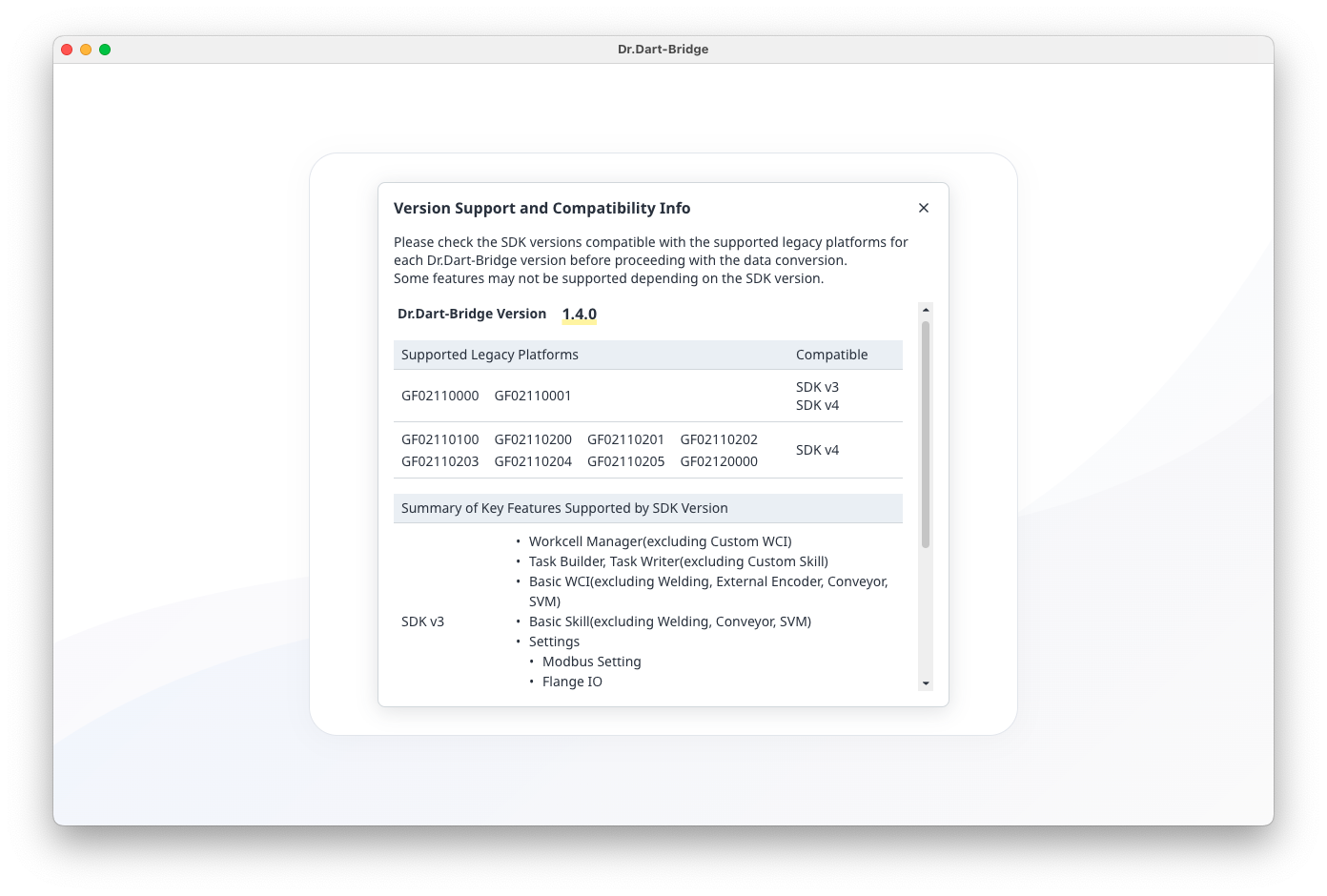
3. Version Information
About You can select a menu to view the [Version Information] that supports data conversion.