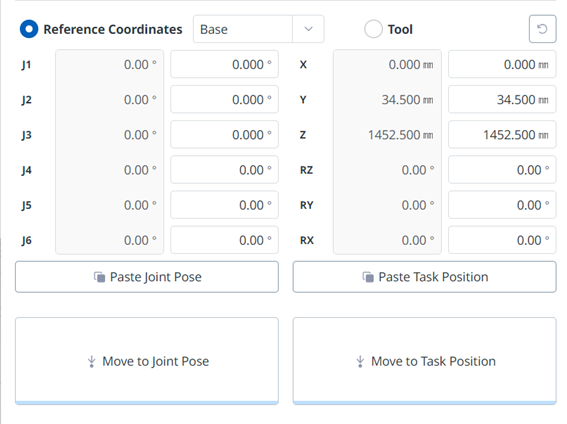
To move the robot at a specific angle, follow these steps:
-
Select the Move tab
-
Enter the target angle of the robot joint.
-
Enable the Real Mode.
-
Tap and hold the Move to Corresponding Pose button to adjust the robot joint angle.

To move the robot at a specific angle, follow these steps:
Select the Move tab
Enter the target angle of the robot joint.
Enable the Real Mode.
Tap and hold the Move to Corresponding Pose button to adjust the robot joint angle.