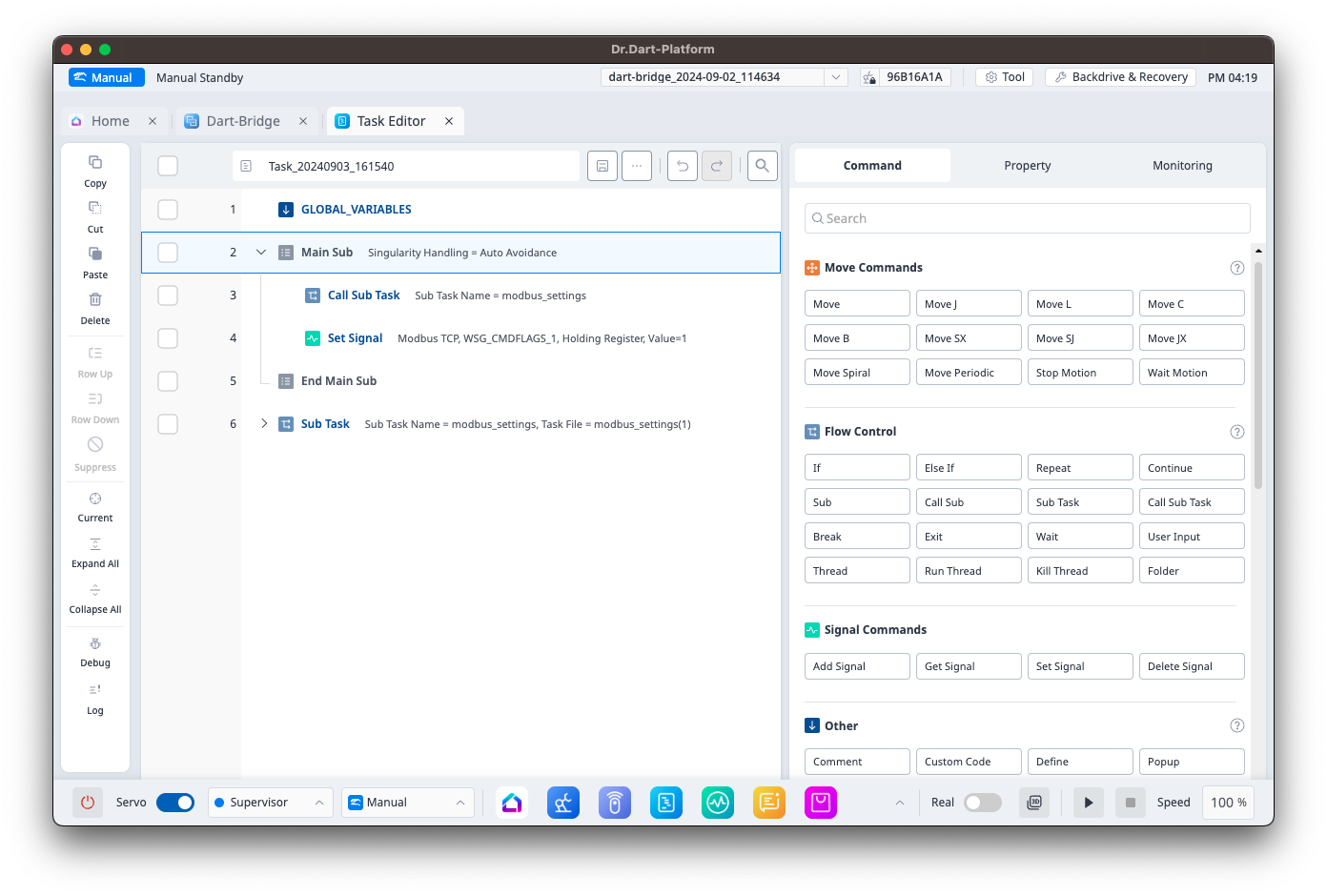
Using Dart-Bridge, task data from Dart-Platform v2 Task Builder/Writer can be utilized in the Task Editor module.
Data Available in Task Editor:
-
System Variables from the Workcell Manager used in Task Builder/Writer.
-
Basic Commands: Motion, Flow Control, Force Control, Other, Advanced Command
-
Command Property Settings
-
Command Suppress Settings
-
-
Skills
-
Modbus Settings
Supported Skills:
-
Basic Skill
-
Set_Digital_IO_v2
-
Contact_v2
-
Door_OpenClose_v2
-
-
End Effector Skill
-
Insert_v2
-
-
End Effector & Machine Skill
-
INTLK_Pick_v2
-
INTLK_Place_v2
-
-
End Effector & Pattern Skill
-
EndTask_v2
-
Airblowing_v2
-
Polishing_v2
-
Pick_v2
-
Deburring_v2
-
Place_v2
-
Gluing_v2
-
Bolting_v2
-
-
End Effector & Feeder Skill
-
PickBolt_v2
-
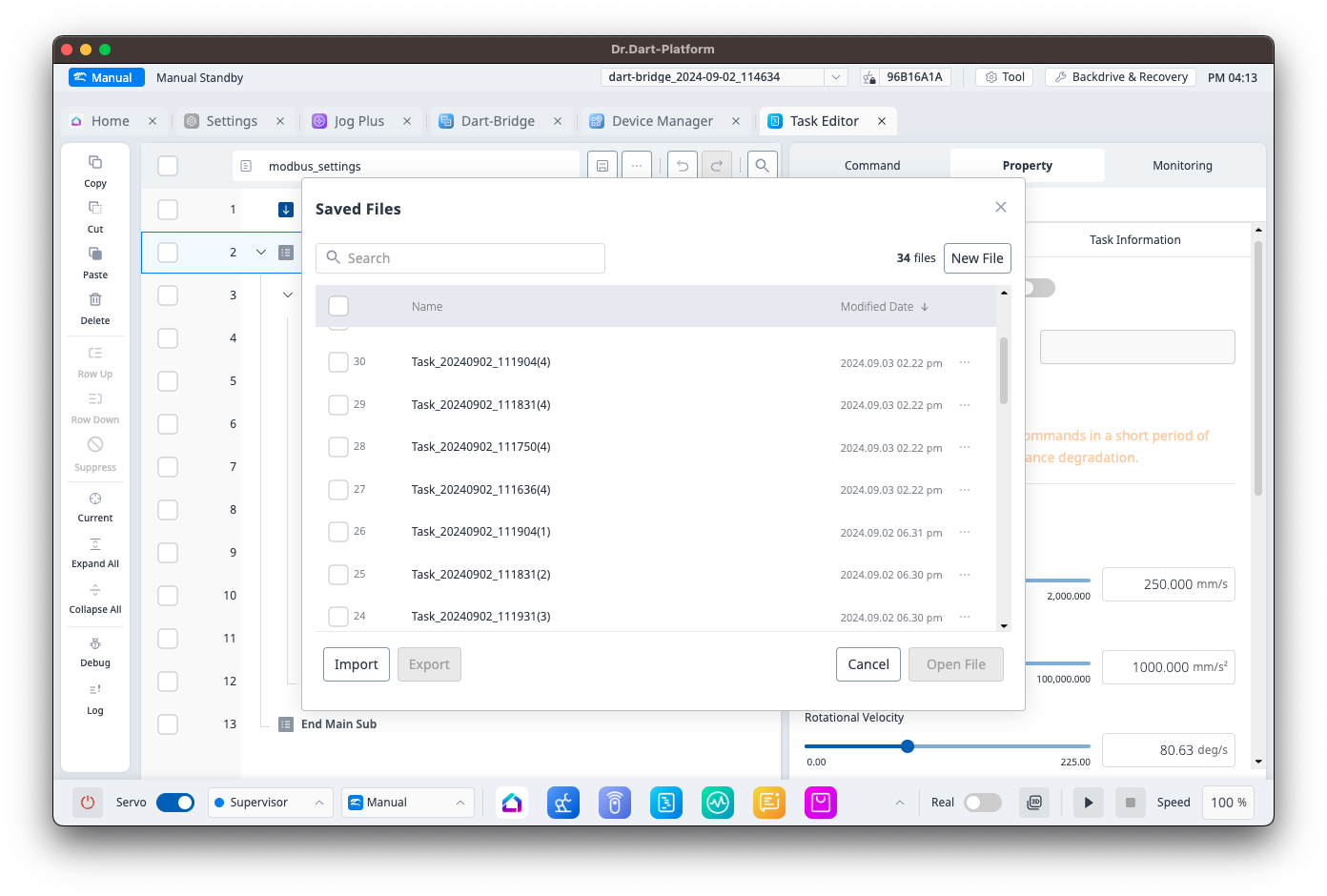
Task File Names
Task file names retain their original names.
If a duplicate name exists, it will be converted to a format like "Task File Name (Number)."
System Variables
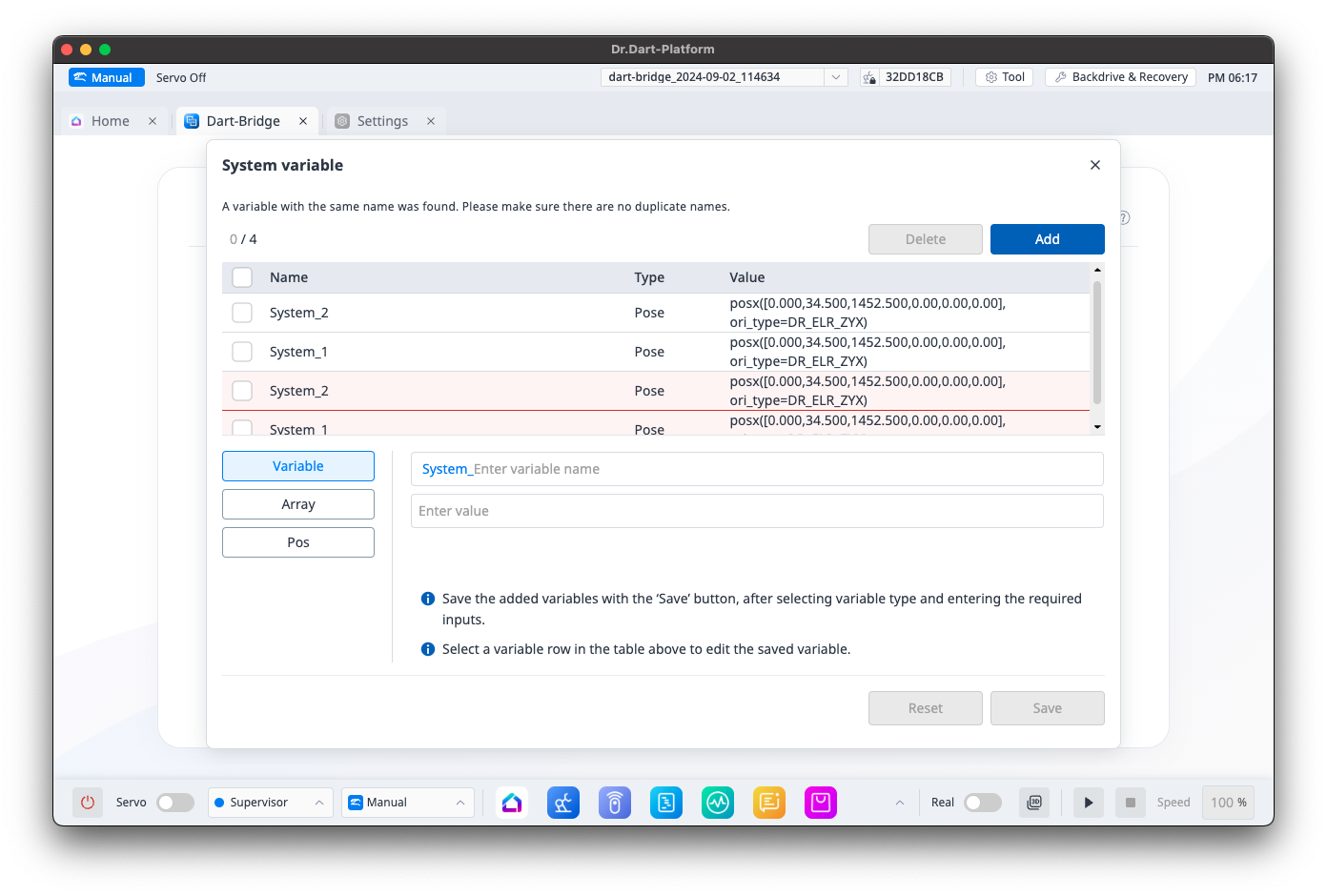
System variables used in the task file are automatically registered as system variables in Task Editor.
If there are duplicate system variable names, a system variable merge popup will appear in Task Editor.
Modbus Settings
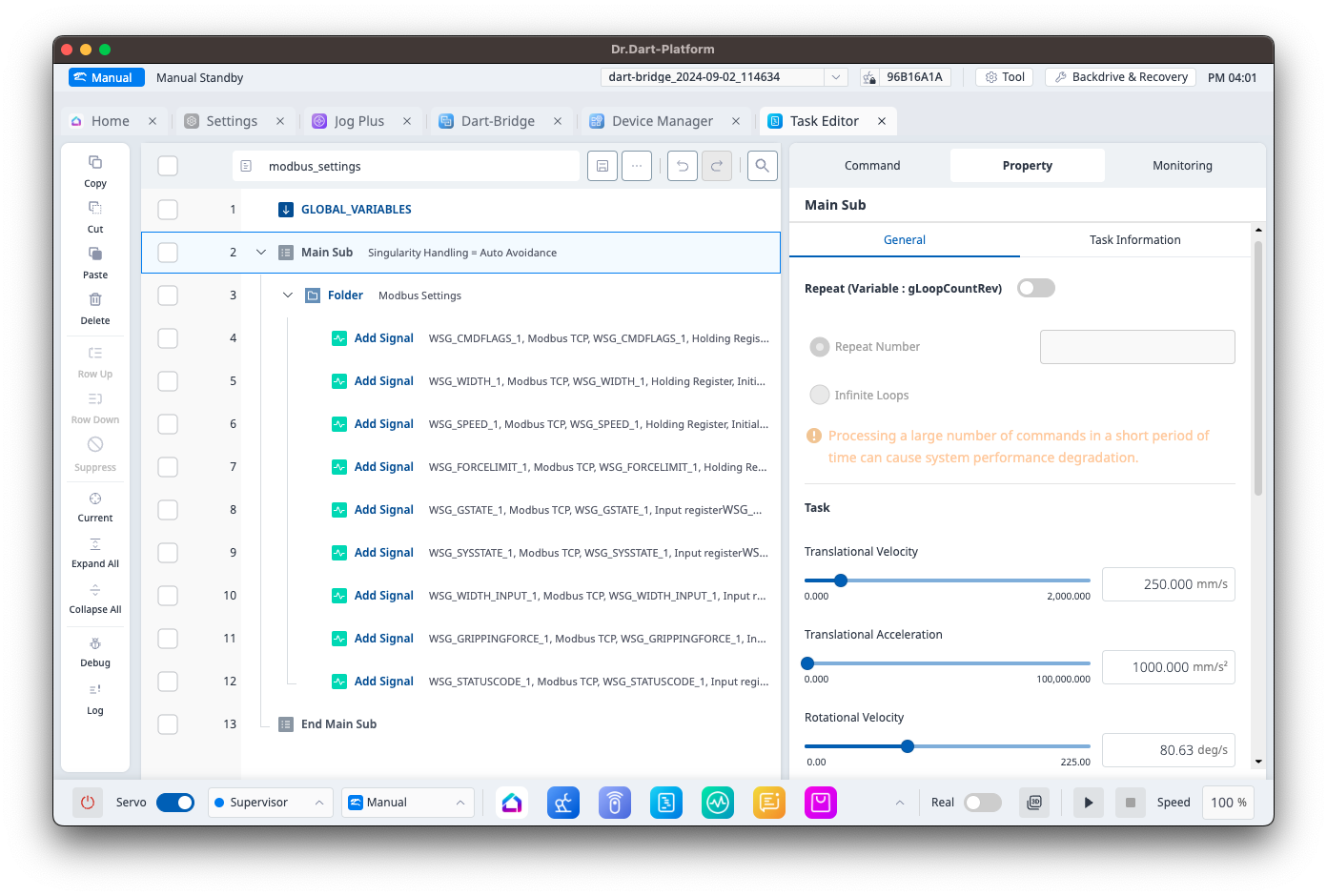
Modbus data configured in Dart Platform v2 under Setting > Network > Modbus will be converted to the "Add Signal" command block in the 'modbus_settings' task file.
Each task file using Modbus data will include Sub Task and Call Sub Task command blocks for the 'modbus_settings' task file.