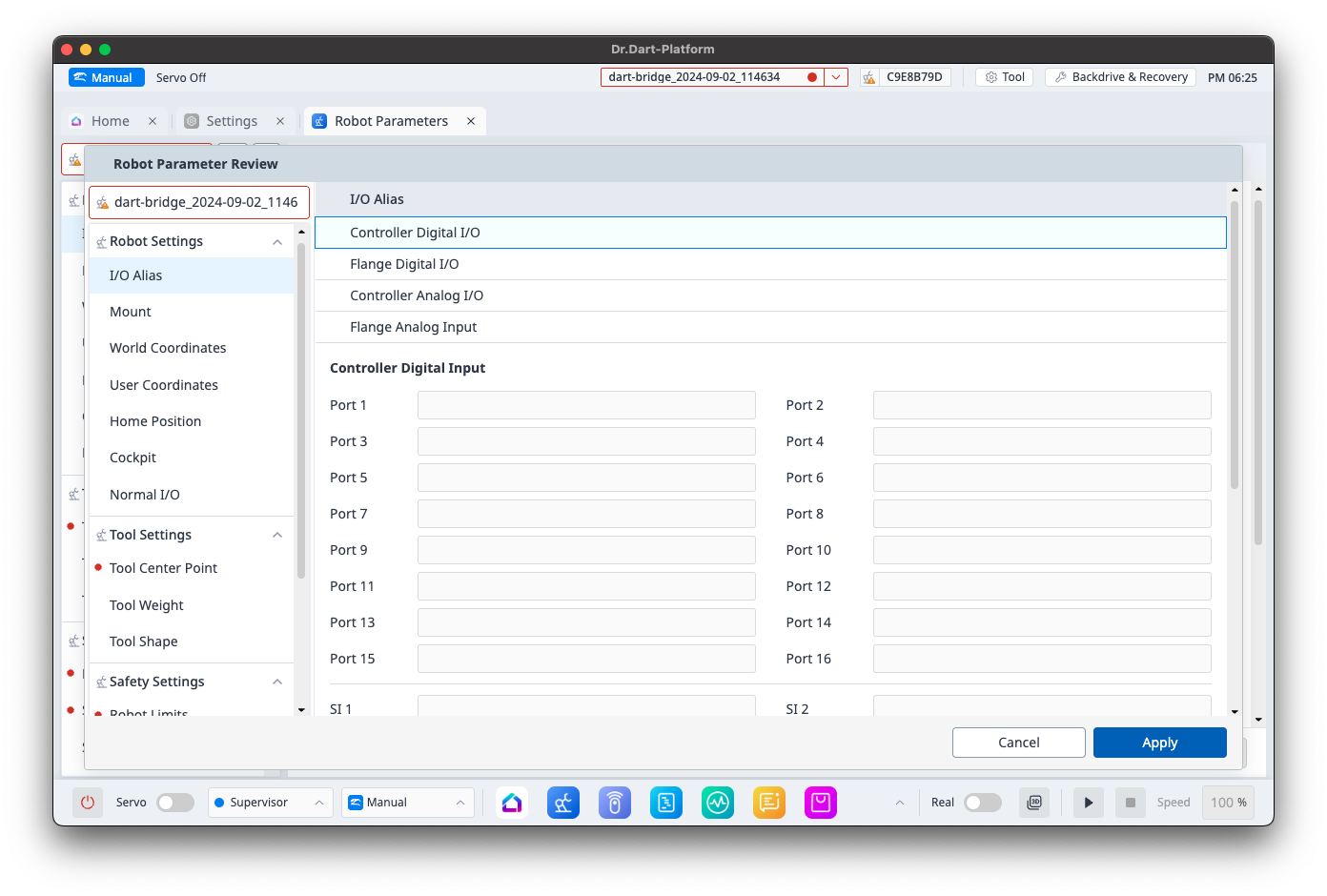
After restoring using the Dart-Bridge module, you need to apply the restored Robot Parameter file in the Robot Parameter module.
-
Follow the data restoration process outlined in Data Restoration.
-
In the Robot Parameter module, select the restored Robot Parameter file from the saved file list.
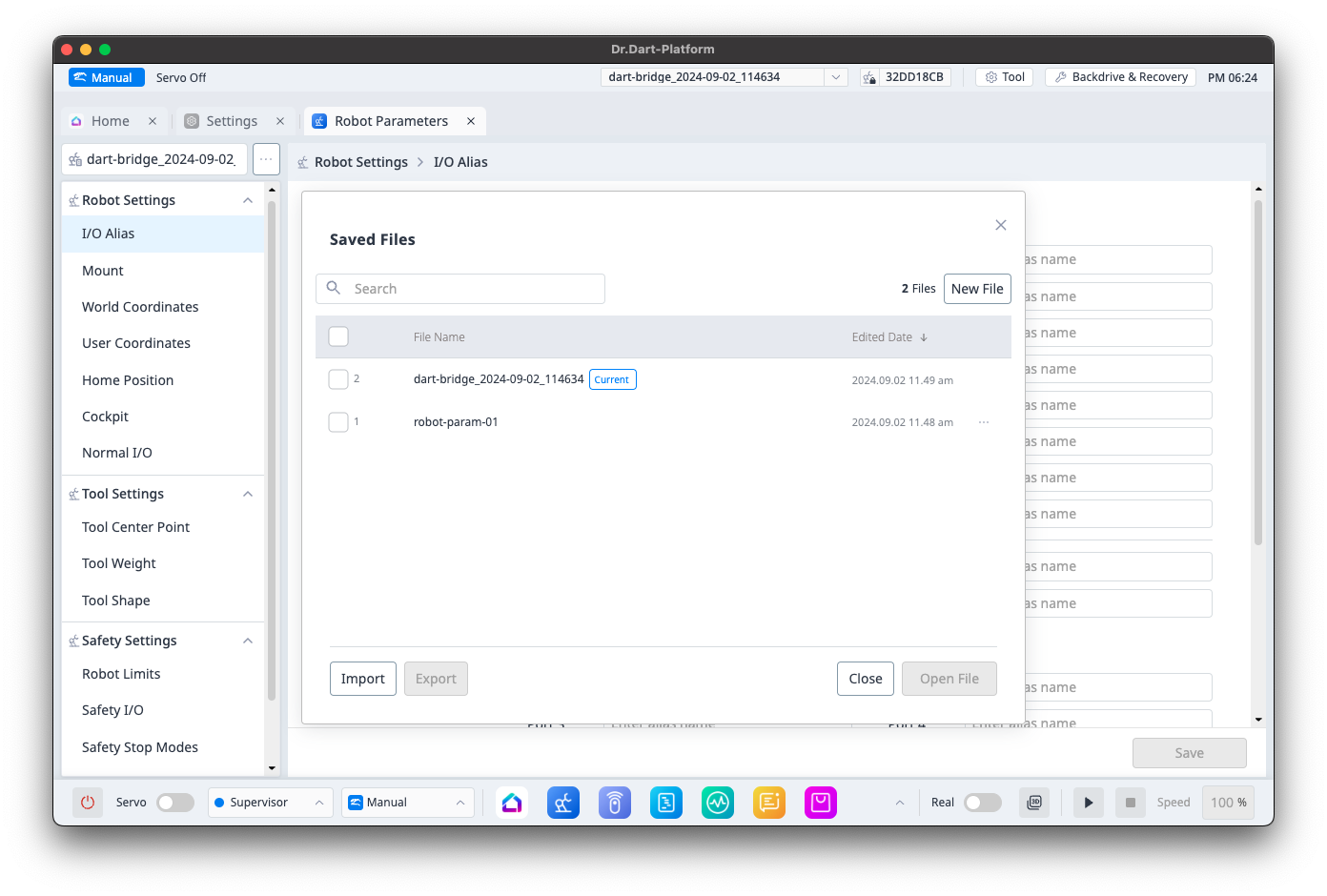
-
Apply the restored Robot Parameter file through the popup that appears.