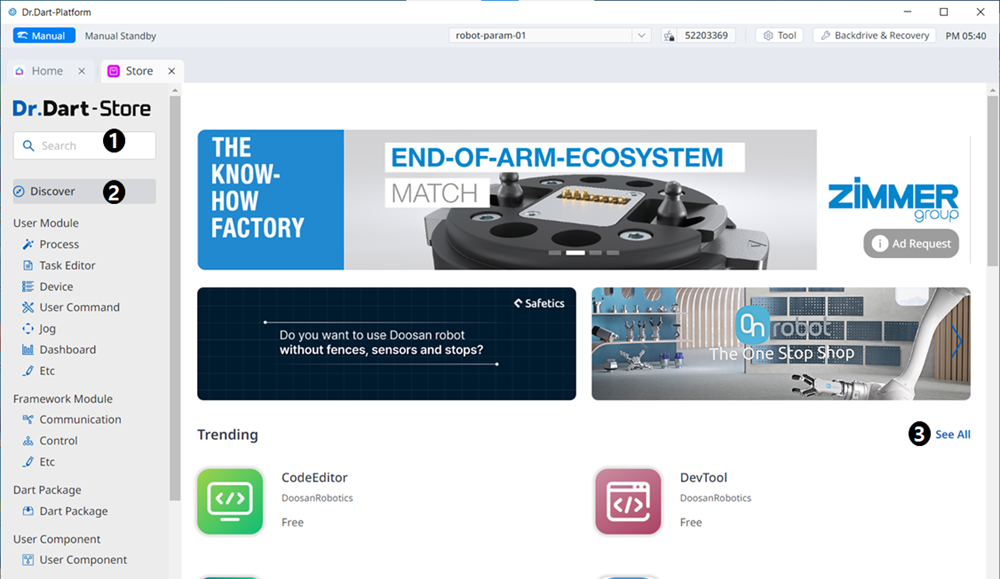
Tapping the Store module redirects you to the Dr.Dart-Store link.
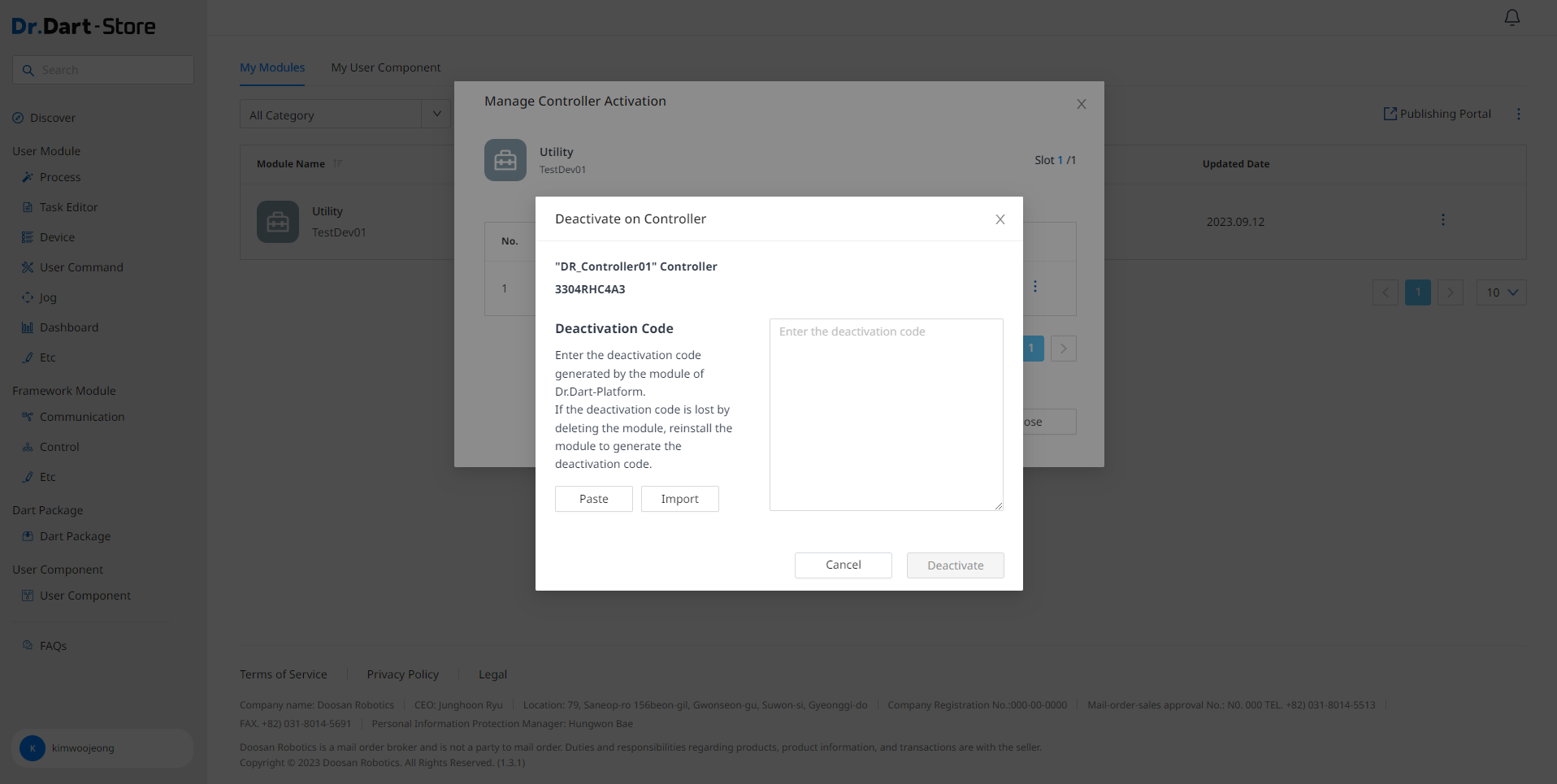
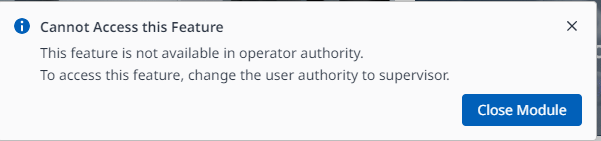
At this time, the Store module can only be executed at the administrator level.

|
|
|
|
|---|---|---|
|
1 |
Search |
This field is where you search for any module. |
|
2 |
Menu Bar |
The categorization is based on the features of the module. |
|
3 |
Trending |
This is the Home screen, where the currently popular modules are seen. |
|
4 |
FAQs |
This is where you can find the frequently asked questions regarding the Store. |
|
5 |
Account |
If you are not logged in, go to the login screen. If you are logged in, tap to go to the user's account and manage account settings and module uploads/downloads. |
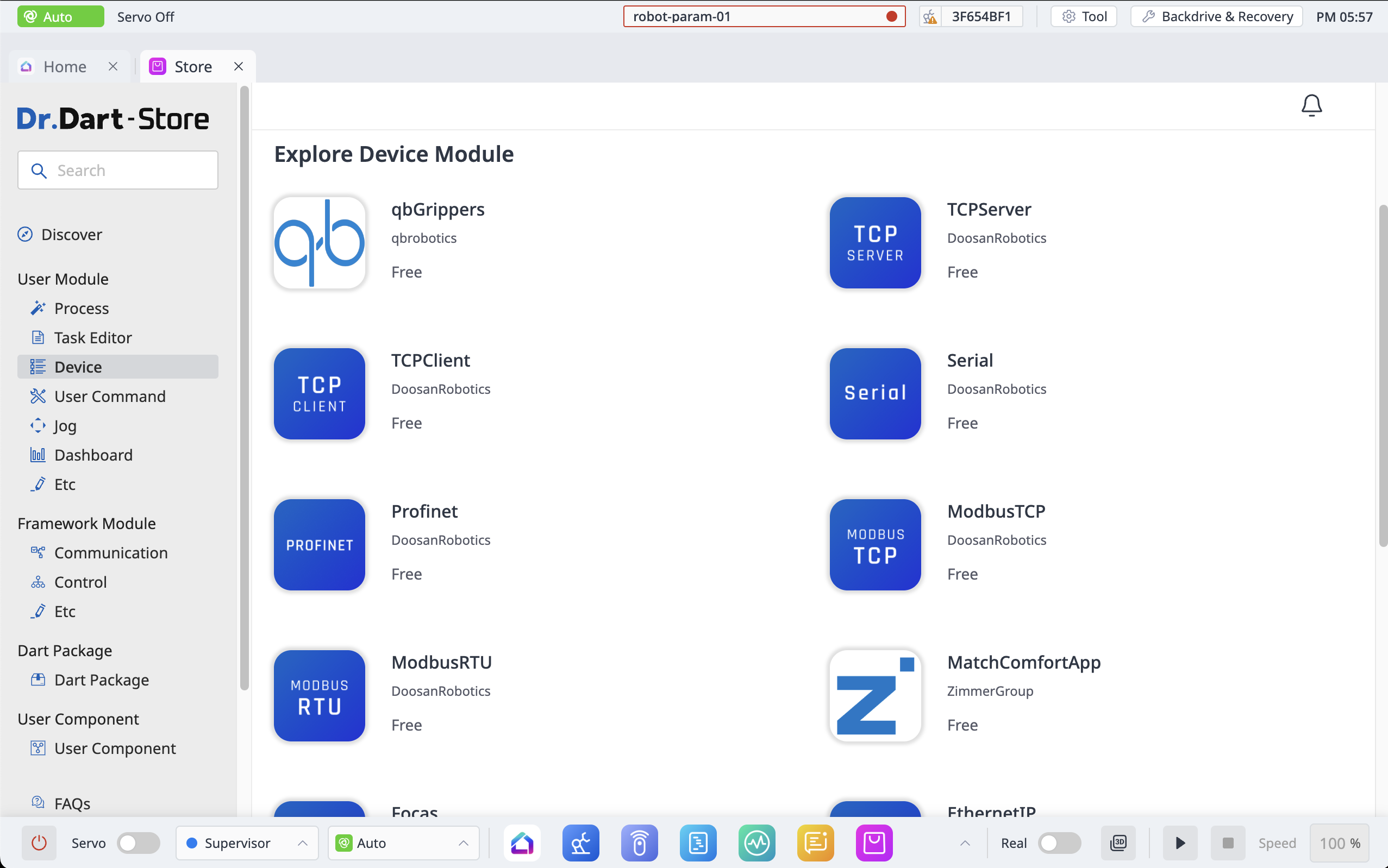
The list below is modules that are installed as standard in Dr.Dart-Platform3.
You can download the modules below from the User Module > Device section of the Store.
-
Focas Master
-
Digital IO TEST
-
ModbusTCP Master
-
ModbusRTU Master
-
TCP Client
-
TCP Server
-
Serial
-
IndustrialEthernet GPR Test
Activate or deactivate modules
After purchasing a paid module through Dr. Dart-Store, it must go through an activation process when executing the module.
In the case of a paid module, it cannot be executed in the inactive state, and when the module is deleted or refunded, the module must be in the inactive state.
Activation
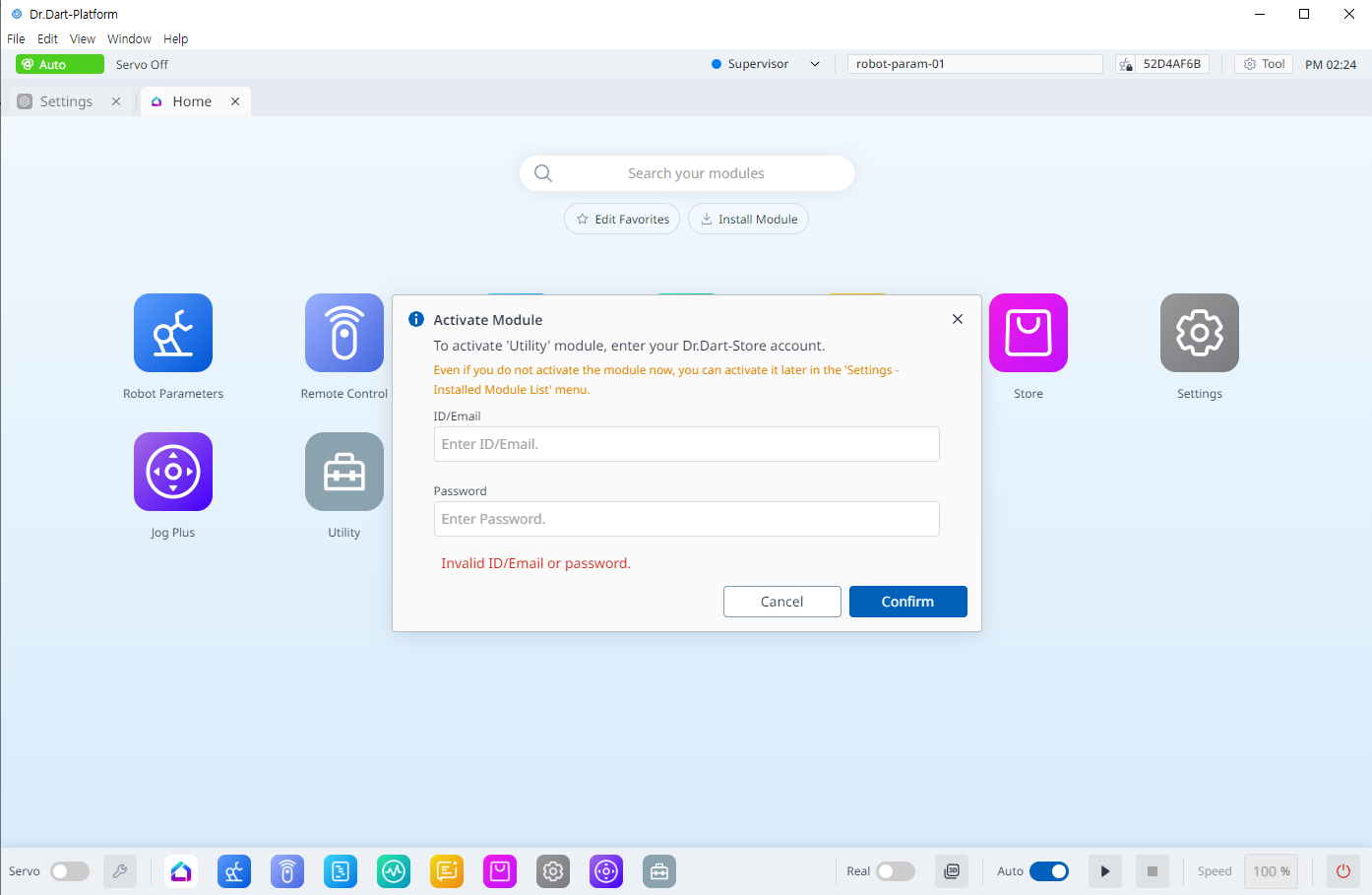
You can also activate it from the Installed Module List menu of the Setting module using the option button of the module you want to activate.
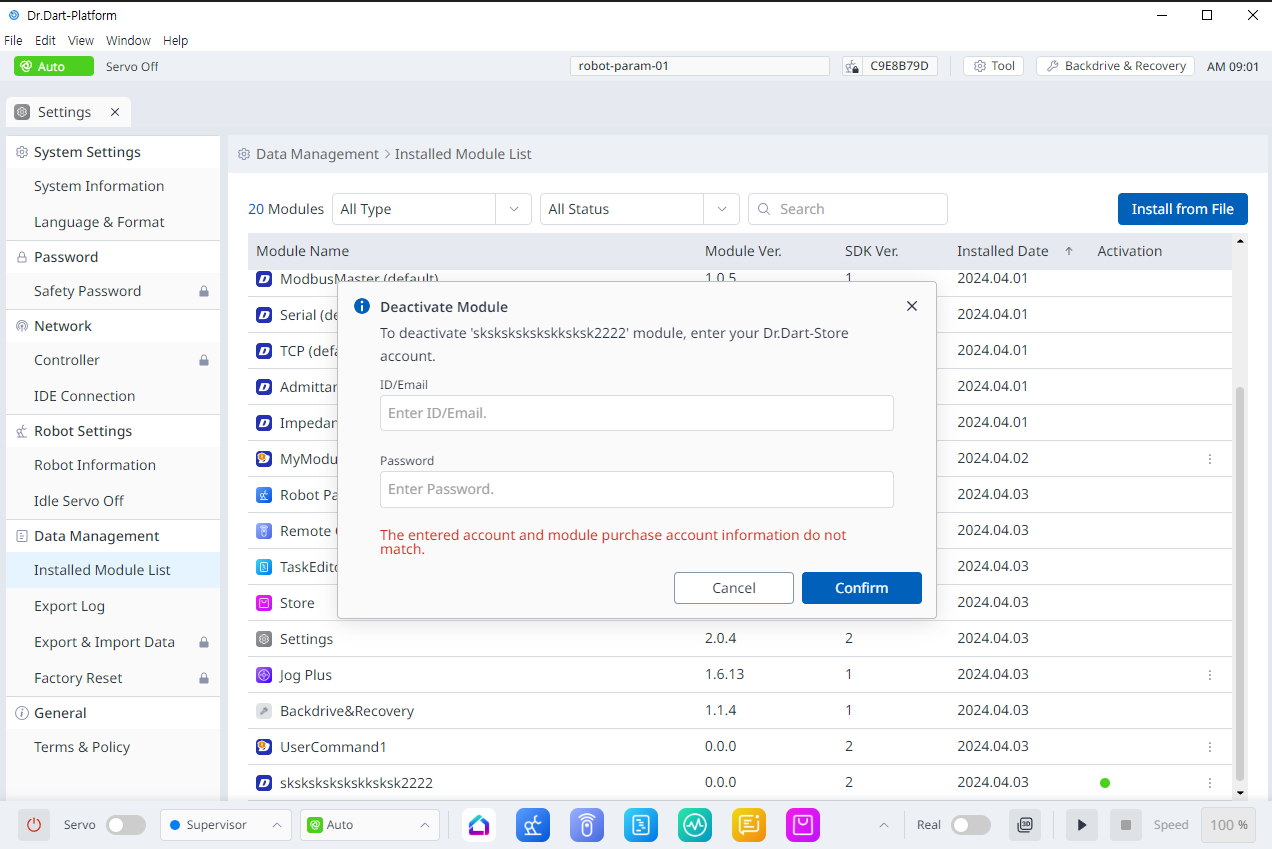
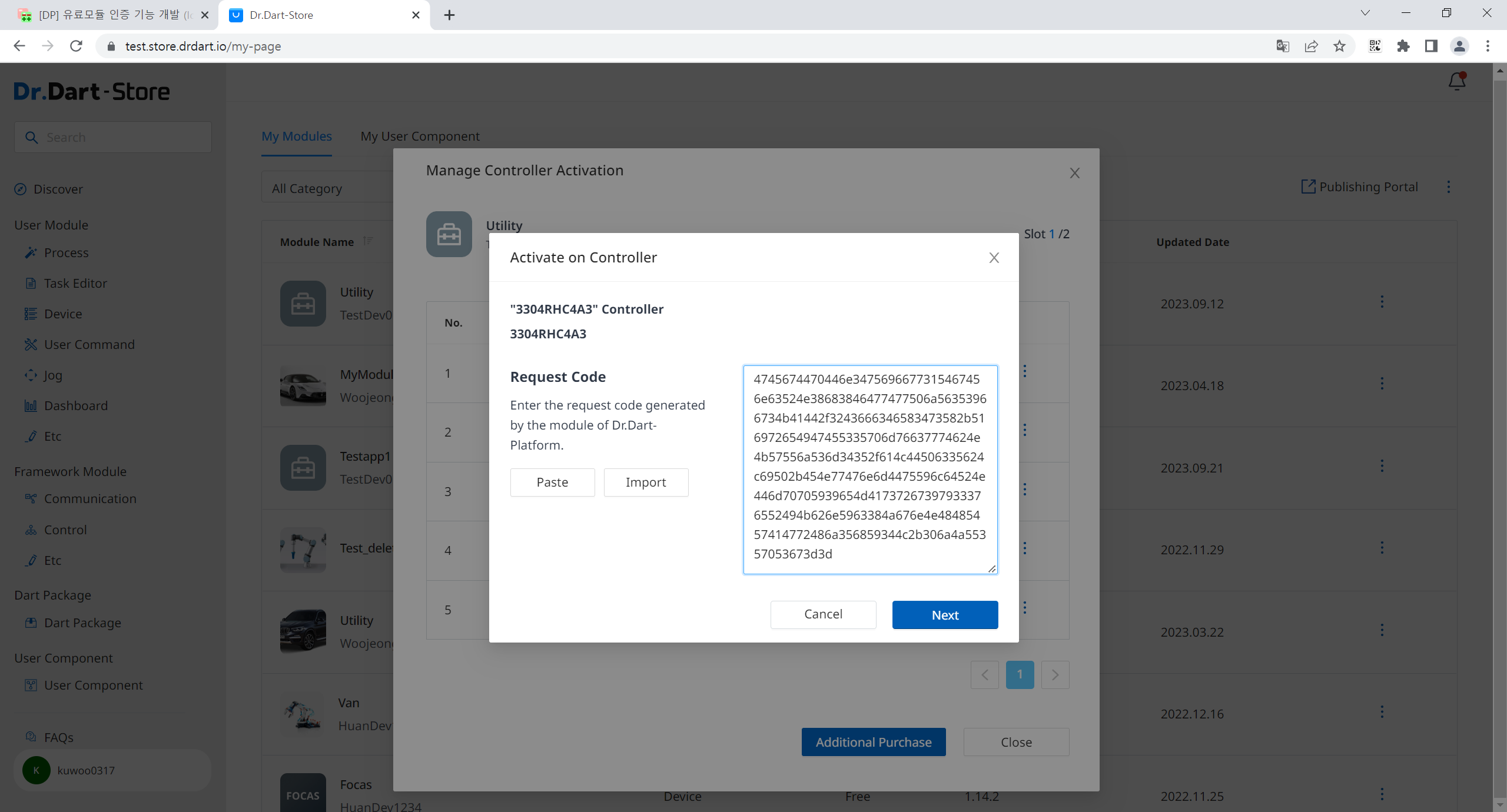
Deactivation
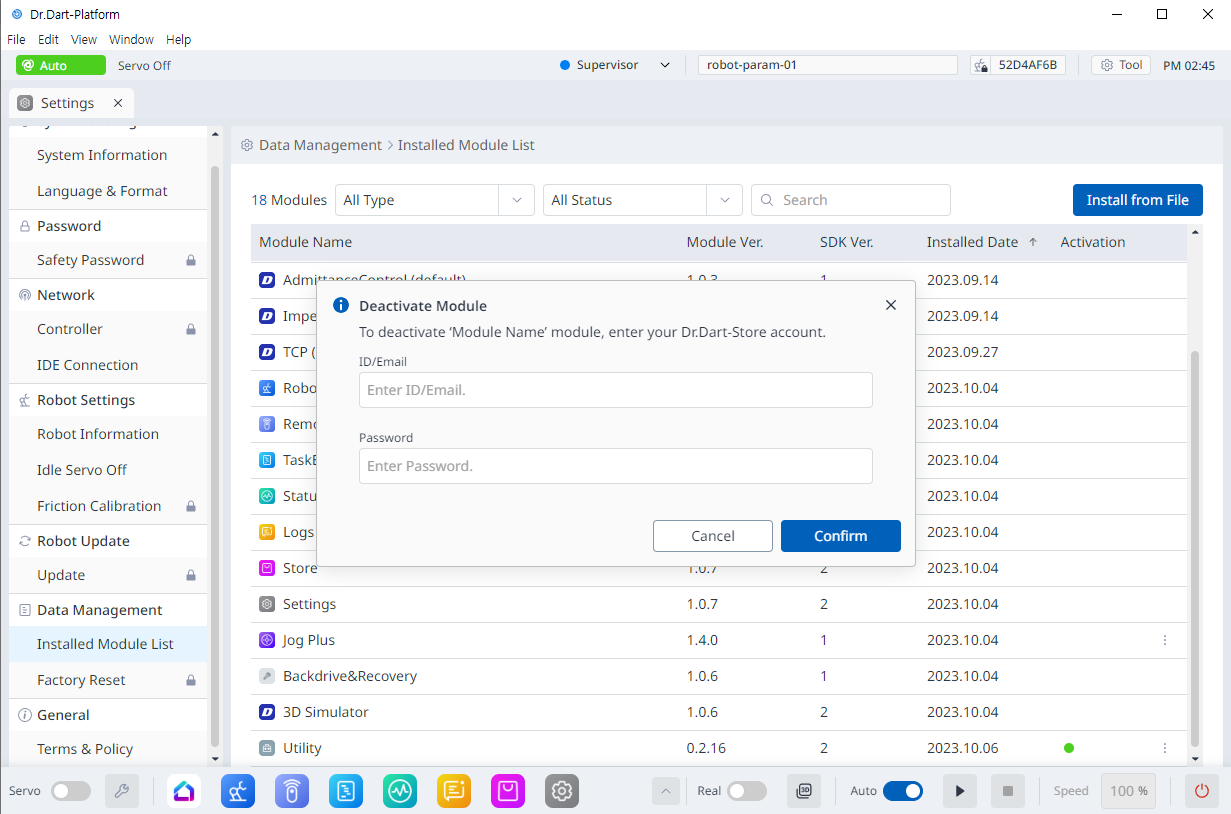
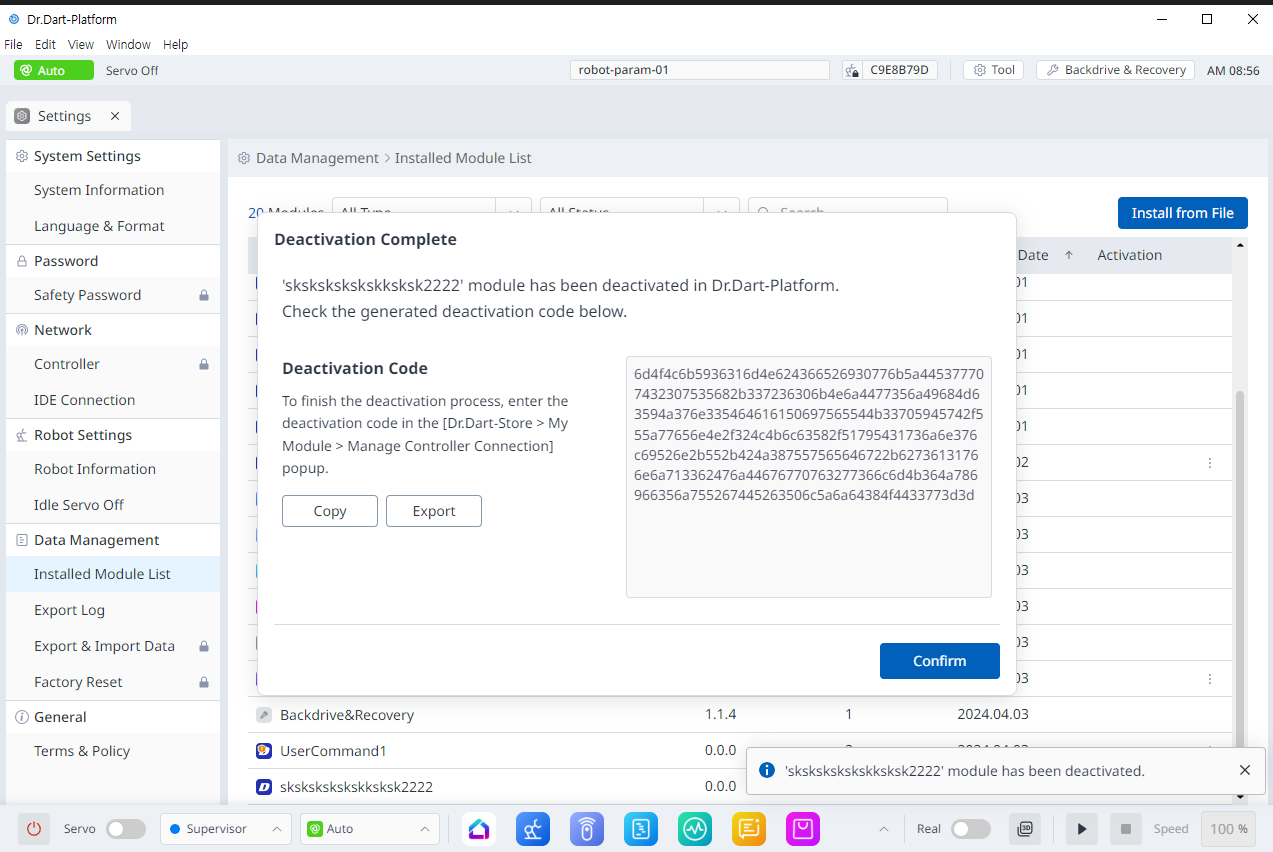
You must copy the corresponding deactivation code and switch it from online to deactivated on the Store via Dr. Dart-Store.