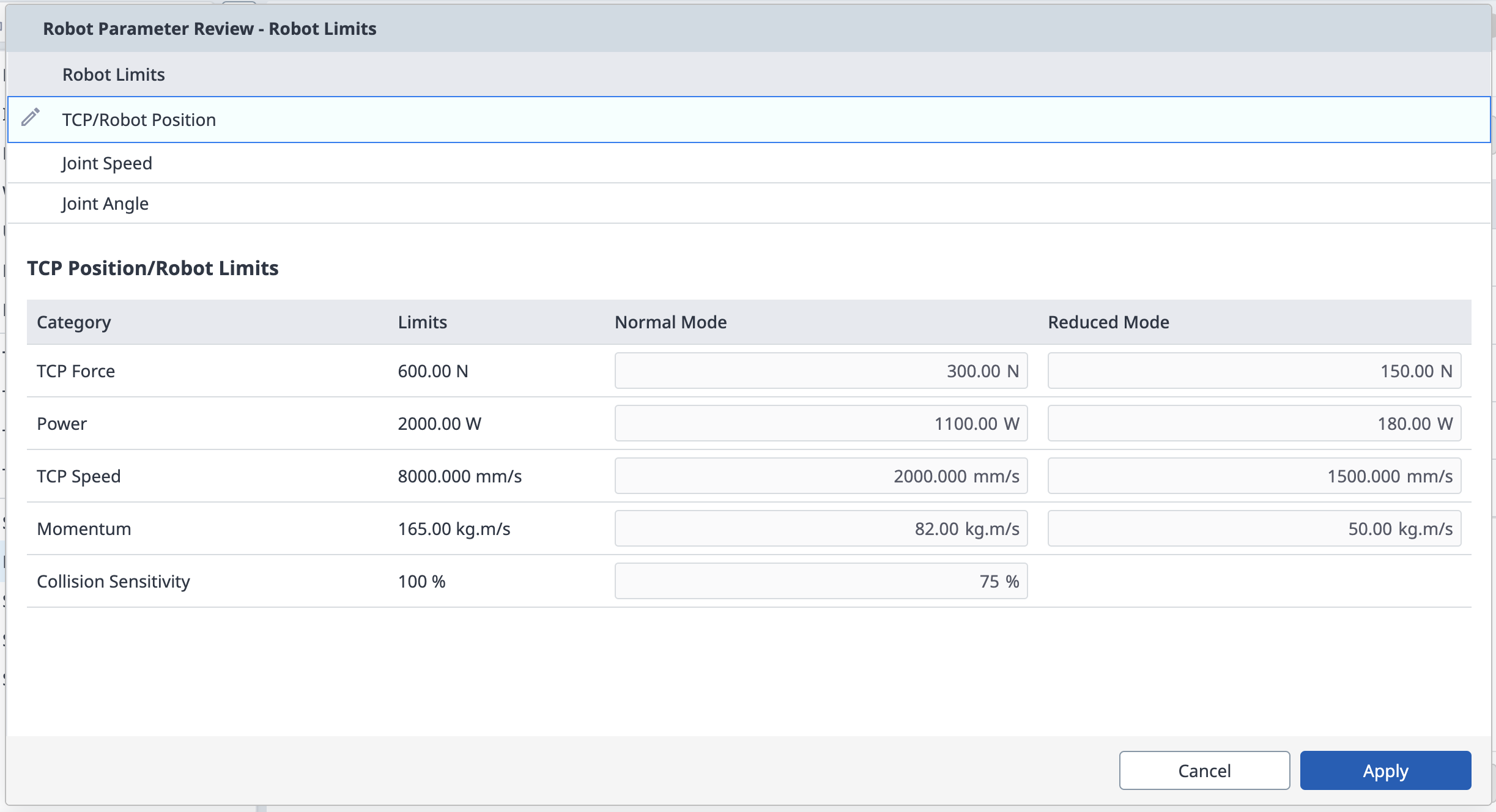
If the robot data setting value has changed on the Robot Parameter module, the changed setting values can be stored through the Safety Setting Review pop-up.
The Safety Setting Review pop-up can be opened by clicking on the Robot Parameters file information entry in the Header, or within the Robot Parameters module.
Full Settings Review Pop-up
Displays information about the currently applied parameter file at once.
If the settings in the menu are inconsistent with the settings applied to the bottom, a red dot is displayed on the left side of the item.
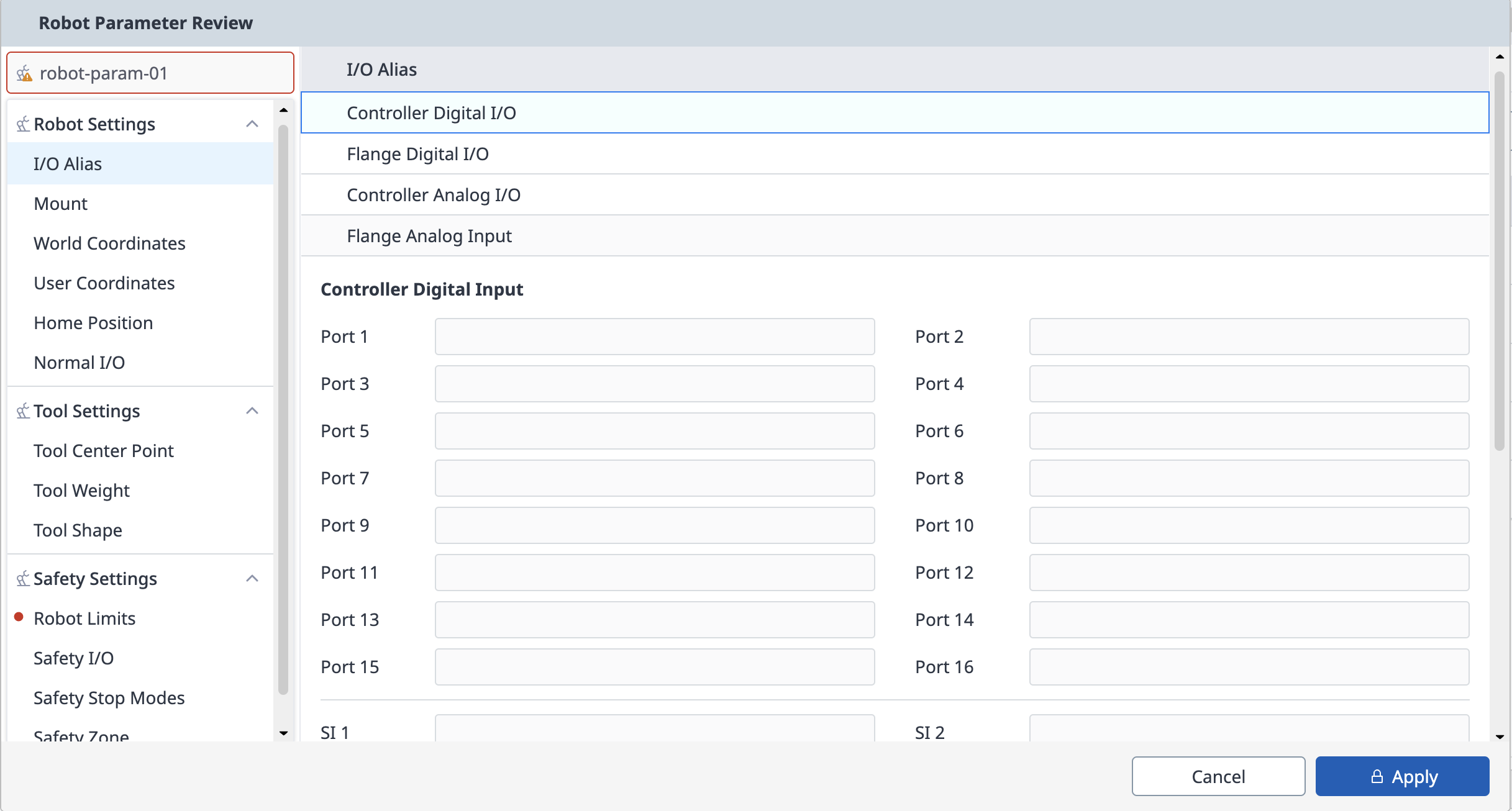
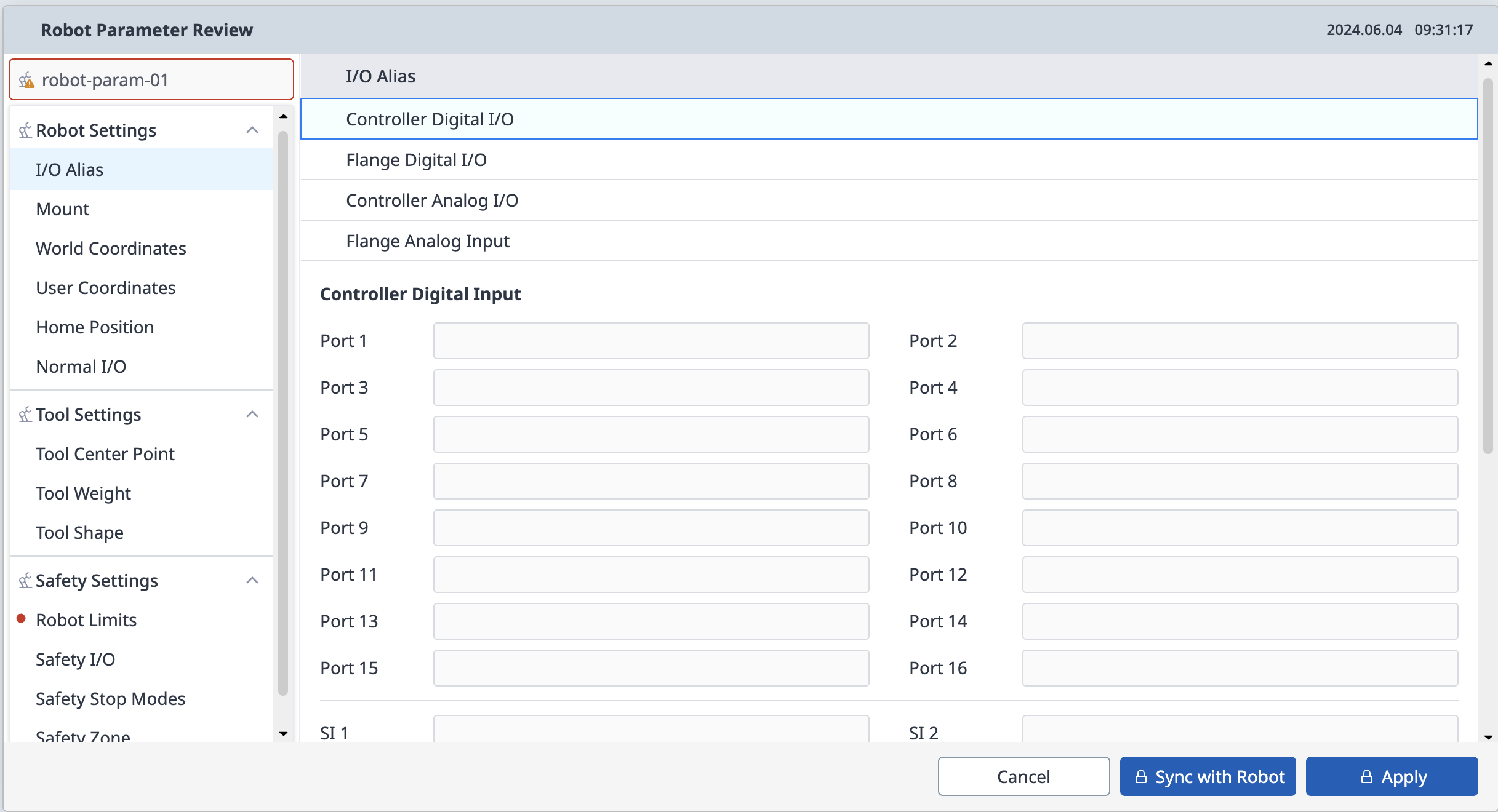
When a Safety Setting Review pop-up is generated through the Header, Sync with Robot, Apply buttons are displayed if there is information that does not match the settings applied to the lower part of the menu.
When selecting the Sync with Robot button, apply the parameter settings of the controller to the current parameter file.
When you select the Apply button, apply the settings in the current parameter file to the controller.
Note
For parameter files, modifications can only be made in the Manual state.
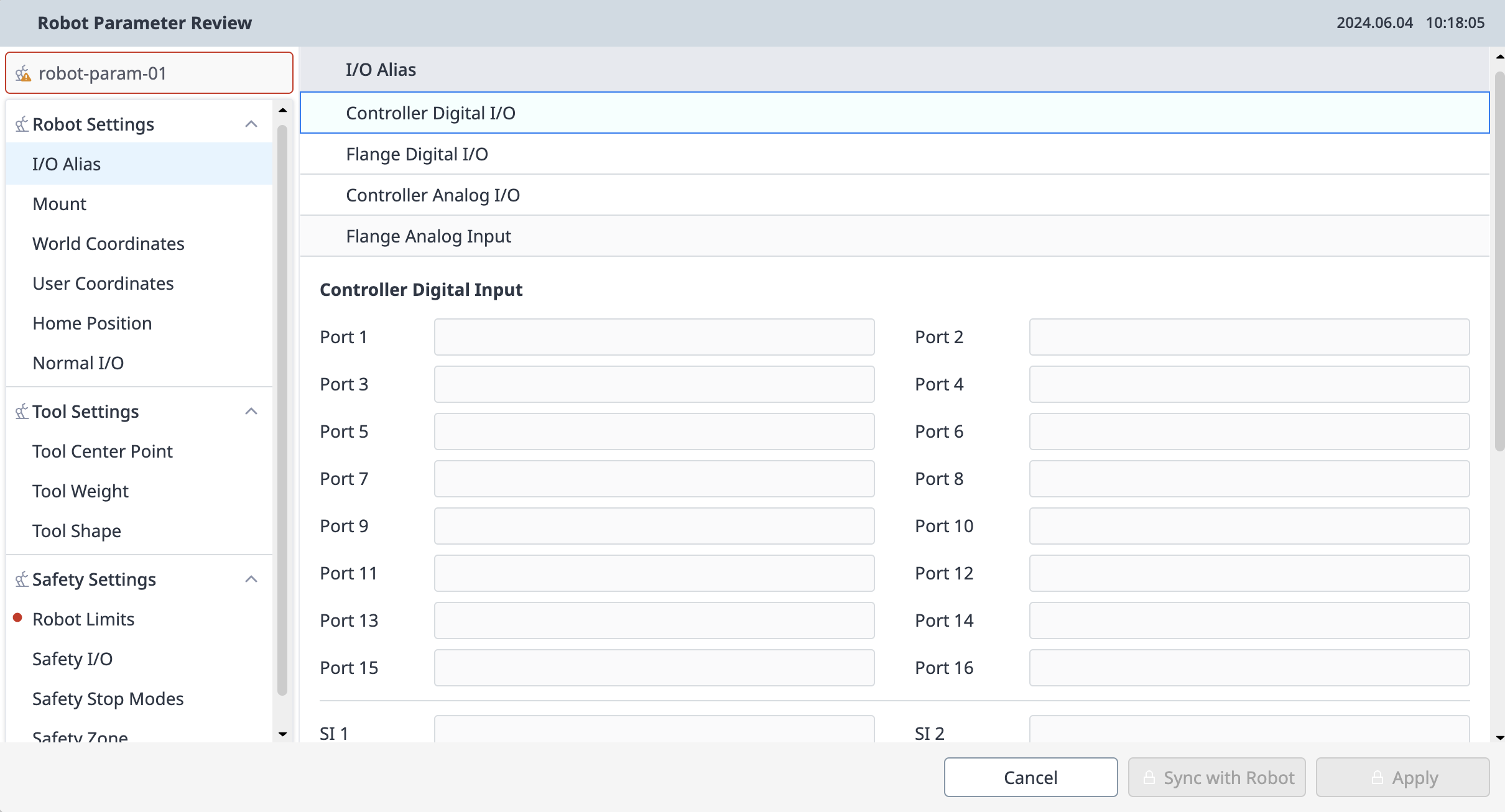
If you have entered the Safety Setting Review pop-up through the Header and no changes are made, only the Close button is displayed.
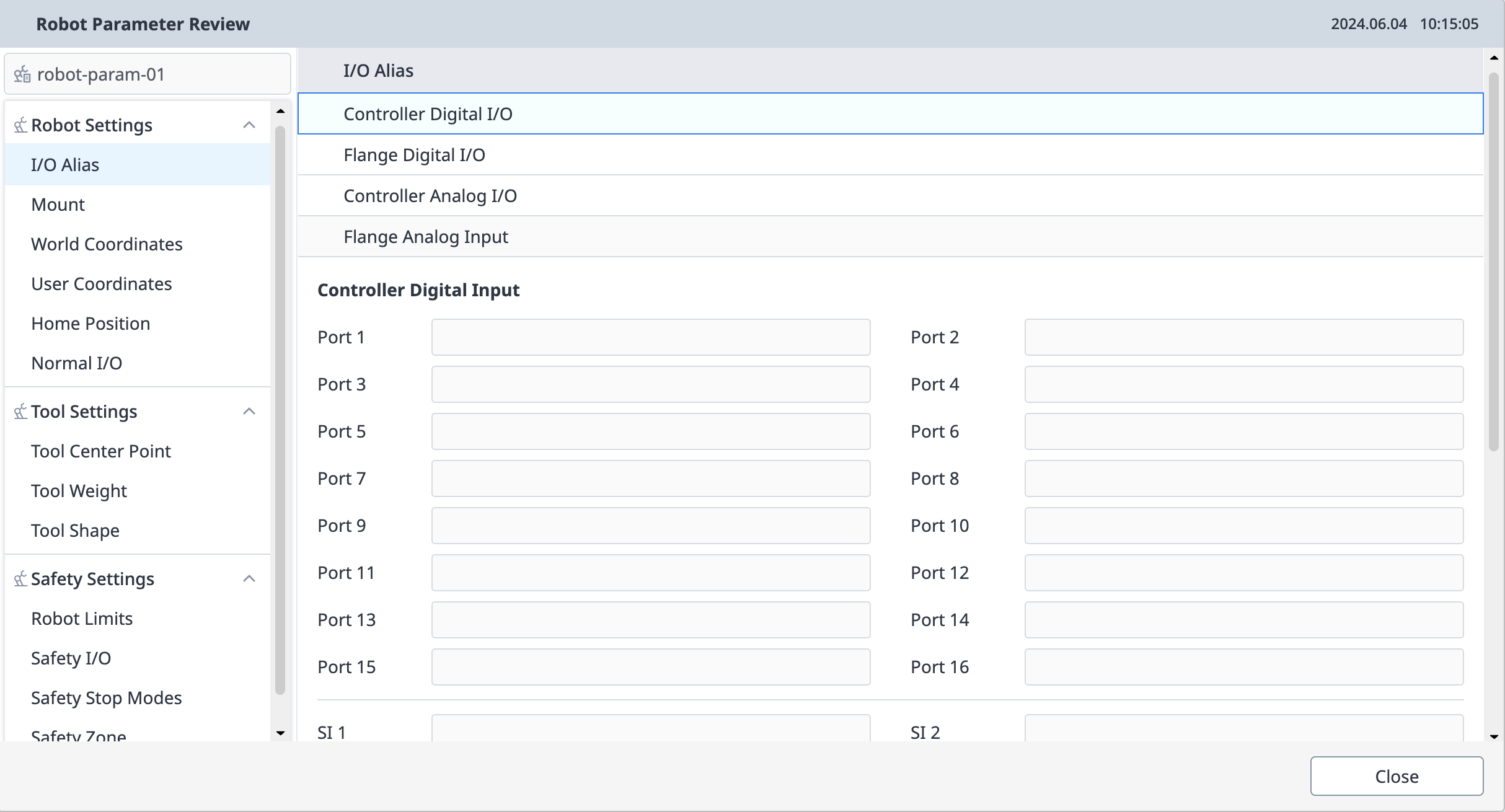
The single setup review pop-up within the parameter module is as follows.