Menu
|
Items |
Description |
|
|---|---|---|
|
1 |
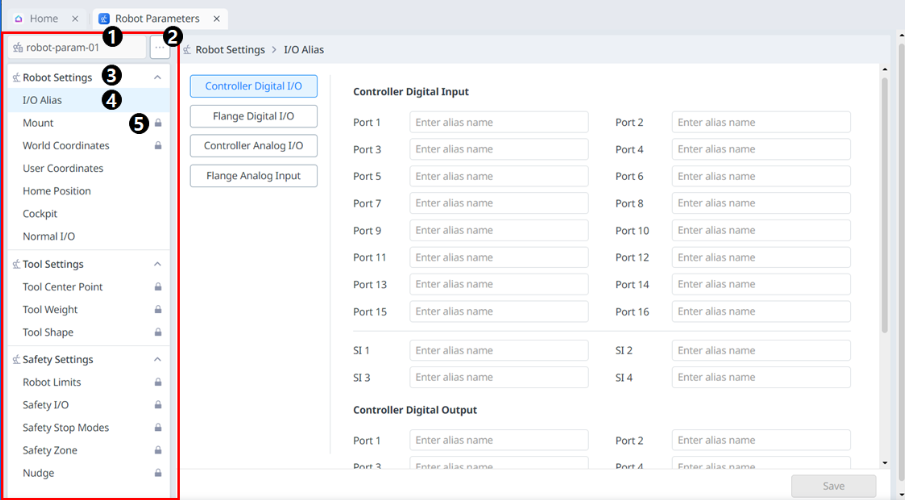
Project name |
This is where the project name is entered. |
|
2 |
View More |
Clicking this button will create a new file or import, save, or export an existing file. |
|
3 |
Accordion menu |
Clicking on an item will bring up a list of related menus. |
|
4 |
Sub menu |
You can enter each screen and function by clicking on the menus. |
|
5 |
Lock icon |
When the lock icon is seen, certain settings can be changed at the administrator level. |
Note
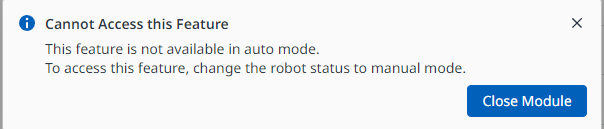
To use this module, the robot must be in Manual mode.
If you receive the following warning message, change the status of the robot to Manual mode.