Title
|
Description
|
|
|---|---|---|
|
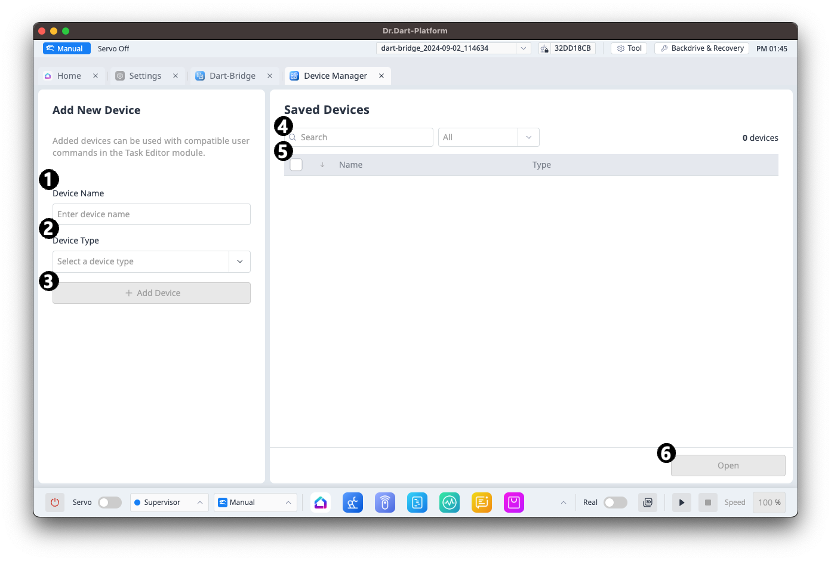
1 |
Device Name Input Field |
You can enter the name for the new Device. |
|
2 |
Device Type Selection |
You can select the type of the new Device. |
|
3 |
Add Device Button |
You can add a new Device. |
|
4 |
Device Data Search and Filter |
You can search and filter Device data according to the selected criteria. |
|
5 |
Device Data List |
Displays the list of Device data. |
|
6 |
Open Device Button |
You can open the selected Device. |
Opening Device Data
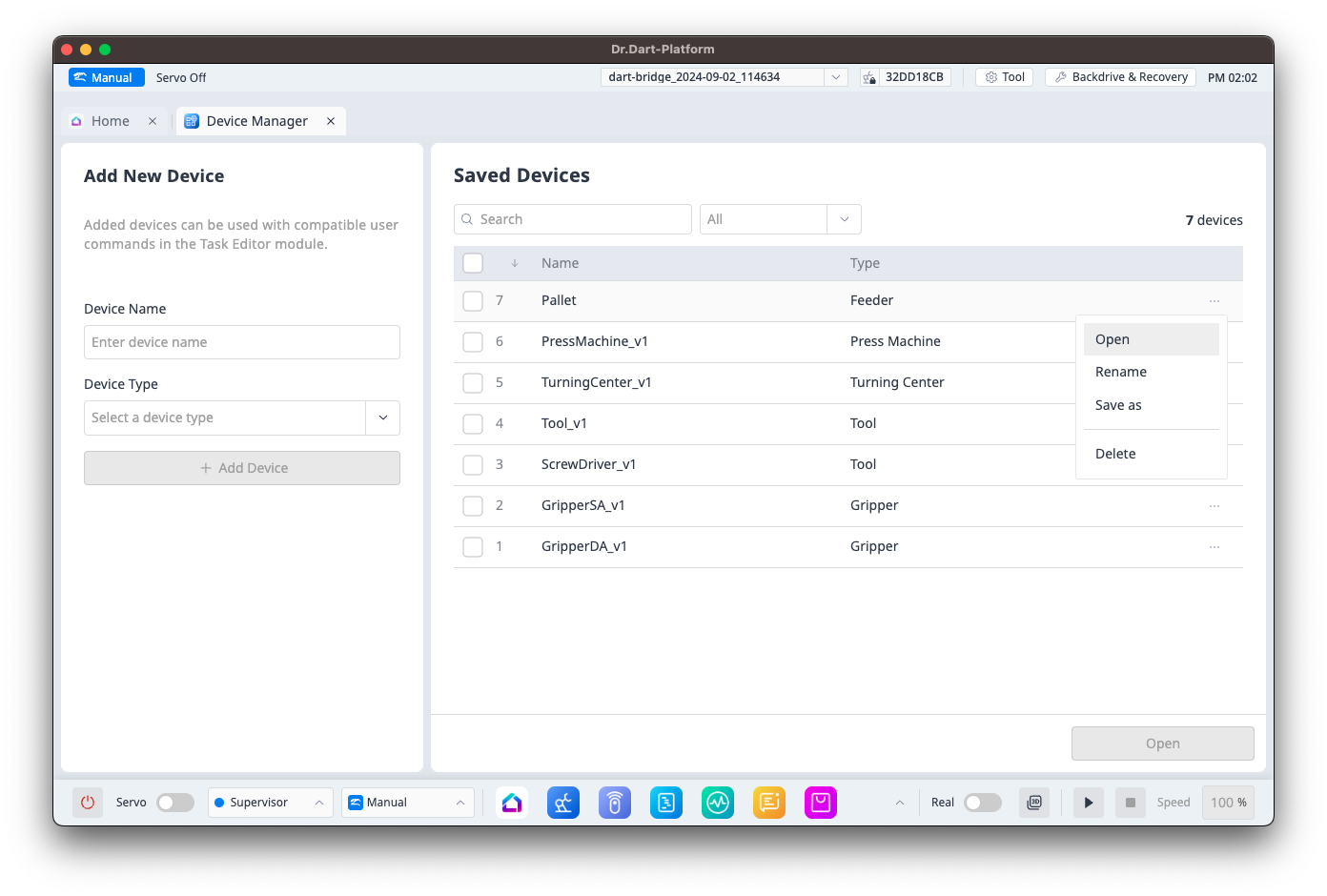
You can open Device data in the following ways:
-
Click the

-
Select a Device from the Device data list and use the Open button at the bottom right to open the selected item.
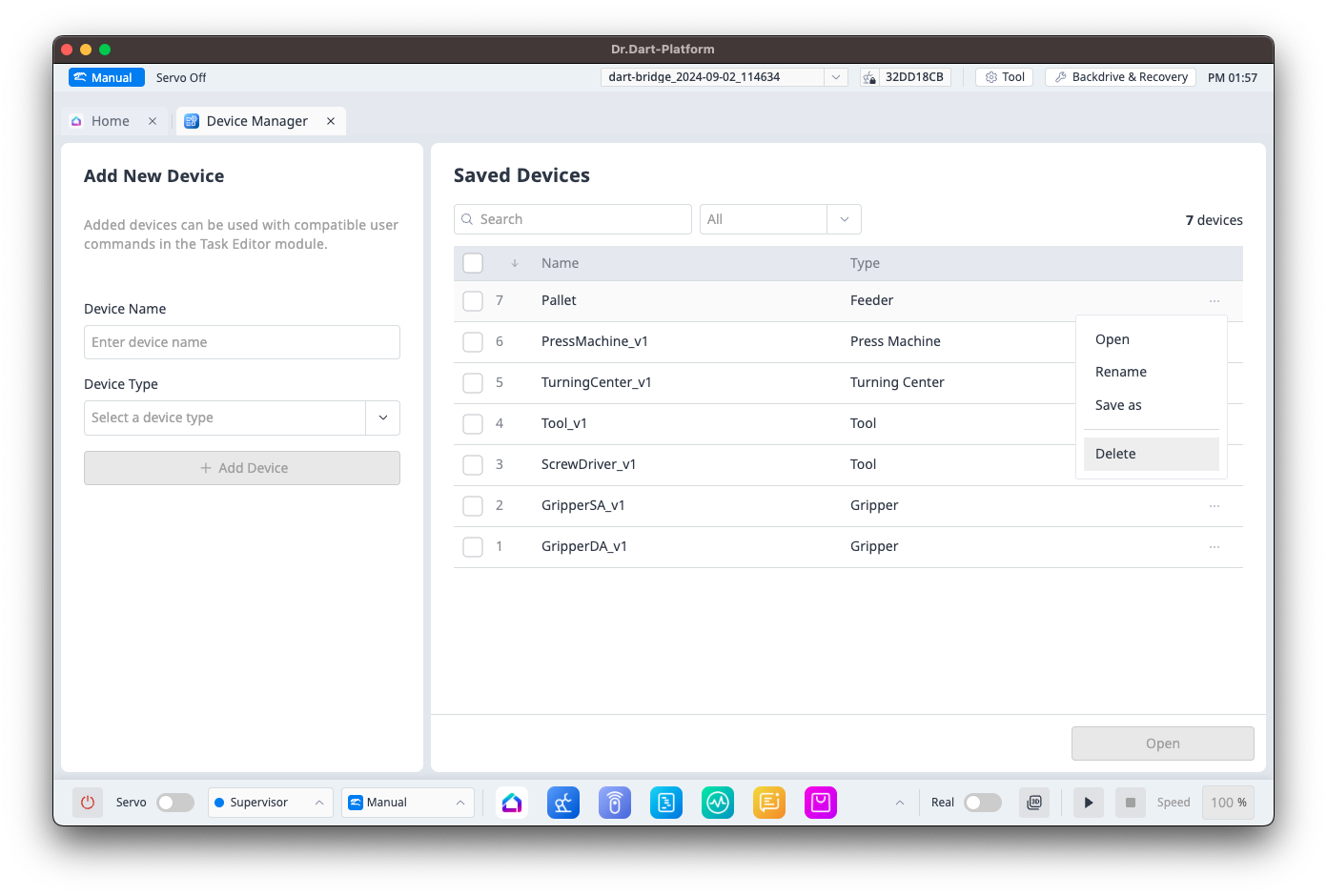
Deleting Device Data
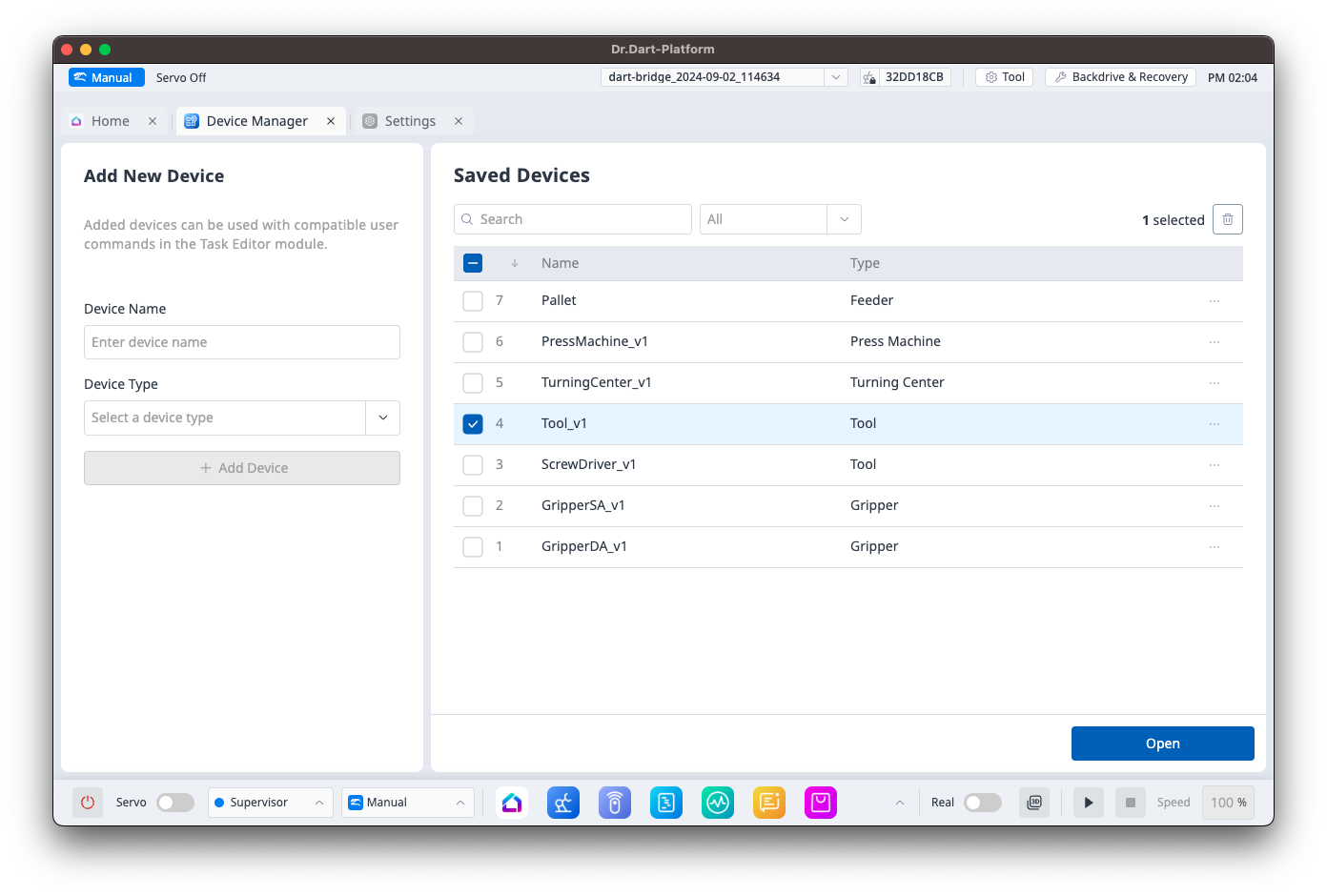
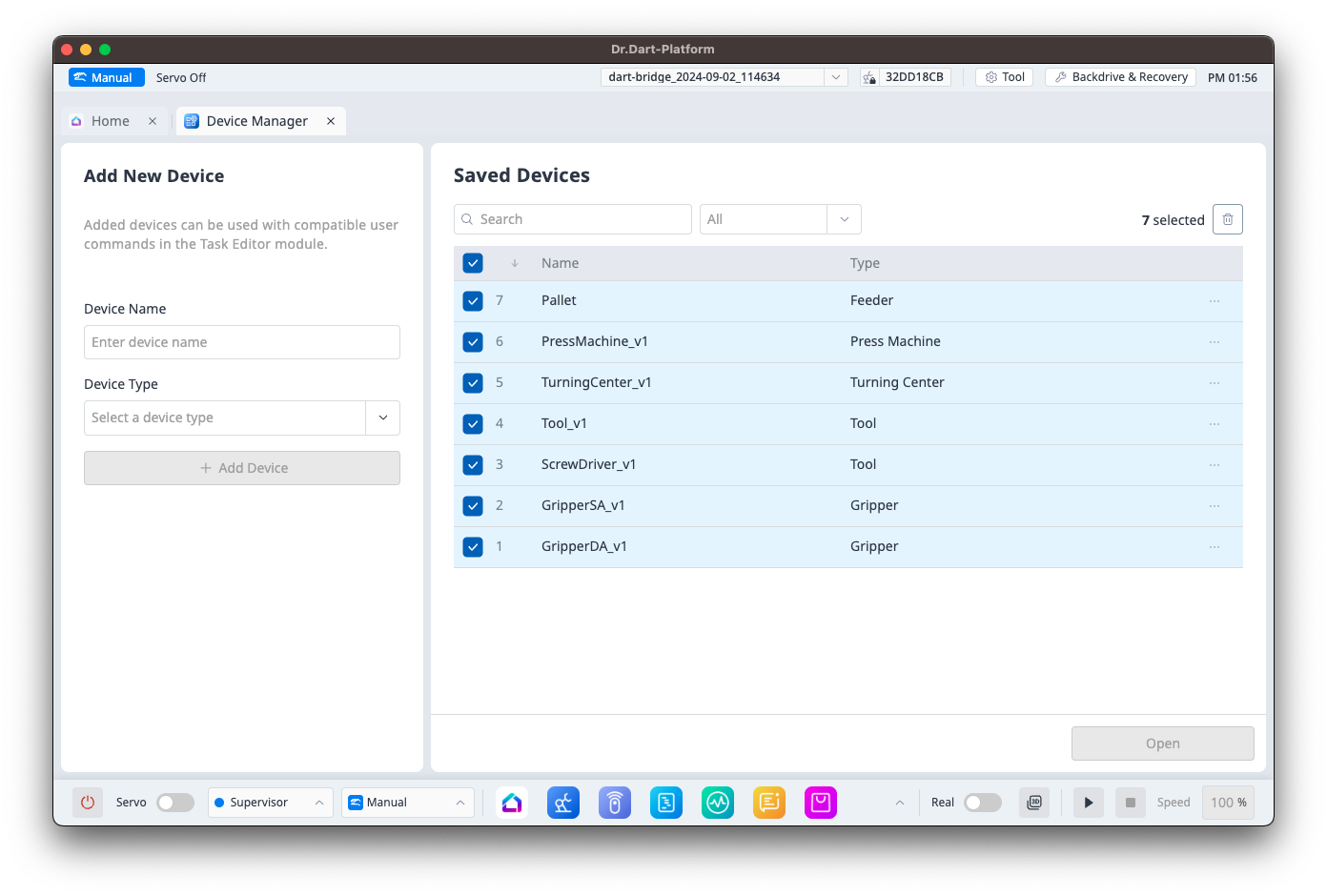
You can delete Device data in the following ways:
-
Click the
-
Select a Device from the Device data list and use the Delete button at the top right to delete the selected items.
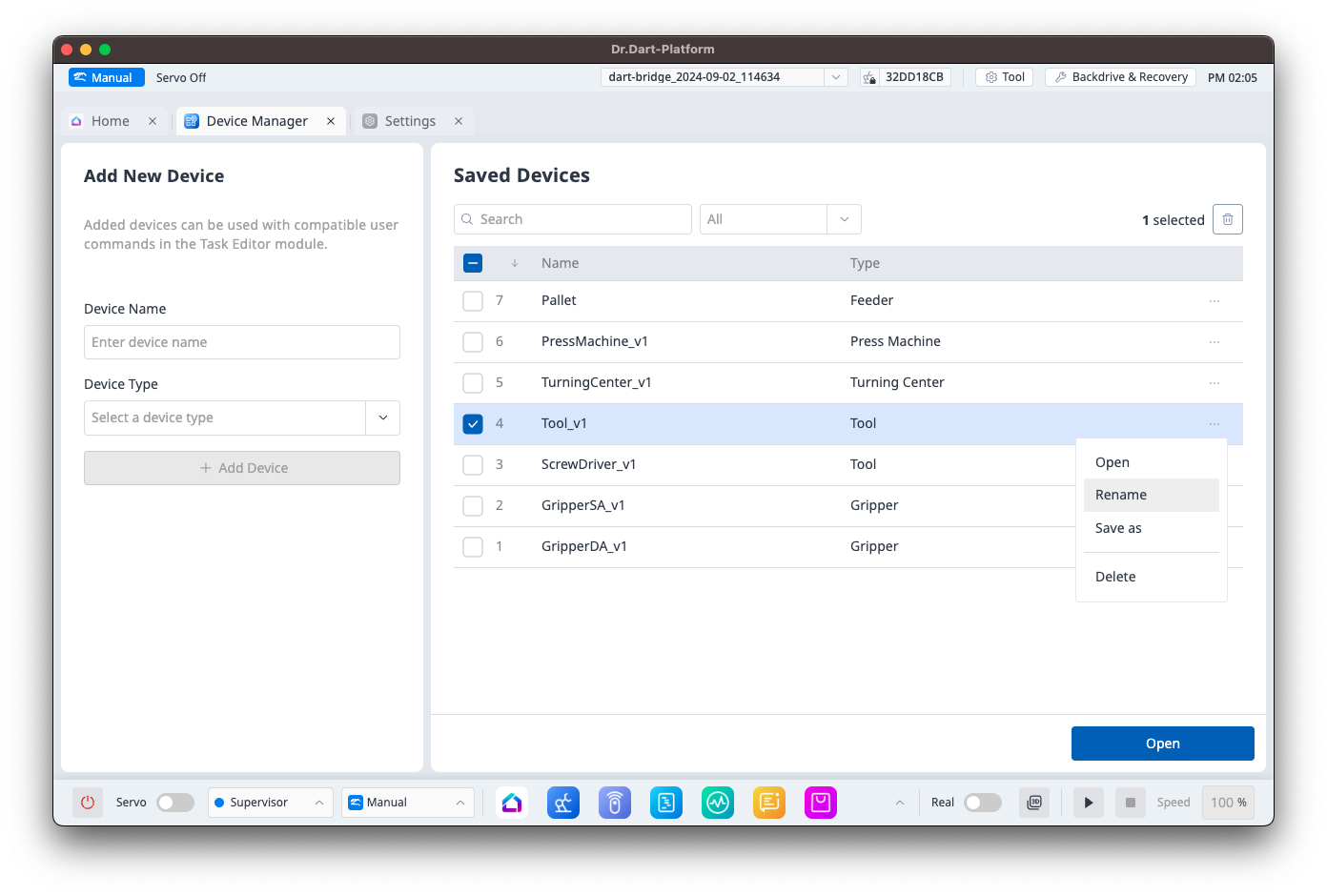
Renaming Device Data
You can rename Device data by clicking the
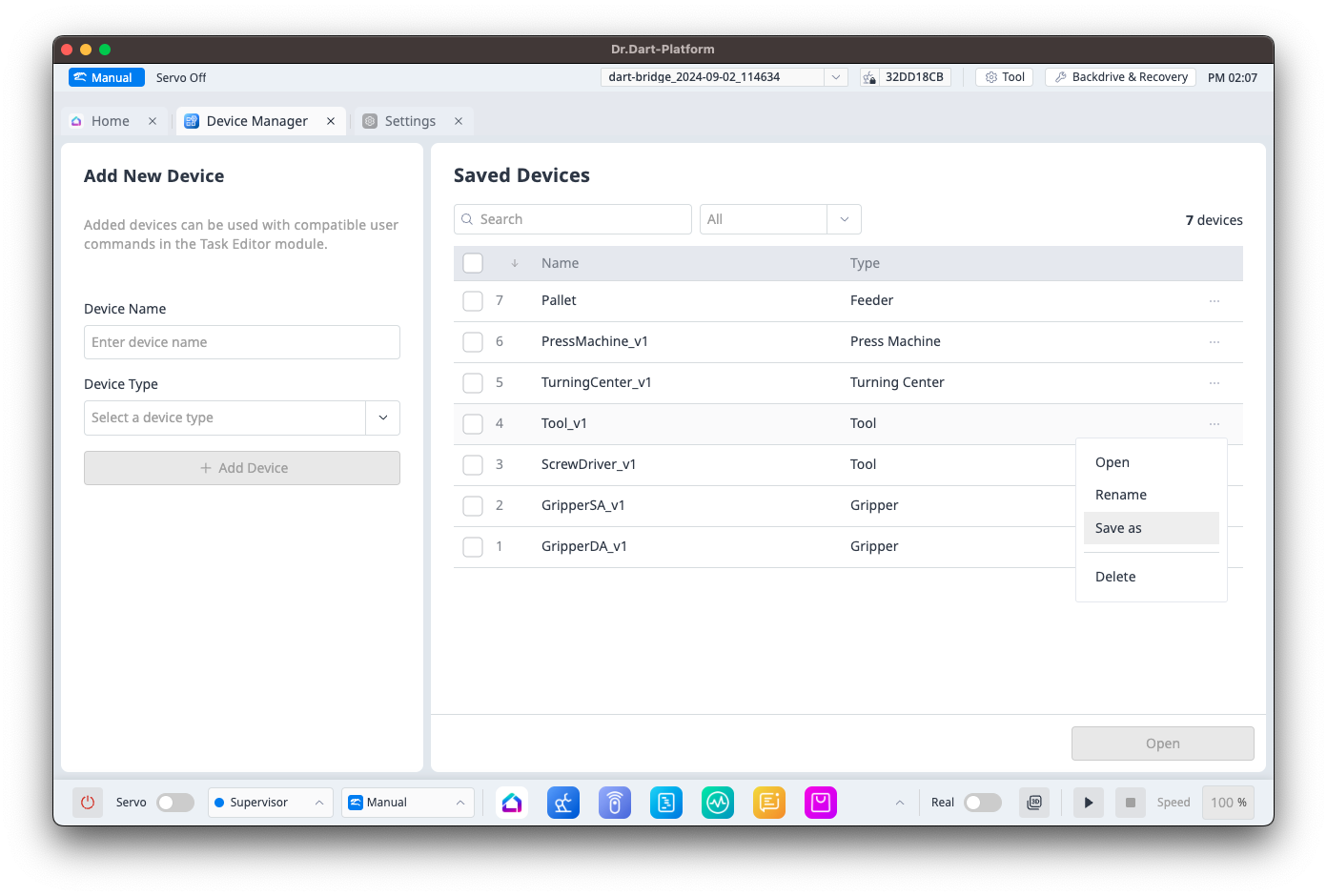
Saving Device Data Under a Different Name
You can save Device data under a different name by clicking the