
Device Menu
The menus available on the Device Edit screen are as follows:
-
New Device
-
Open
-
Save as
-
Reset
-
Delete
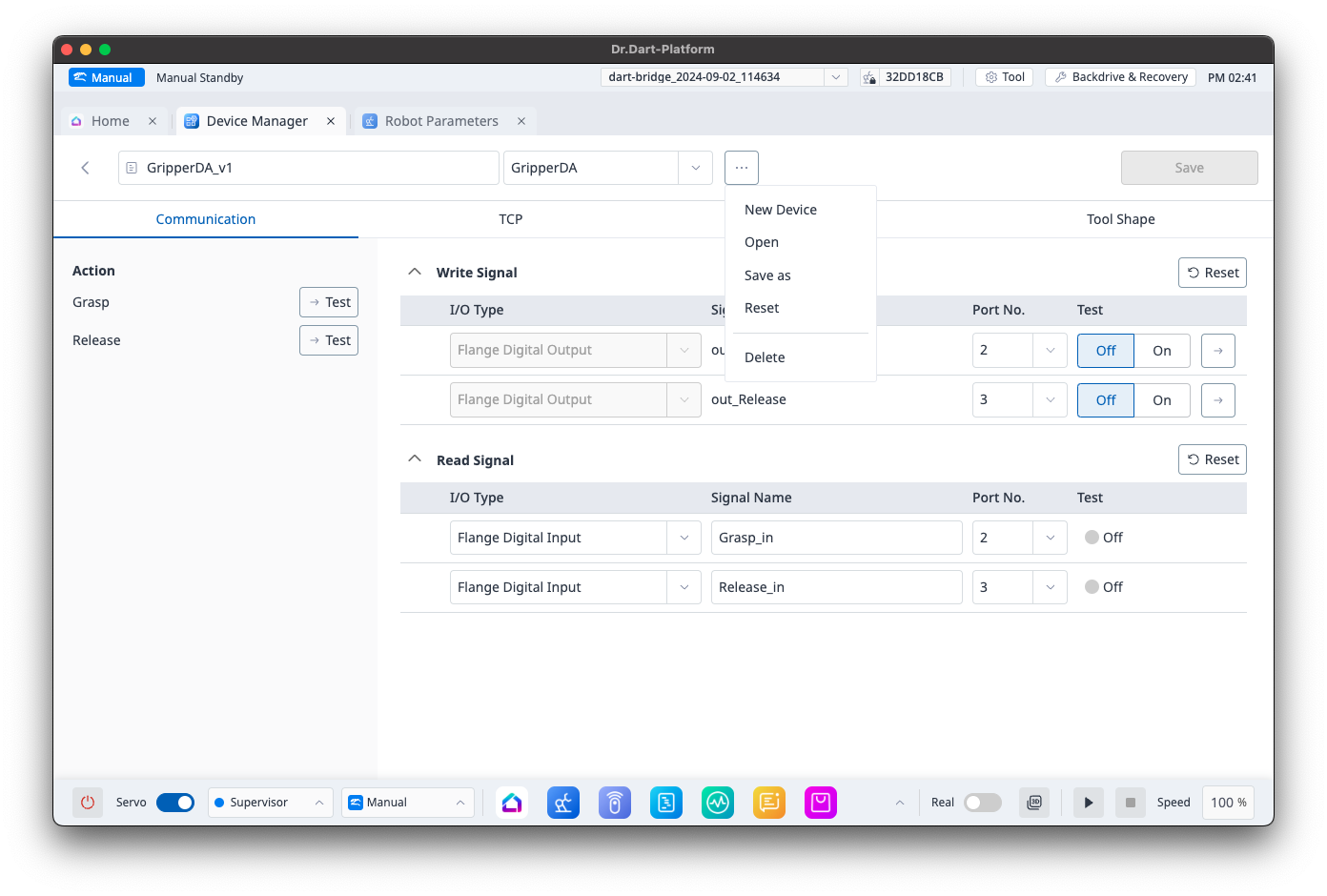
Device Menu - New Device
When selecting a new device on the Device Edit screen, a popup will appear to create a new device.
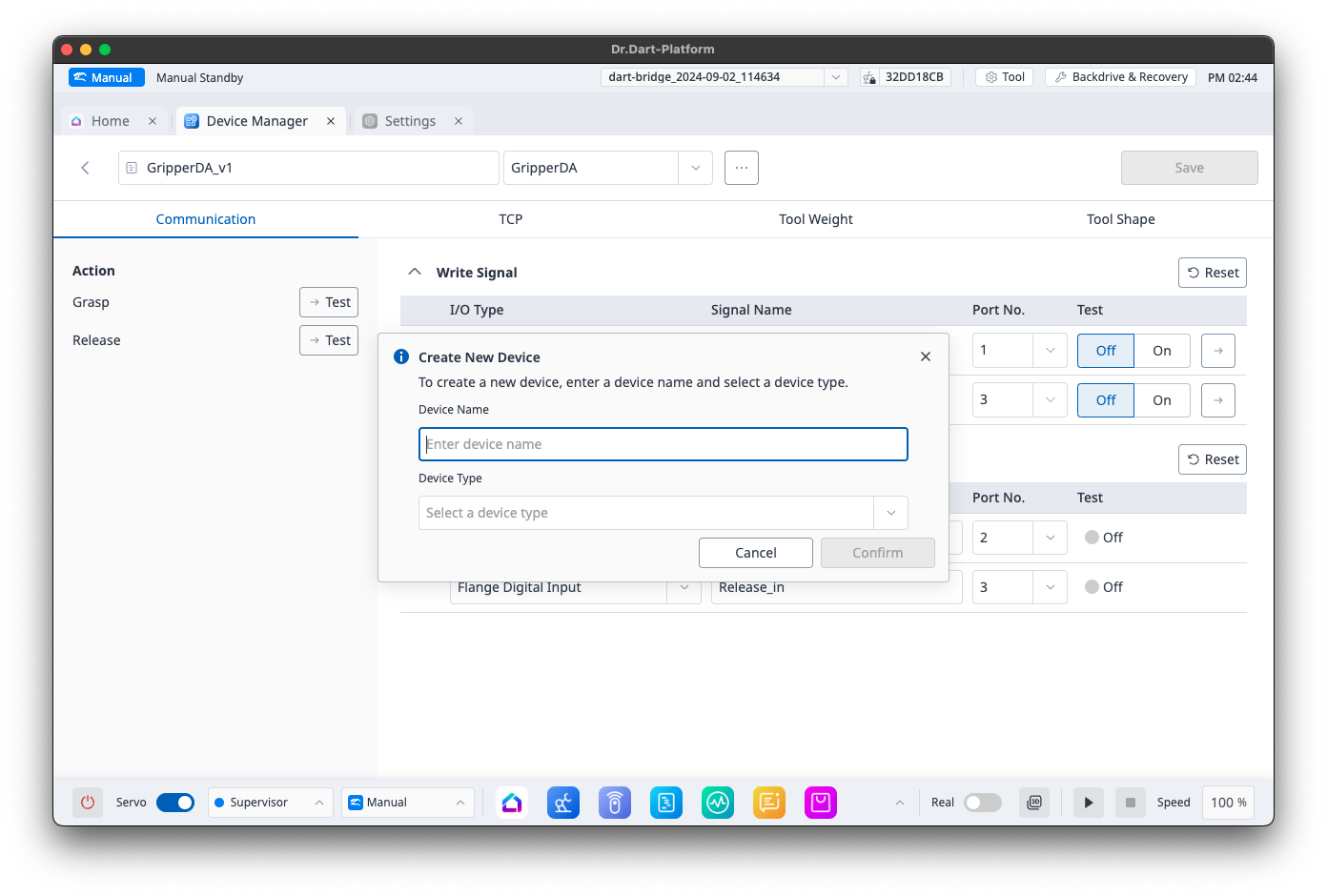
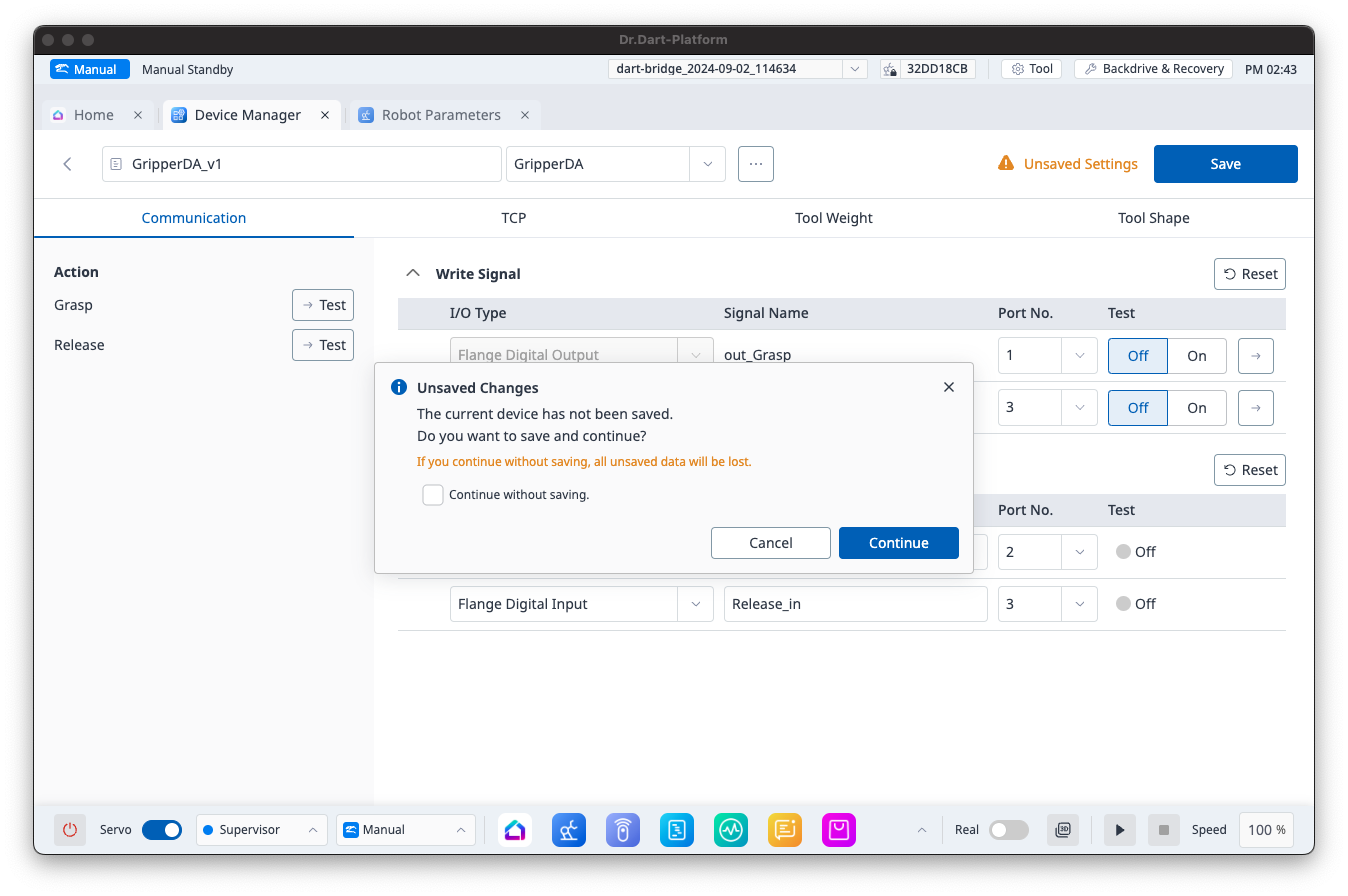
If there are unsaved changes, the following popup will appear:
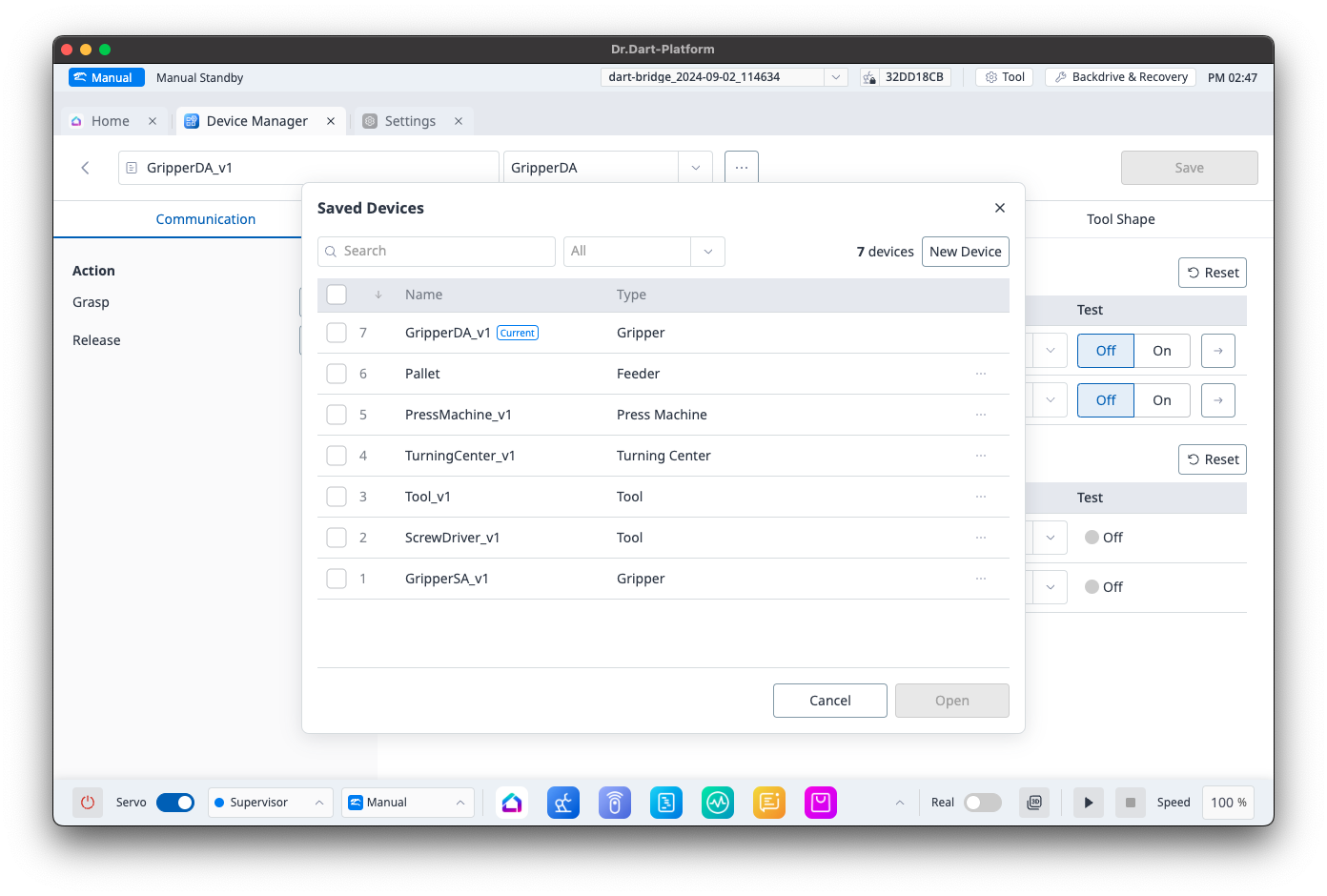
Device Menu - Open
When clicking the Open menu, the following popup will appear:
You can open the selected Device from the list.
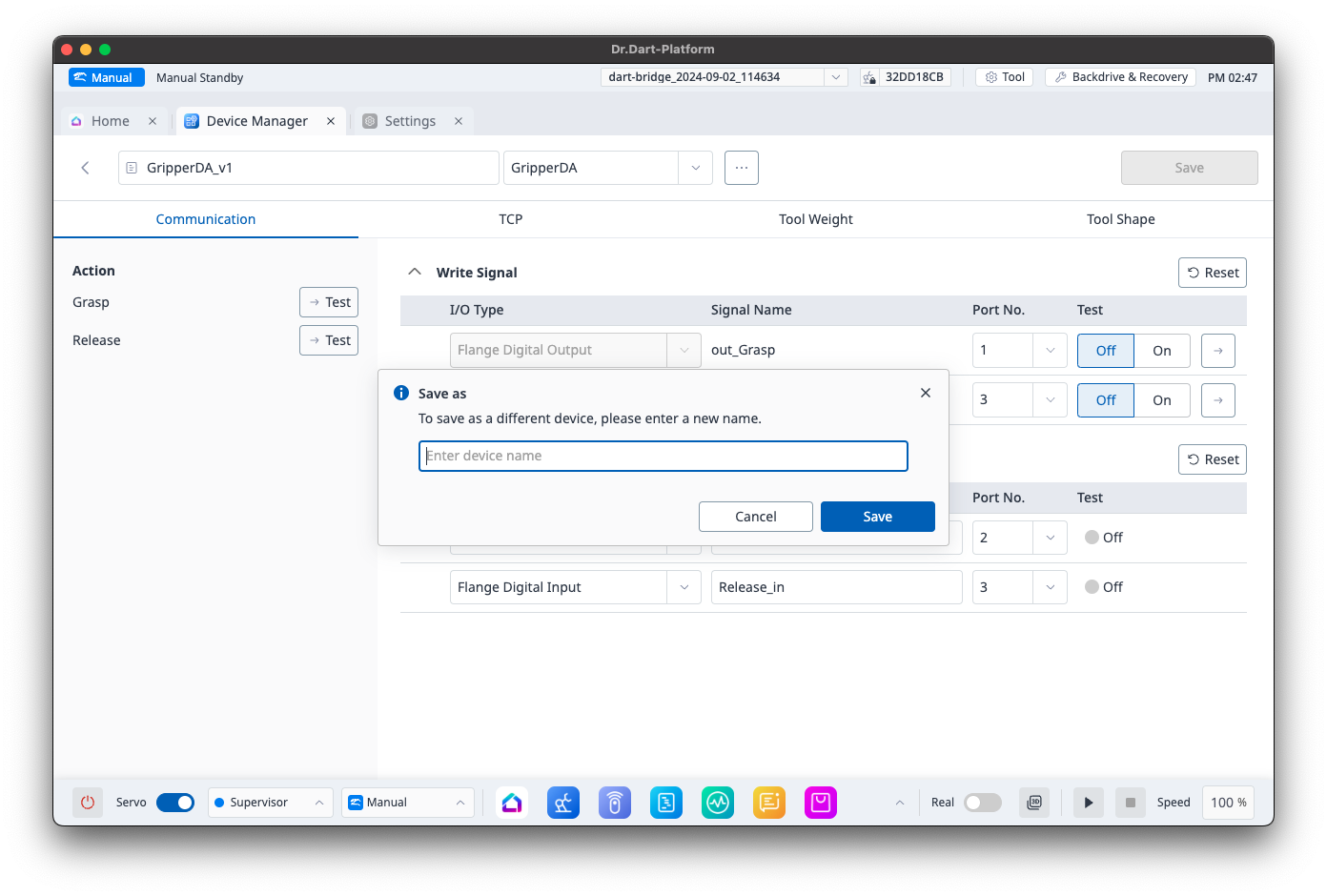
Device Menu - Save As
The Save As menu allows you to save the currently open Device data under a different name.
Device Menu - Reset
Selecting the Reset menu will revert the Device to the state it was in when it was last saved.
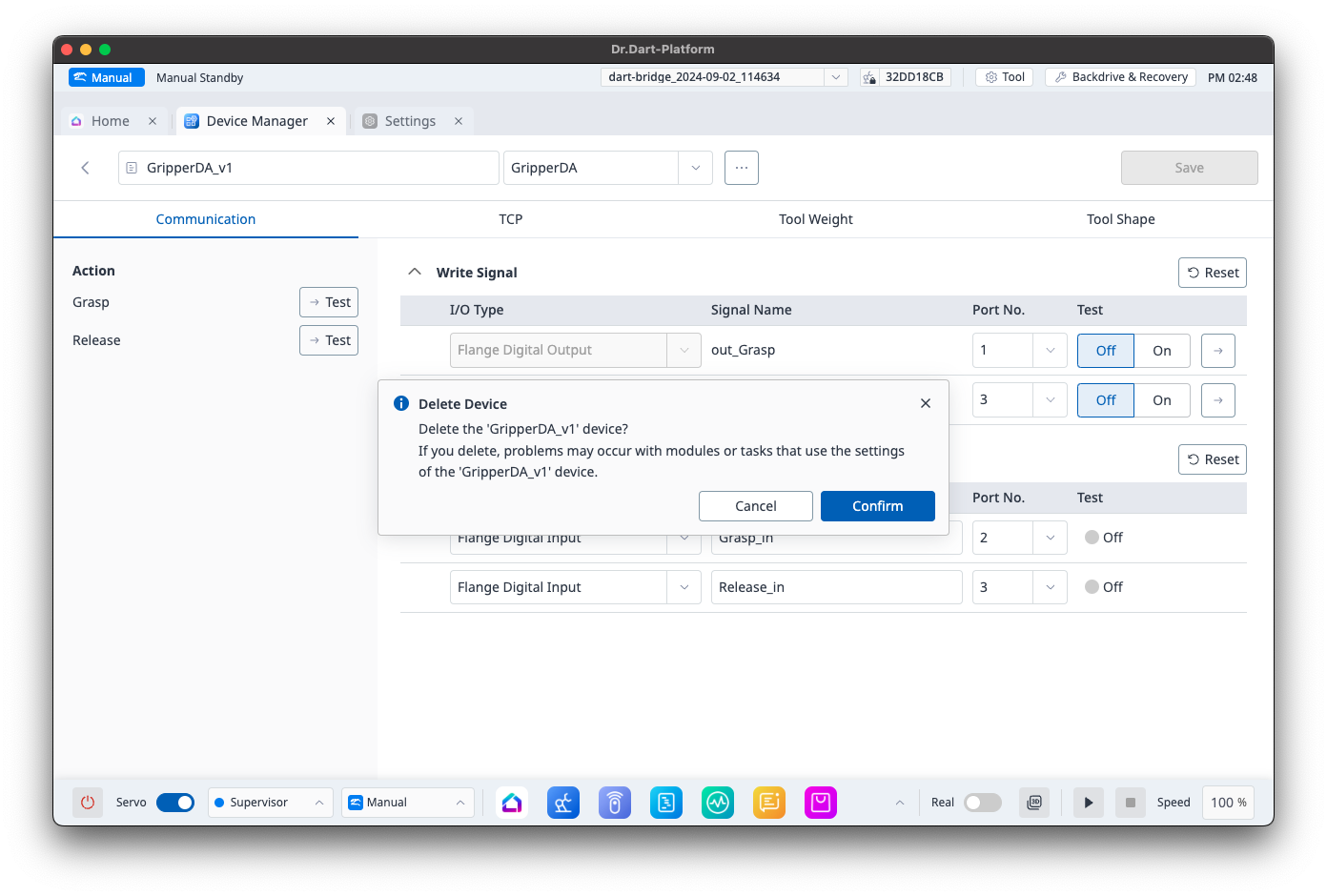
Device Menu - Delete
When clicking the Delete menu, the following popup will appear:
Device Tab Items
The tabs displayed vary depending on the Device Type:
-
Gripper, Tool: Tabs provided and enabled are Communication, TCP, Tool Weight, Tool Shape
-
Pallet: Tabs provided are Communication, TCP, Tool Weight, Tool Shape are not provided
-
Etc: Tabs provided are Communication, TCP, Tool Weight, Tool Shape; Tool-related tabs are disabled
Device Tab - Communication
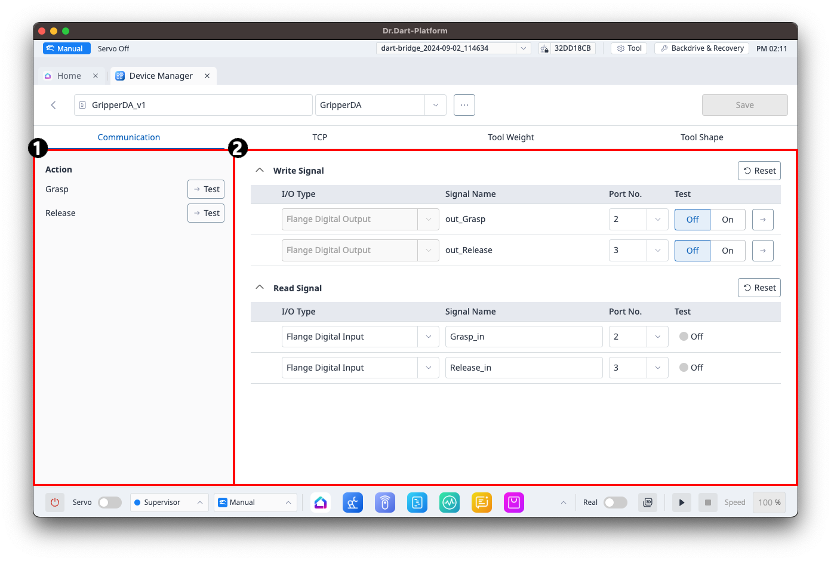
-
The left side of the screen provides a list of Actions provided by the Device module and a Test button.
The Test button is disabled if DRL or Task operations are running.
-
The right side of the screen provides the Module Screen for the Device module.
Refer to each Basic Devices module screen at Basic Devices Module.
Device Tab - TCP
You can configure TCP settings.
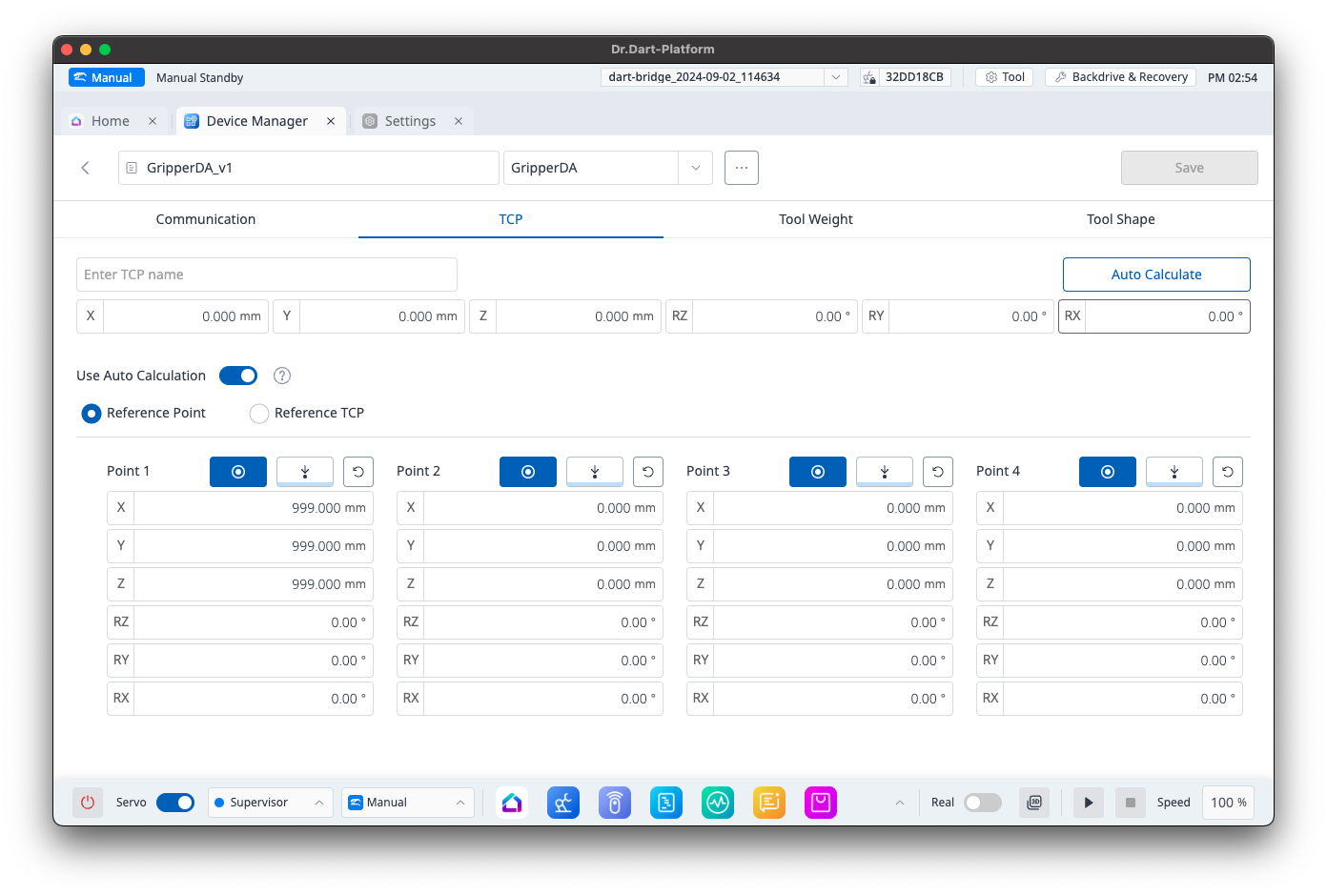
If the TCP name is empty when clicking the Save button, the data will not be added to Robot Parameters.
Device Tab - Tool Weight
You can configure Tool Weight settings.
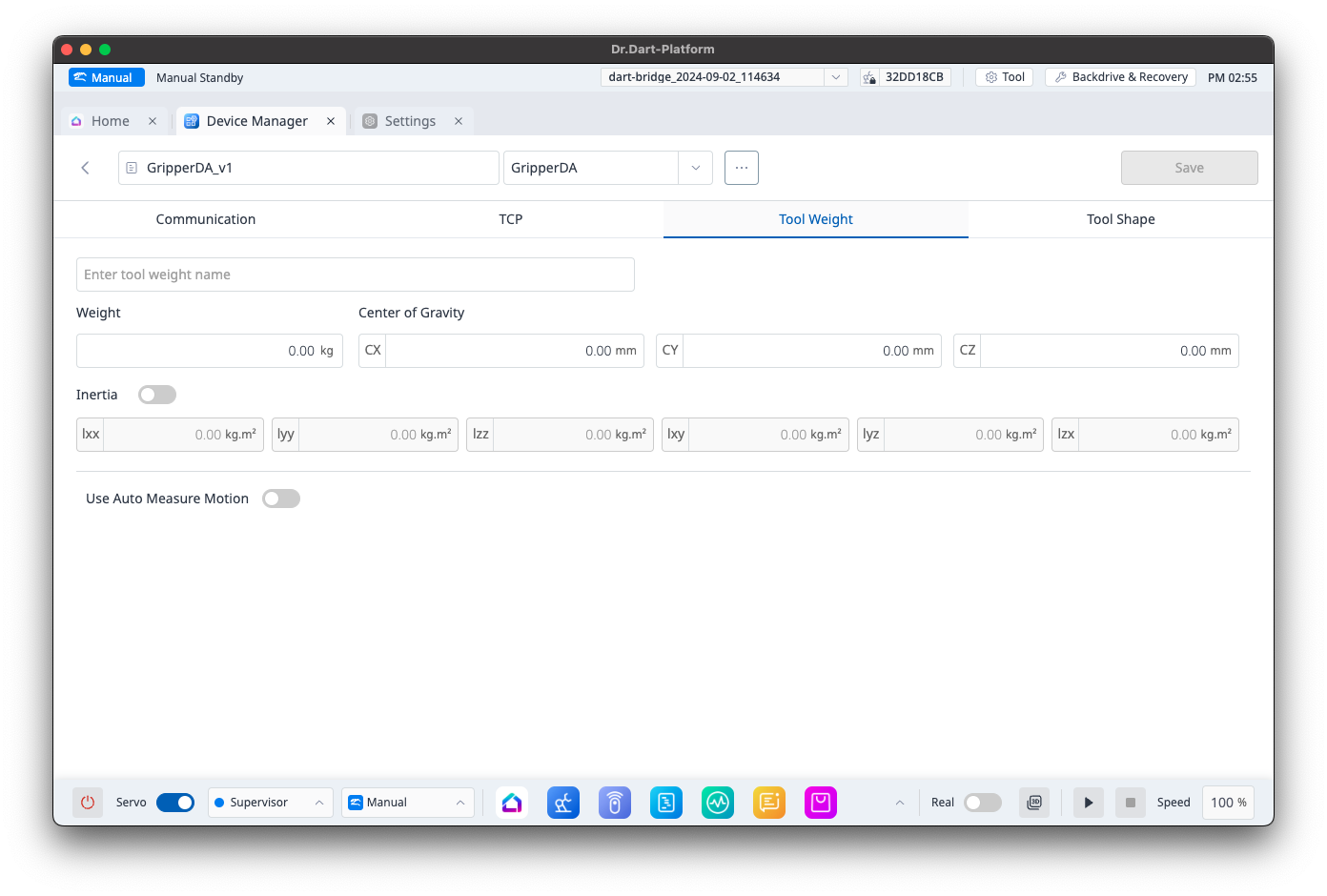
If the Tool Weight name is empty when clicking the Save button, the data will not be added to Robot Parameters.
Device tab - Tool Shape
You can configure Tool Shape settings.
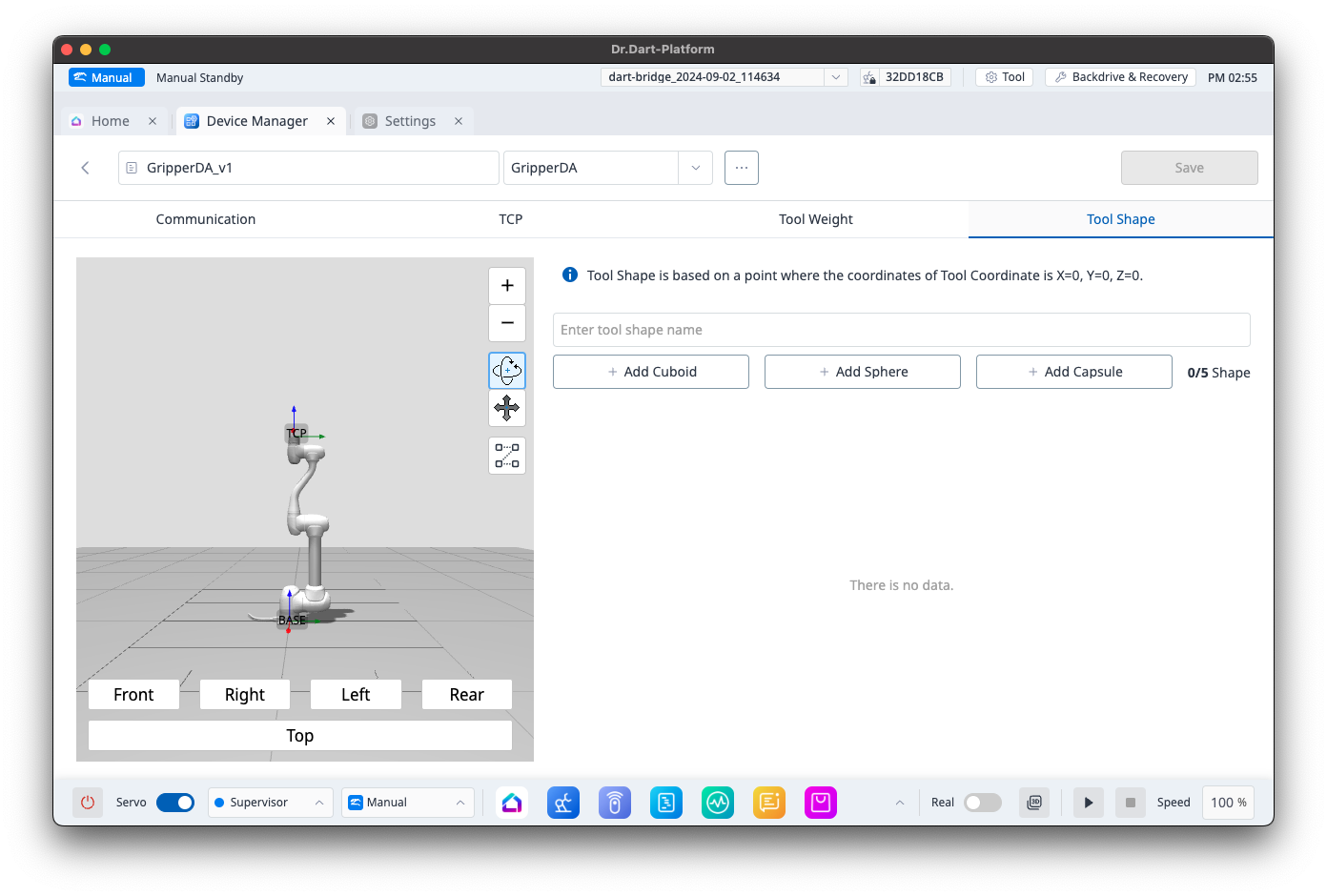
If the Tool Shape name is empty when clicking the Save button, the data will not be added to Robot Parameters.
Saving Device Data
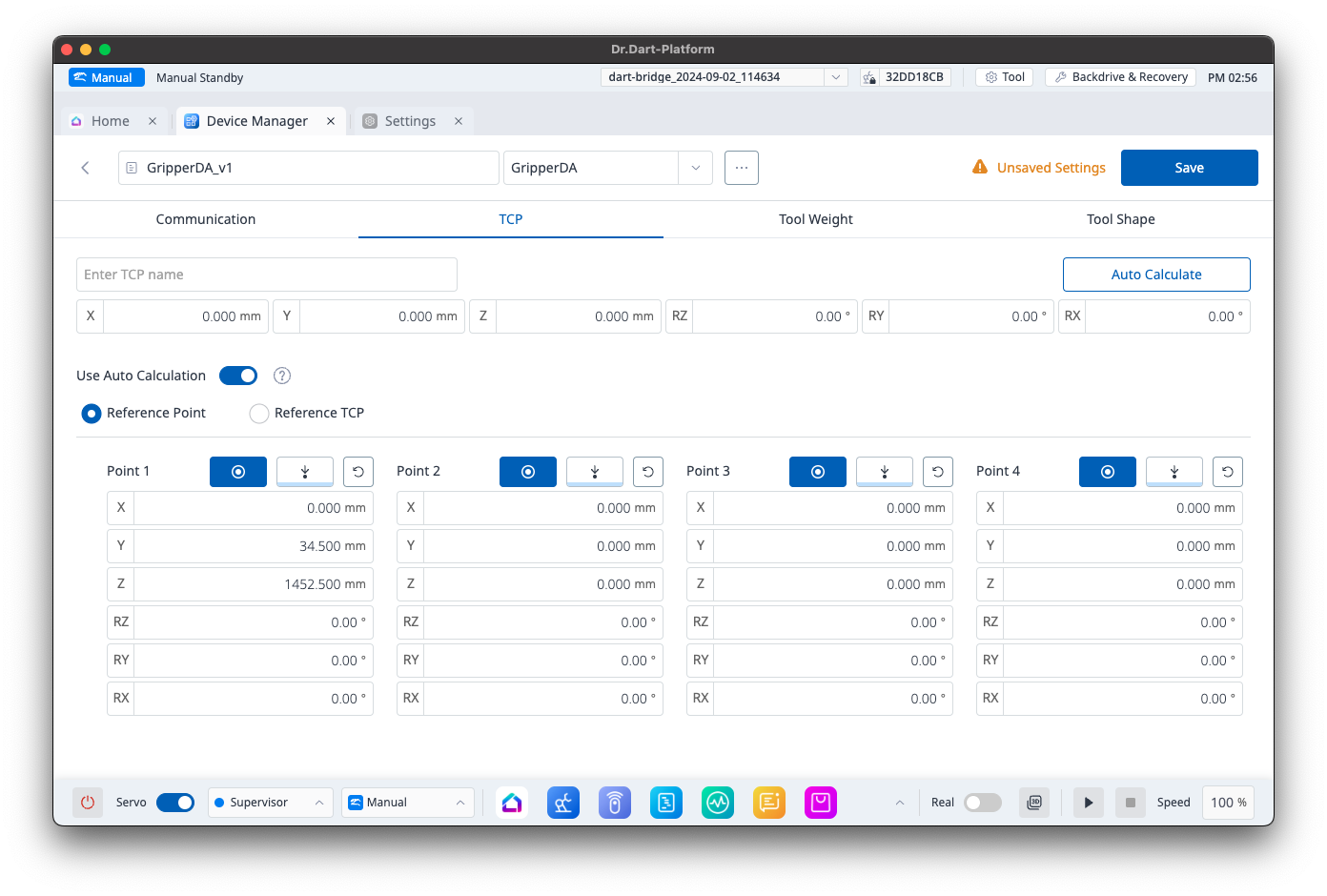
The Save button is activated only in the following cases:
-
When there are unsaved Device data and Tool data (TCP, ToolWeight, ToolShape)
-
When the configured Tool does not currently exist in Robot Parameters
Device Data - Tool Review Popup
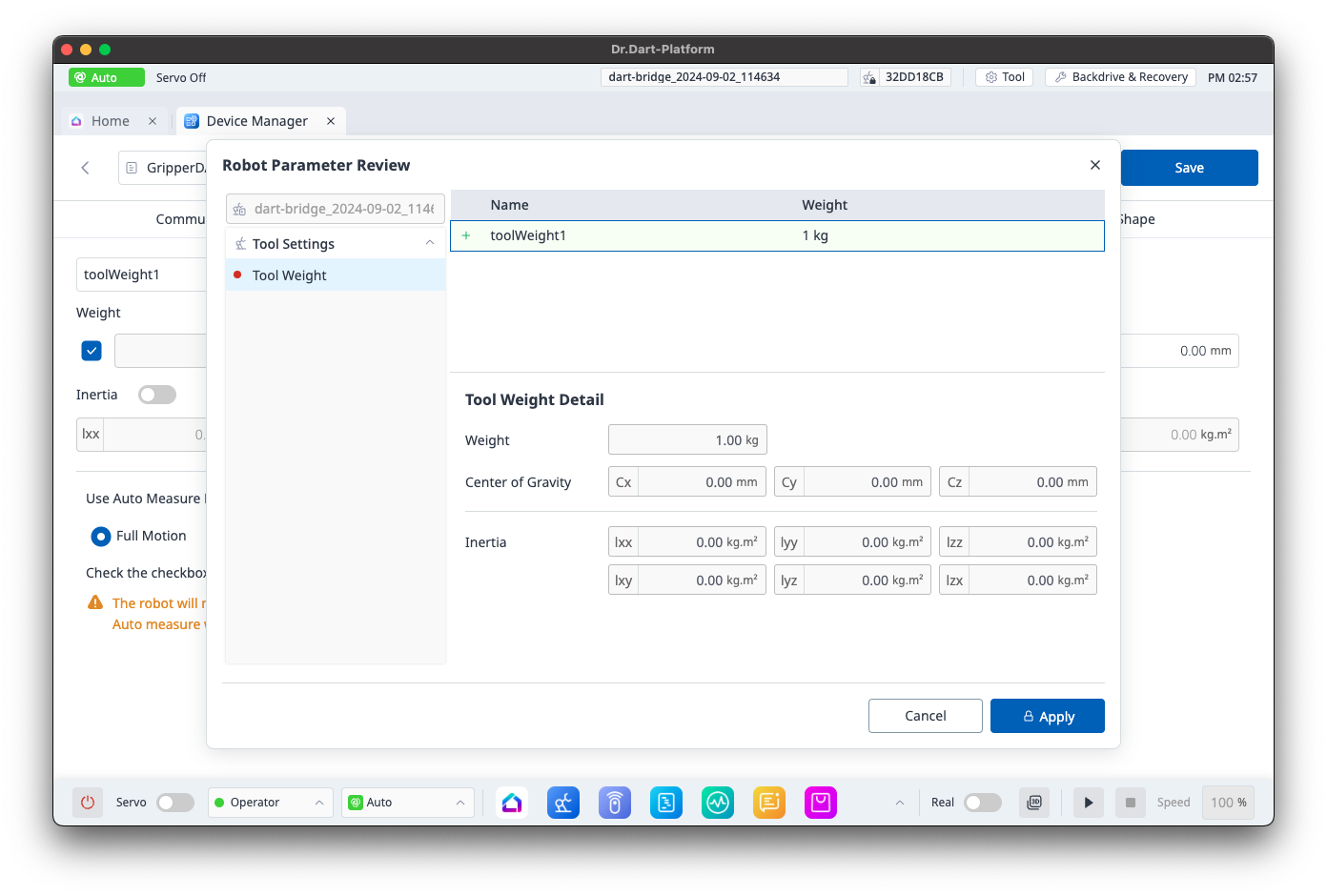
The Tool Review popup appears only in the following cases:
-
When the Device type allows Tool configuration (Gripper, Tool)
-
When Tool data is entered and the data is complete with all necessary information to be added to Robot Parameters