
3.7.0 3.6.0 3.5.0 3.4.0 3.3.0 3.2.2 3.2.1 3.2.0 1. M/H Series 2. A Series 3. E Series 4. P Series Korean English Chinese Czech Dutch French German Hungarian Italian Japanese Polish Portuguese Spanish

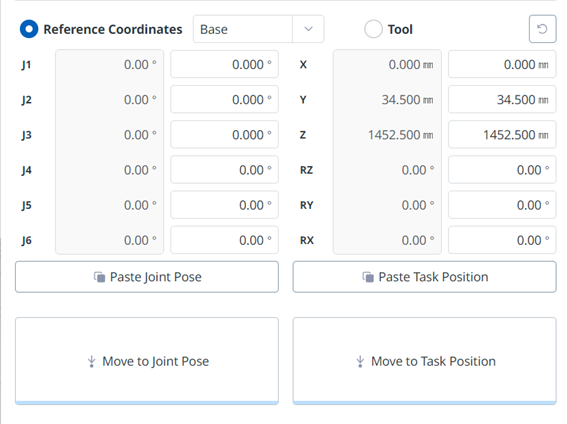
Setting Base Reference Coordinates to Move

image2024-3-7_17-25-56.png

To move the robot based on its base coordinates:

  1. Select the Move tab and then select the Reference Coordinate item.

  2. Select the display coordinate as the base.

  3. Tap and hold the button to move to the corresponding task position to move to the set coordinates.