Setting up the menu layout
|
|
Item |
Description |
|---|---|---|
|
1 |
Indication of robot's modes |
This can be changed to Auto/Manual. |
|
2 |
Indication of robot's detailed status |
See the link |
|
3 |
Robot Parameter file information |
This is where the selected file name of the Robot Parameters module is seen. If there is any information that does not match between the current robot setting and the information stored on the platform, a red dot mark will appear. |
|
4 |
Safety Checksum |
This is where the current Robot Parameter Checksum information of the Controller is seen. |
|
5 |
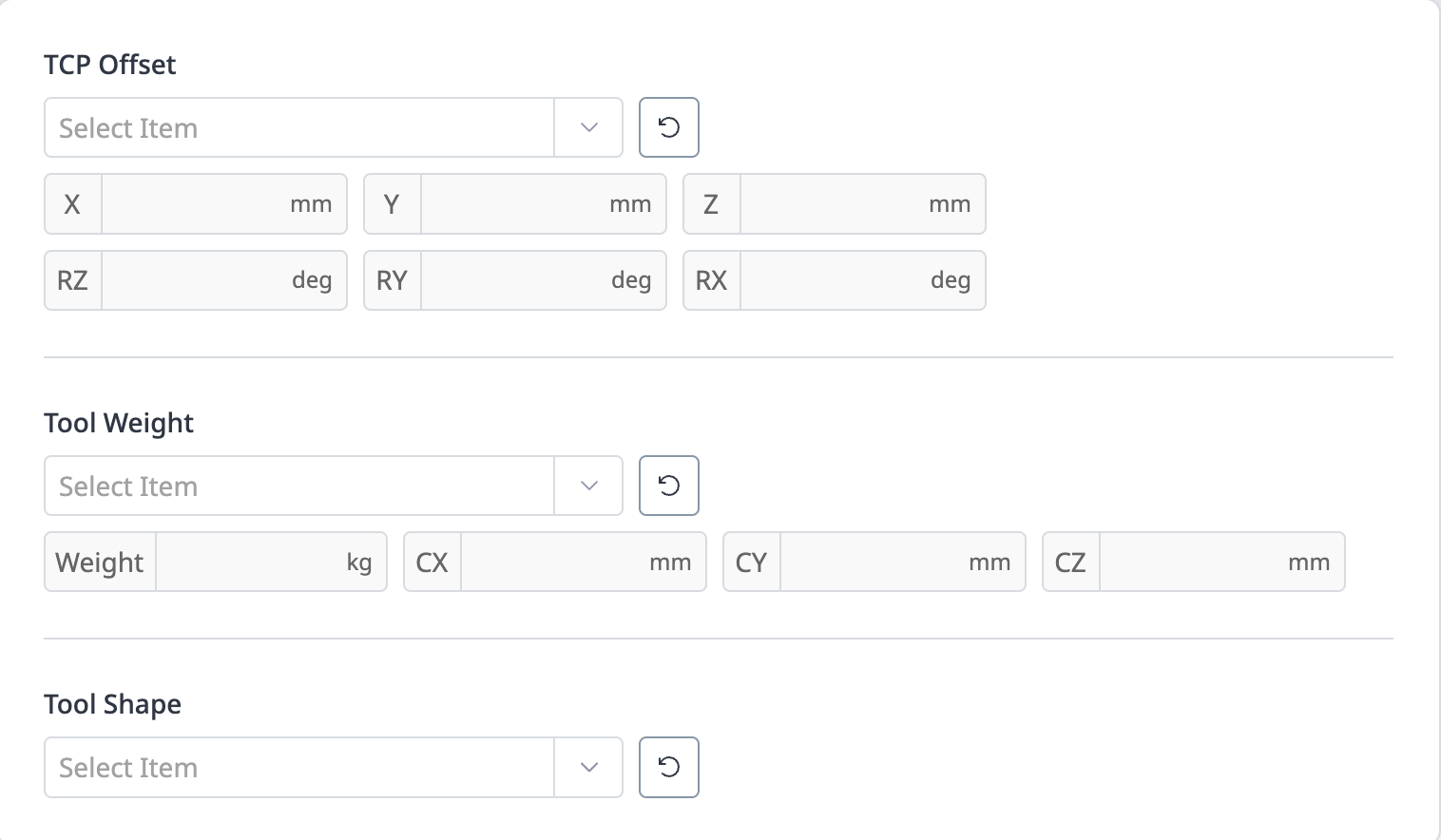
Tool Setting |
This is where the current TCP, Tool Weight, and Tool Shape can be set. |
|
6 |
Backdrive & Recovery |
This is the area where you can use the Backdrive & Recovery function. |
|
7 |
Current Time Information |
The current time can be seen. |