Functional Limits of each Robot Series
The different robot series (A, As, E, M/H, P Series) limit the use of functions as follows:
|
|
|
|
|
|
|
|---|---|---|---|---|---|
|
Direct Teaching
|
O |
O (Current-based) |
O |
O |
O |
|
Direct Teaching
|
X |
O (FTS based) |
O |
O |
O |
|
Collision Detection |
O |
O (Current-based) |
O |
O |
O |
|
Installation Pose Measurement |
X |
O (FTS based) |
O |
X(the robot can only be installed on the floor) |
X(the robot can only be installed on the floor) |
|
Tool Weight Measurement |
X |
O (FTS based) |
O |
O |
O |
|
Workpiece Weight Measurement |
X |
O (FTS based) |
O |
O |
O |
|
Nudge Function |
X |
X |
O |
O |
O |
|
Force Control |
O (setting available only in three translation directions, excluding rotation) |
O (FTS based) |
O |
O |
O |
|
Compliance Control |
O (setting available only in three translation directions, excluding rotation) |
O (FTS based) |
O |
O |
O |
Functional Limits of force monitoring for each Robot Series
|
|
|
|
|
|
|
|---|---|---|---|---|---|
|
Force control |
O (setting available only in three translation directions, excluding rotation) |
O (FTS-based) |
O |
O |
O |
|
|
|
||||
|
Compliance control |
O (setting available only in three translation directions, excluding rotation) |
O (FTS-based) |
O |
O |
O |
|
|
|
||||
|
Force monitoring (Teach Pendant) |
X |
O (FTS-based) |
O (Force value of “0” shown for the singularity section) |
O (Force value of “0” shown for the singularity section) |
O (Force value of “0” shown for the singularity section) |
|
|
|
||||
|
Force monitoring (DART-Studio) |
O (Force value of “0” shown for the singularity section) |
O (FTS-based) |
O (Force value of “0” shown for the singularity section) |
O (Force value of “0” shown for the singularity section) |
O (Force value of “0” shown for the singularity section) |
|
|
|
||||
|
Force monitoring (When using DRL commands:
|
O (Force value of “0” shown for the singularity section) |
O (FTS-based) |
O (Force value of “0” shown for the singularity section) |
O (Force value of “0” shown for the singularity section) |
O (Force value of “0” shown for the singularity section) |
|
|
|
Overview of Singularity
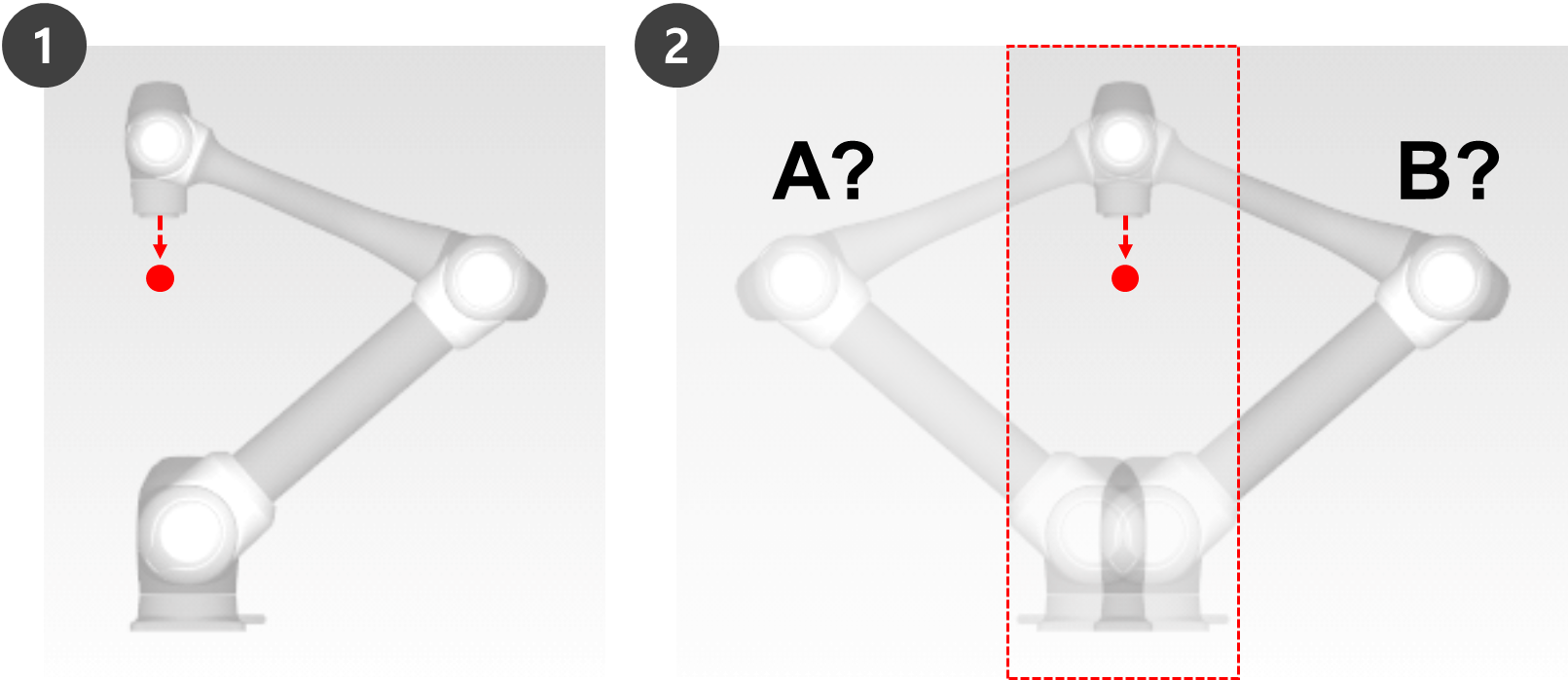
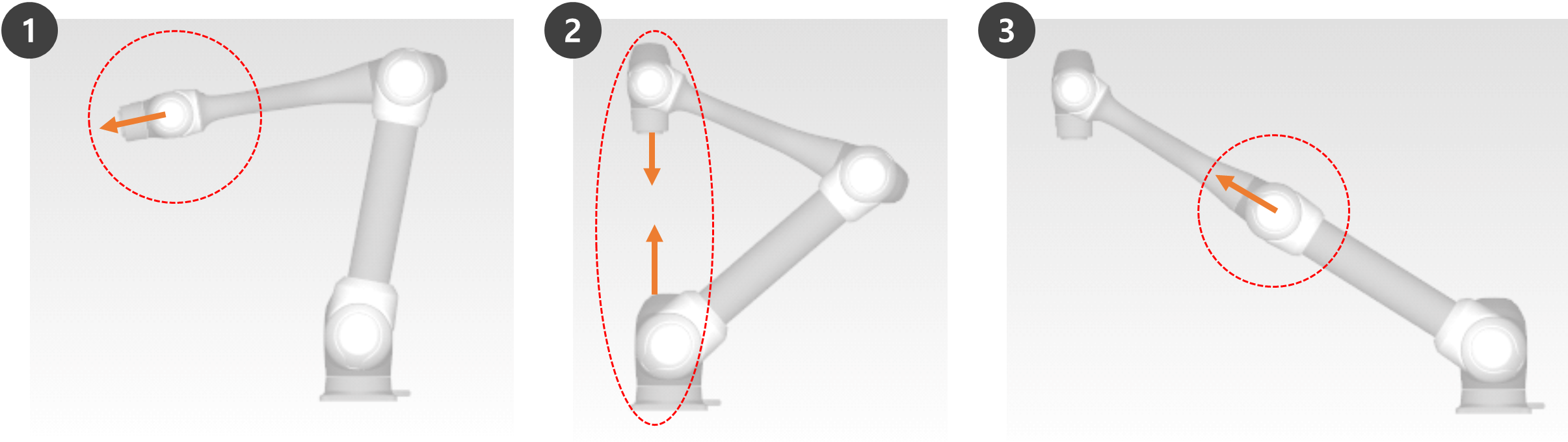
-
-
-
-
When compared to a human arm, Axes 1 and 2 correspond to the shoulder joint.
-
-
-
When compared to a human arm, Axis 3 corresponds to the elbow.
-
-
Manual and automatic operations moving with joint rotation are not influenced by singularity.
-
Joint movement, MoveJ commands, etc.
-
-
Singularity only occurs during manual and automatic operation where the robot ends performing linear movement.
-
Task movement, MoveL command, etc.
-
-
In the singularity zone, force control or compliance control is unavailable.
-
As the rotation speed of certain axes increase rapidly when a linear motion passes a singularity, it is possible for a Joint Speed Limit Violation or Joint Angle Limit Violation to occur.
How to avoid Singularity
Here are the singularity avoidance options provided by Doosan Robot:
Overview of Euler Angle
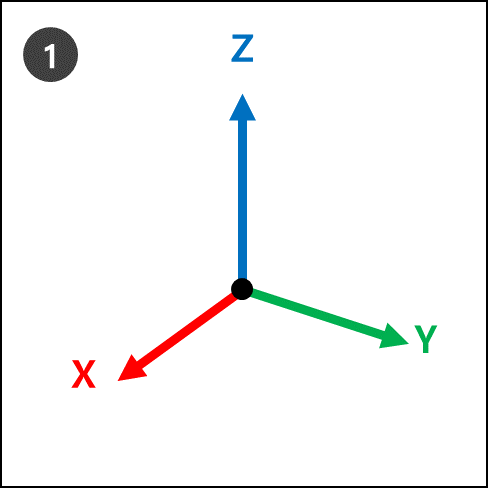
This can be visualized with steps 1 to 4.
|
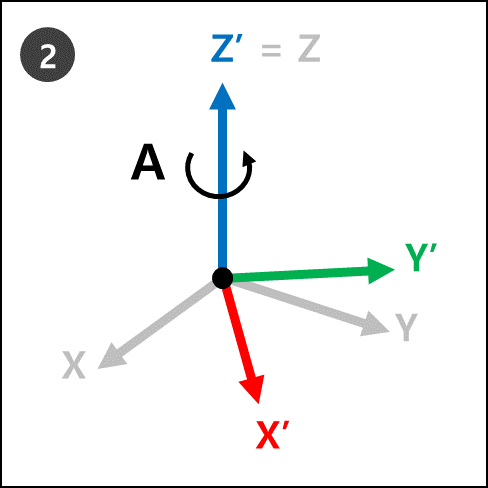
|
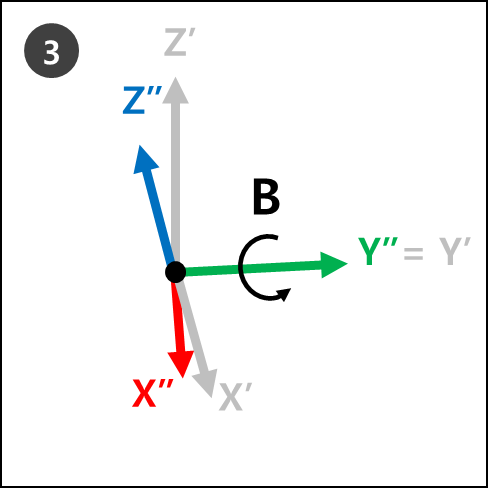
|
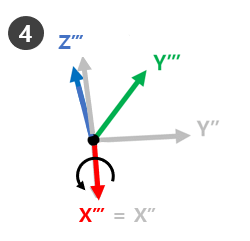
|
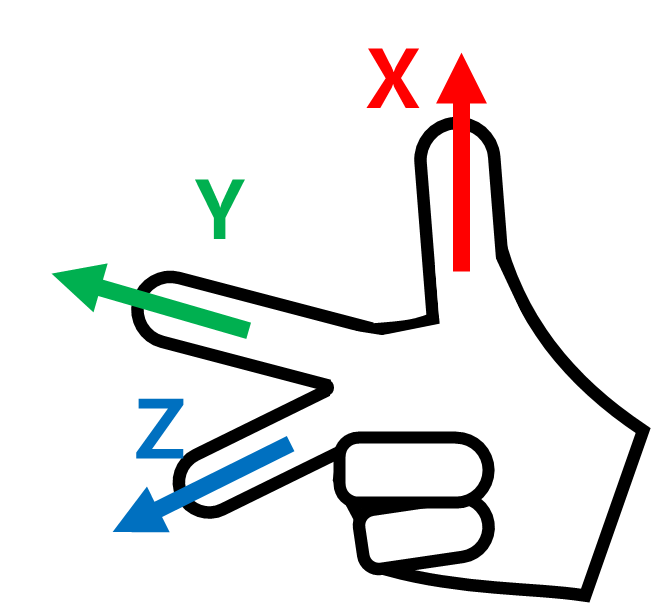
Then make the Right-Hand Rule Cartesian pose and make rotations Rz, Ry and Rx in sequential order.