
3.7.0 3.6.0 3.5.0 3.4.0 3.3.0 3.2.2 3.2.1 3.2.0 1. M/H Series 2. A Series 3. E Series 4. P Series Korean English Chinese Czech Dutch French German Hungarian Italian Japanese Polish Portuguese Spanish

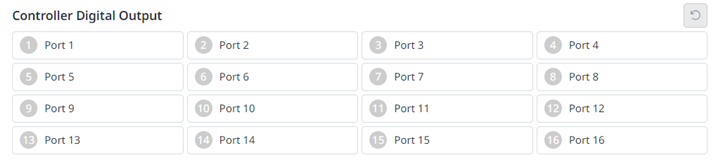
Controller Digital Output

image2024-3-7_11-19-42.png

  1. Check the port number of the device connected to the controller or flange.

  2. Press the On/Off icon corresponding to the port number to activate or deactivate digital output.

    • When the On icon is pressed, the icon changes to light green and the corresponding port is enabled.

    • When the Off icon is pressed, the icon changes to light green and the corresponding port is disabled.