
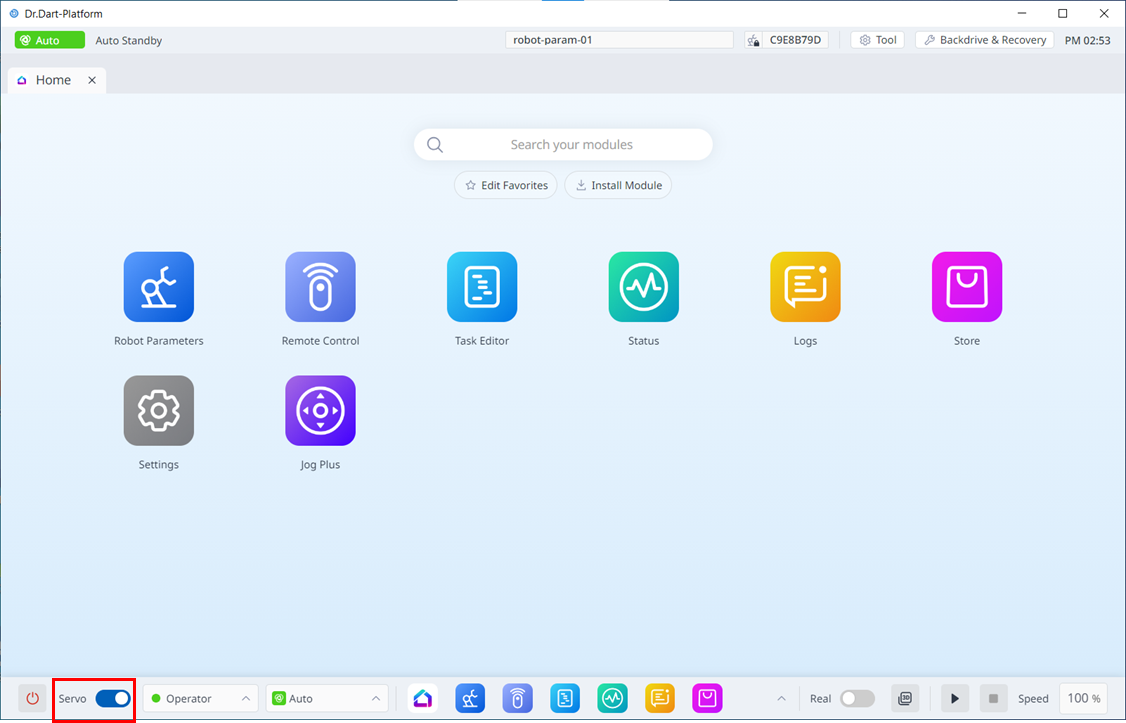
Servo On refers to the standby status where the robot arm can be operated by supplying power to joints. Pressing the emergency stop button or violating critical safety limits sets the Servo Off status. During servo off status, the power to joints is cut off, which results in the robot arm being unable to be operated, and Task Editor and Jog Plus, which are related to robot arm operation, are disabled in the main menu.
To switch from servo off to servo on, tap the Servo button on the left-hand side of the main menu at the bottom.