
Turn system power on
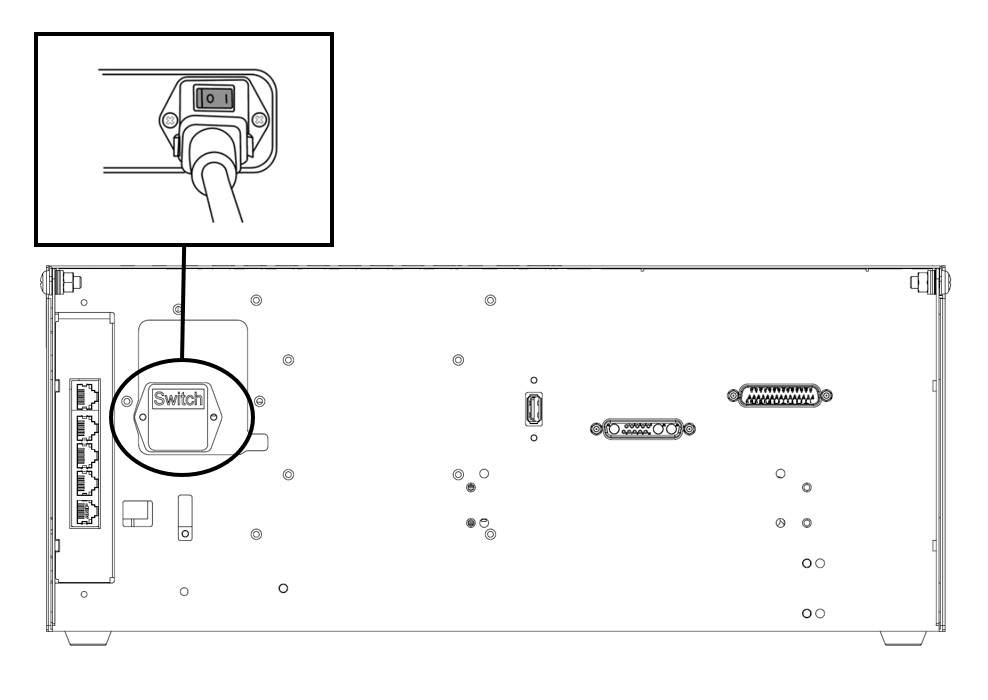
A power switch is installed on the bottom of the controller to cut off system power. Press the power button on the bottom of the controller.
-
The power for systems such as the robot, controller, teach pendant is turned on.
Scroll conditional content
1m/hseries
Scroll conditional content
2aseries
Scroll conditional content
3eseries
Scroll conditional content
hidecontents
Scroll conditional content
tet
Turn system power off
Scroll conditional content
Before cleaning or servicing the robot or controller, or before disassembling the system, cut off system power using the power switch.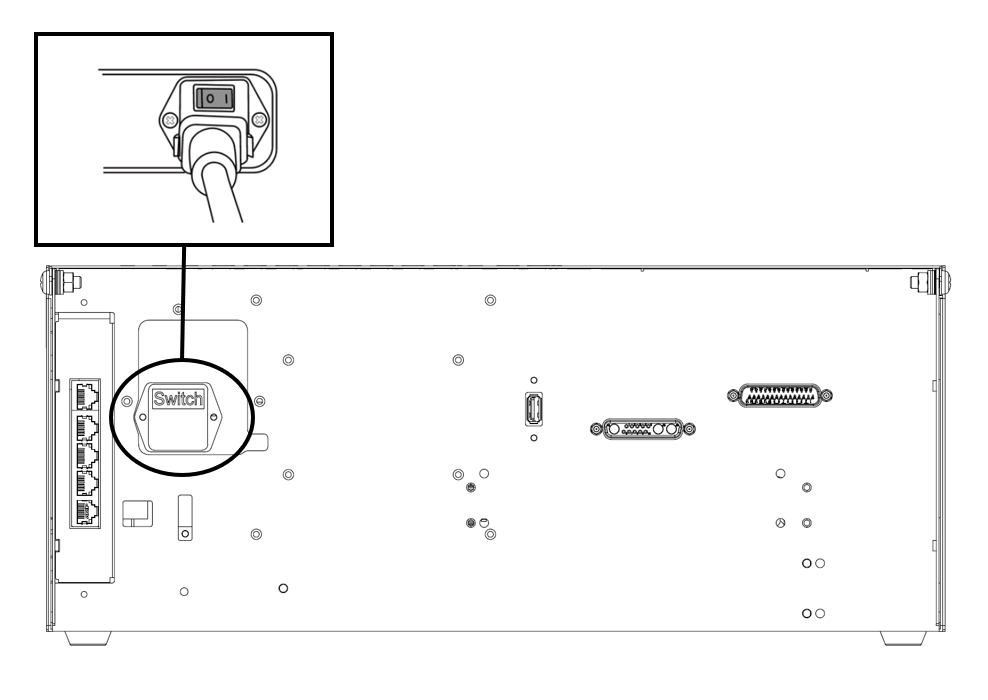
1m/hseries
Scroll conditional content
Before cleaning or servicing the robot or controller, or before disassembling the system, cut off system power using the power switch.
2aseries
Scroll conditional content
Before cleaning or servicing the robot or controller, or before disassembling the system, cut off system power using the power switch.
3eseries
Scroll conditional content
Before cleaning or servicing the robot or controller, or before disassembling the system, cut off system power using the power switch.
hidecontents
Scroll conditional content
Before cleaning or servicing the robot or controller, or before disassembling the system, cut off system power using the power switch.
tet