
-
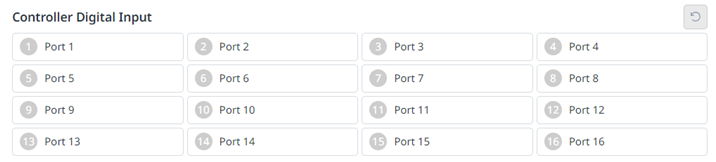
Check the port number of the device connected to the controller.
-
The following is displayed depending on the digital input status of the corresponding number.
-
If the digital signal is a high signal, the icon is displayed in light green.
-
If the digital signal is a low signal, the icon is displayed in gray.
-
-
The same is true when the digital input is set as a safety input, the icon is displayed in blue when the digital signal is high, and gray when it is low.