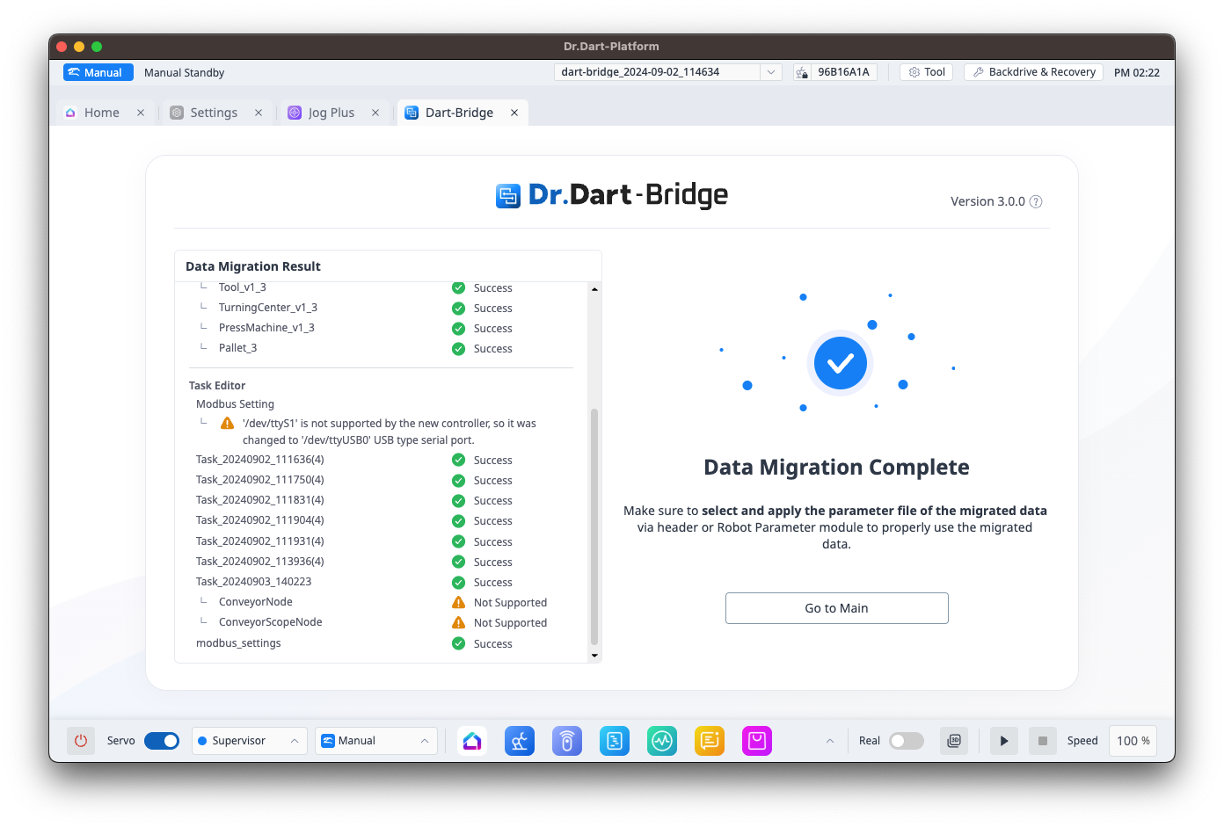
To perform data migration, you will need Dart-Platform v3 with SDK v3 or higher and the file (.dbr) saved from Data Conversion.
-
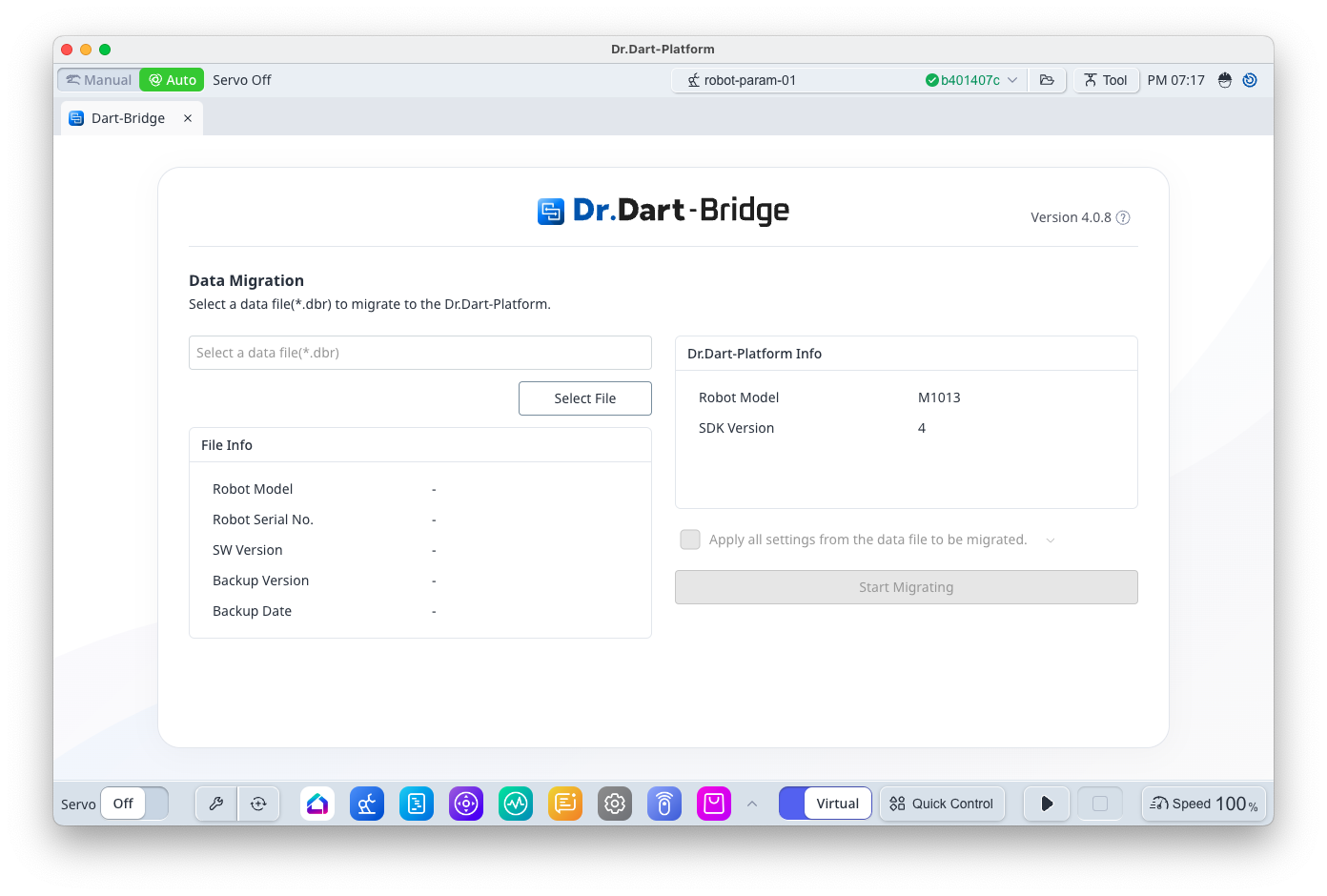
Install the Dart-Bridge module in Dart-Platform v3.
-
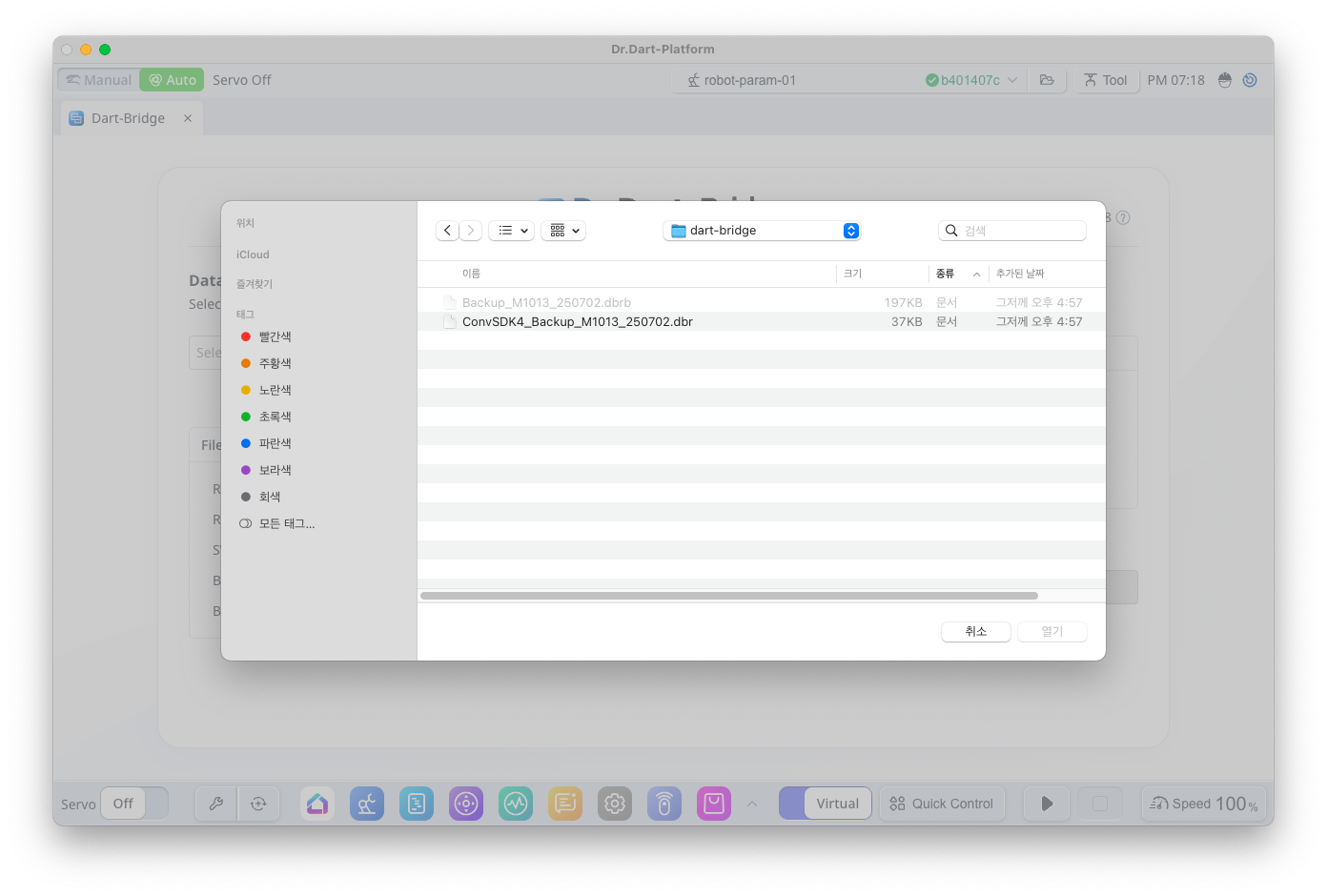
Click the [Select File] button to select the file (*.dbr) to migrate the data.
-
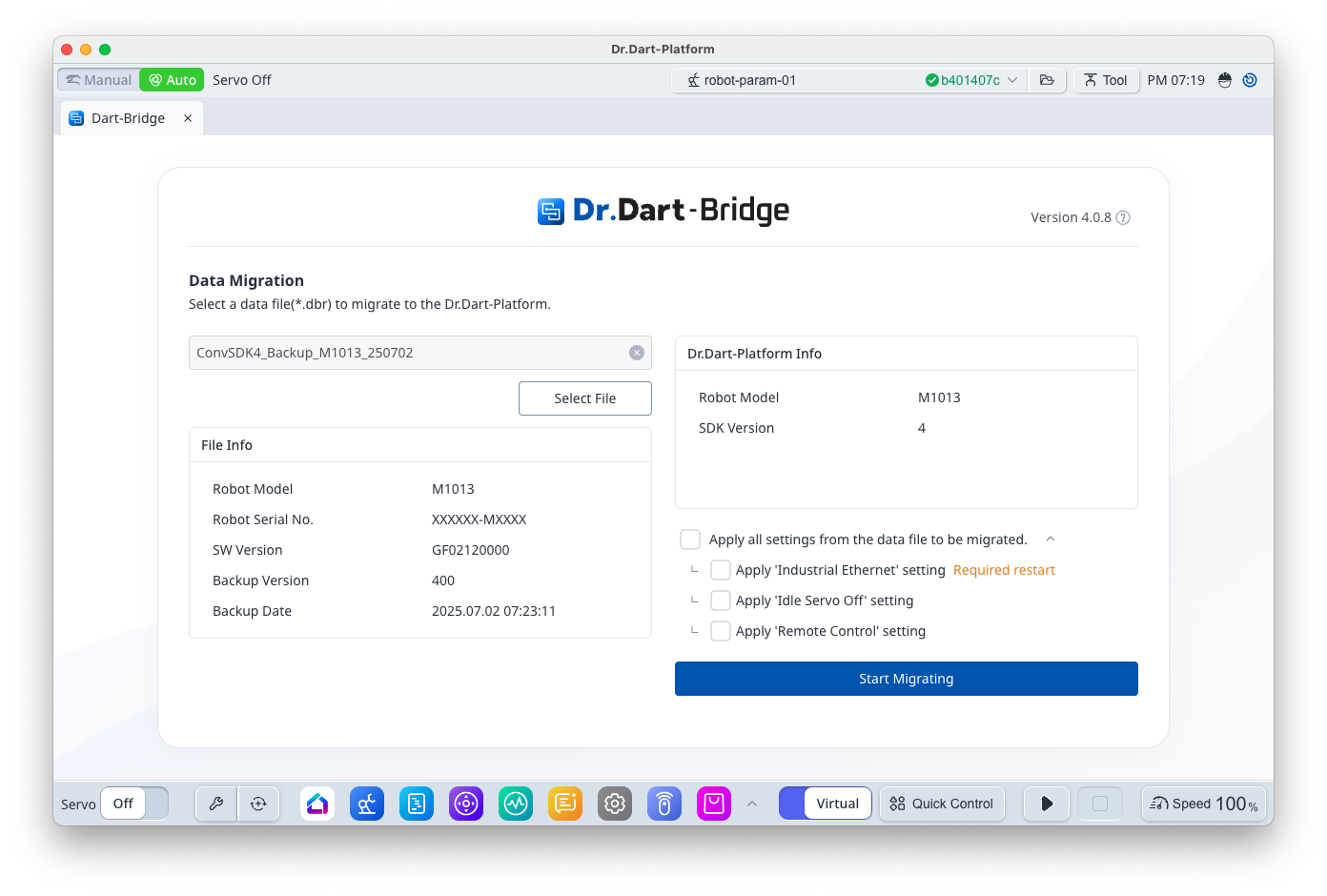
After checking the imported data information, click the [Start Migrating]button to start the data migration.
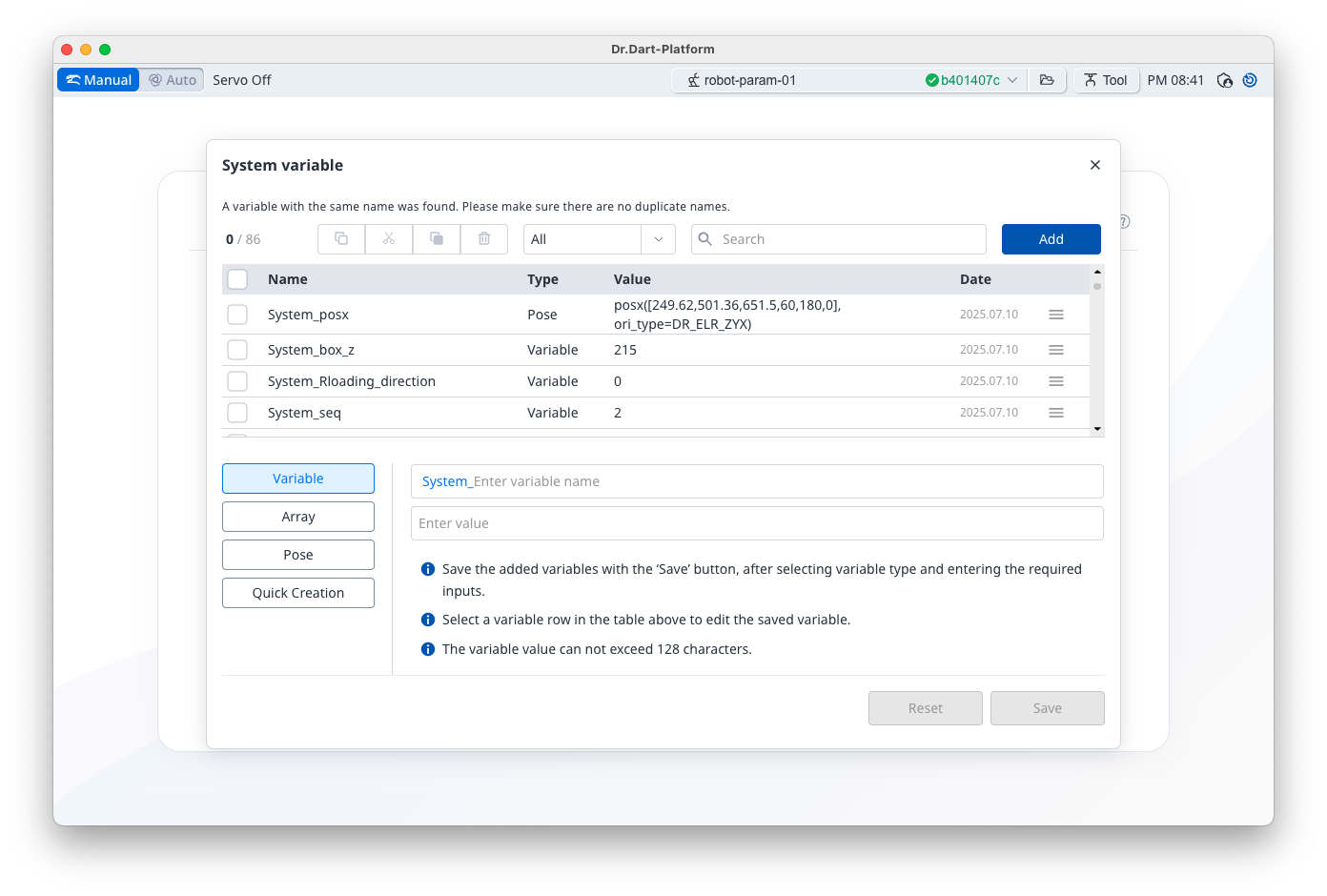
If there are any system variables with duplicate names, a system variable merge popup will appear in the Task Editor.
-
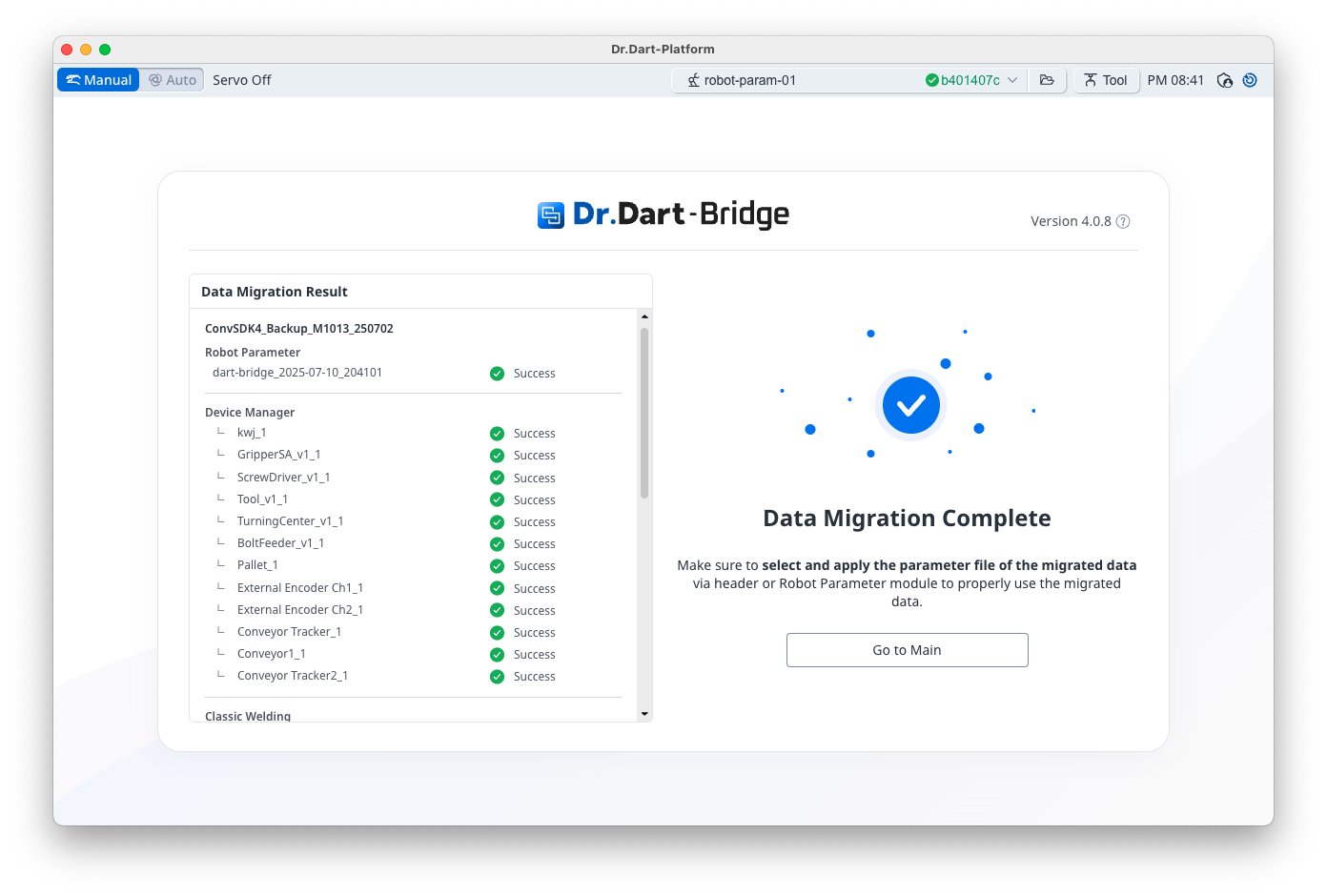
Check the results of the data migration.
-
If there are blocks within task files that cannot be converted, they will be marked as unsupported items.
-
For details on the target data for conversion, refer System Requirements and Support Information.
-
If there is Modbus RTU 'dev/ttyS1' port configuration information, it will be arbitrarily changed to 'dev/ttyUSB0'.