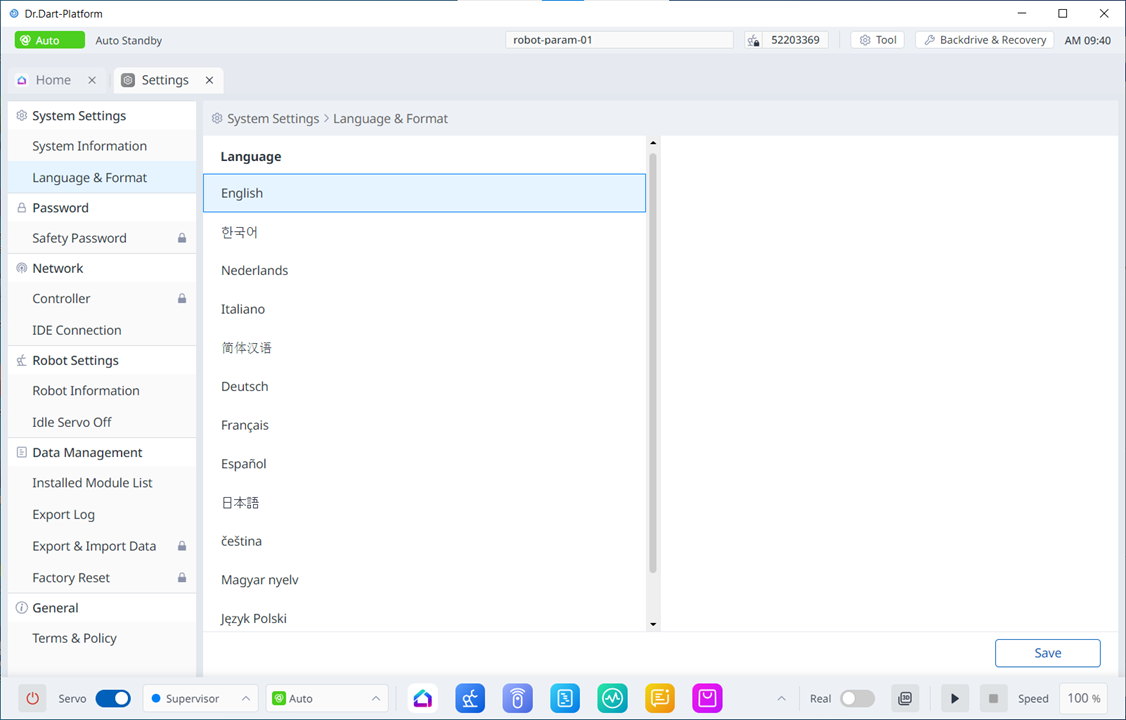
Setting language
To set the language of the program UI, follow these steps:
Tap the Settings Module button on the main menu and select System Settings > Language & Format.
Select the language you want to set from the Language list, and then tap the Save button..