
コントローラー/フランジのアナログ入力を確認
古いフランジ

新しいフランジ
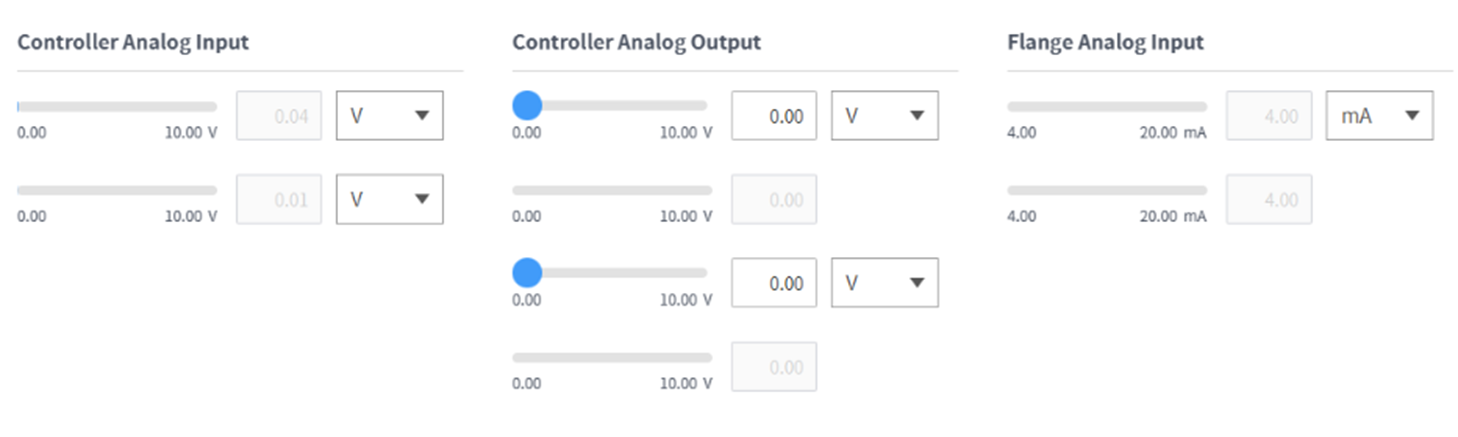
コントローラ/フランジのアナログ入力のドロップダウンリストを押して、確認する項目を選択します。
選択した項目によって画面に表示されるアナログ入力情報を確認してください。

メモ
アナログ入力値は、状態画面で入力値を設定することはできません。
古いフランジ
新しいフランジ
コントローラ/フランジのアナログ入力のドロップダウンリストを押して、確認する項目を選択します。
選択した項目によって画面に表示されるアナログ入力情報を確認してください。
メモ
アナログ入力値は、状態画面で入力値を設定することはできません。