
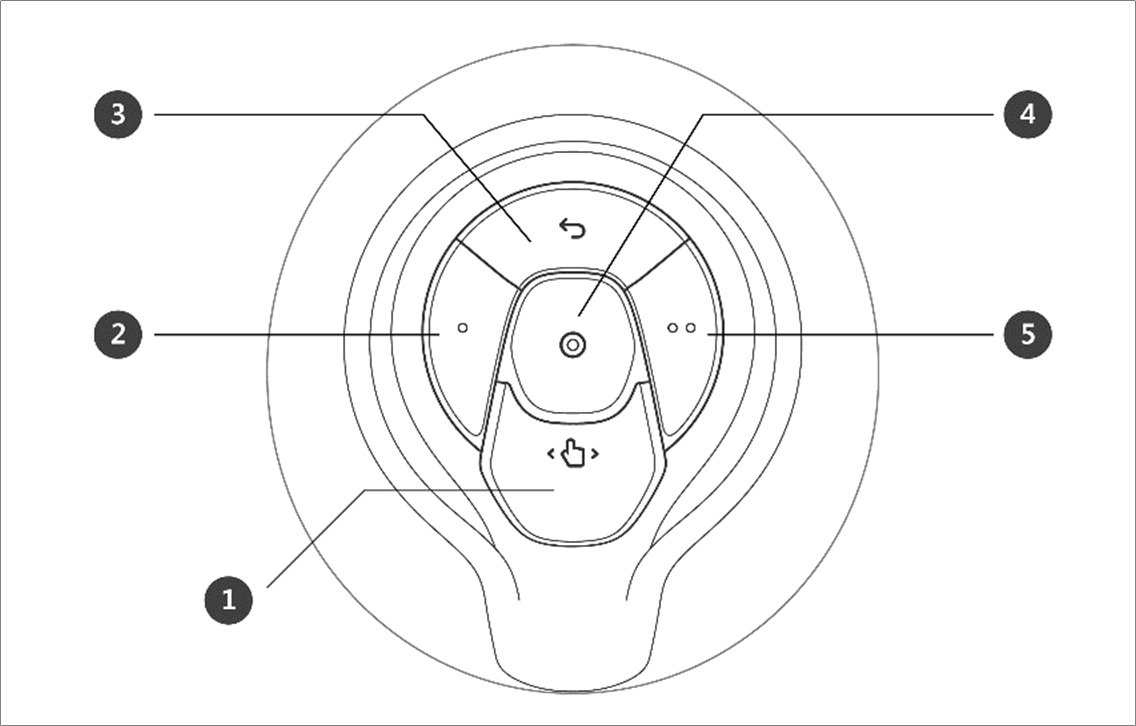
Cockpit Button (five buttons)
The user can change the robot’s pose while holding down the Hand-guiding button or custom button on the cockpit.

Caution
A Series models without FTS (A0509, A0912) cannot use User Setting Button(Constrained Motion).
A Series models with FTS (A0509S, A0912S) are capable of using User Setting Button(Constrained Motion).
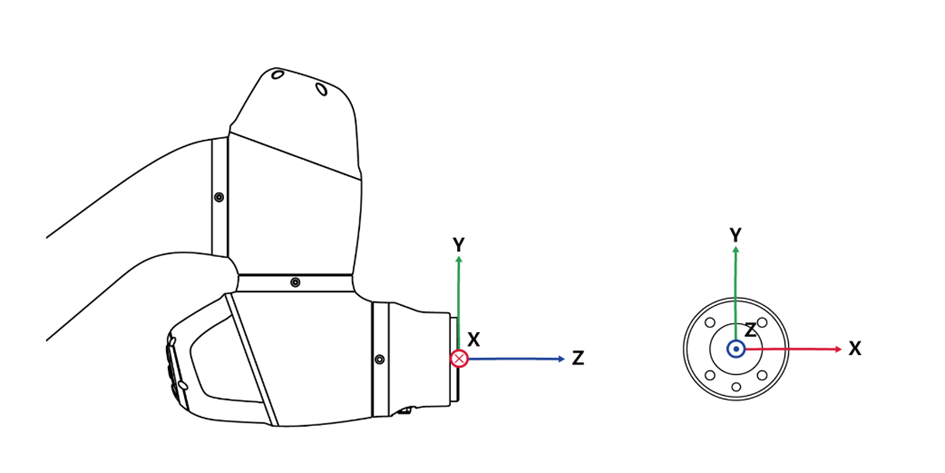
Fixed motion relies on the FTS attached to the tip of the robot; therefore, it is essential to attach the tool and for the robot to grip it as it moves. Moving the robot while holding the body may not trigger a reaction from the robot.
For details on the functional limits of each robot series, please refer to Functional Limits of each Robot Series.