
Save Task As
To save a task as different file, follow these steps:
Tap the
 Menu button and tap the Save as button.
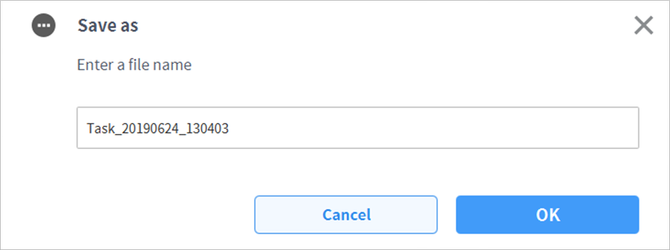
When the Save as window appears, enter the task name and tap the Confirm button.
When the save is complete, the Save Complete window appears.