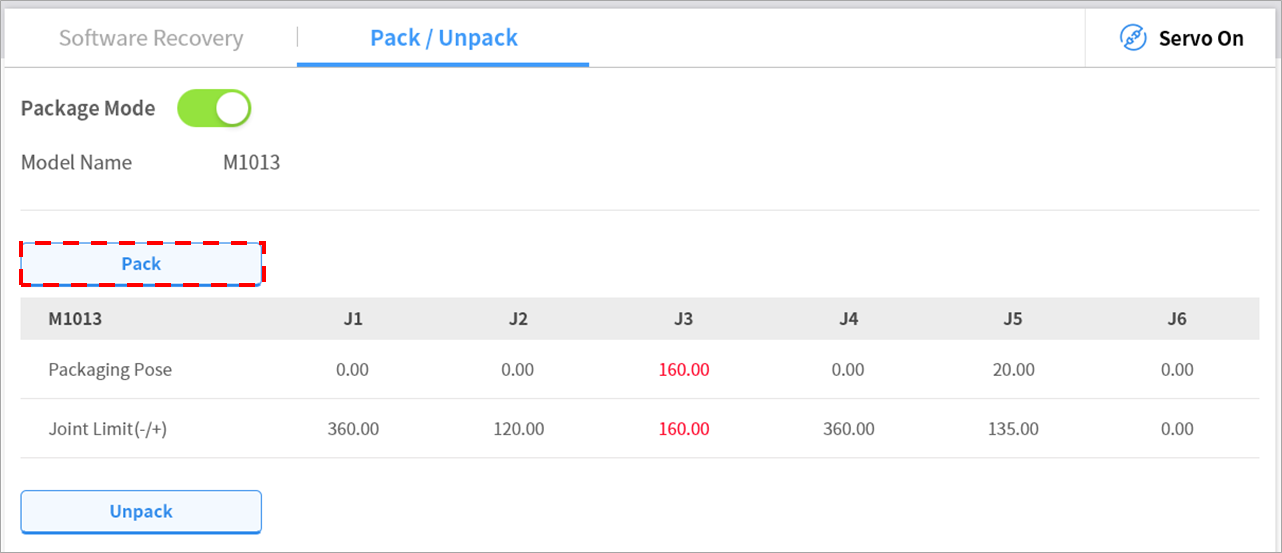
Packaging Mode Setting
To configure the packaging mode, follow these steps:
Tap the Safety Recovery button in the Status window.

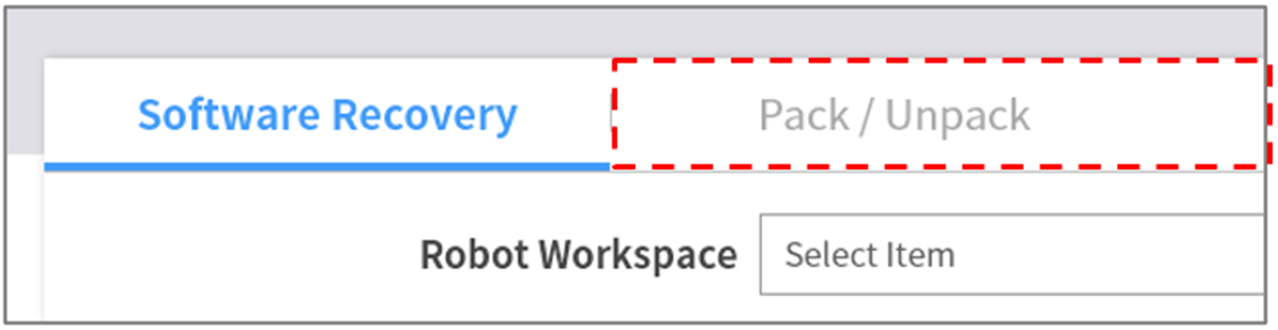
Select the Packaging Mode tab.
Tap the Servo On button to activate recovery standby mode.

Tap the Go to Packaging Pose button.
The robot automatically moves to the set packaging pose.