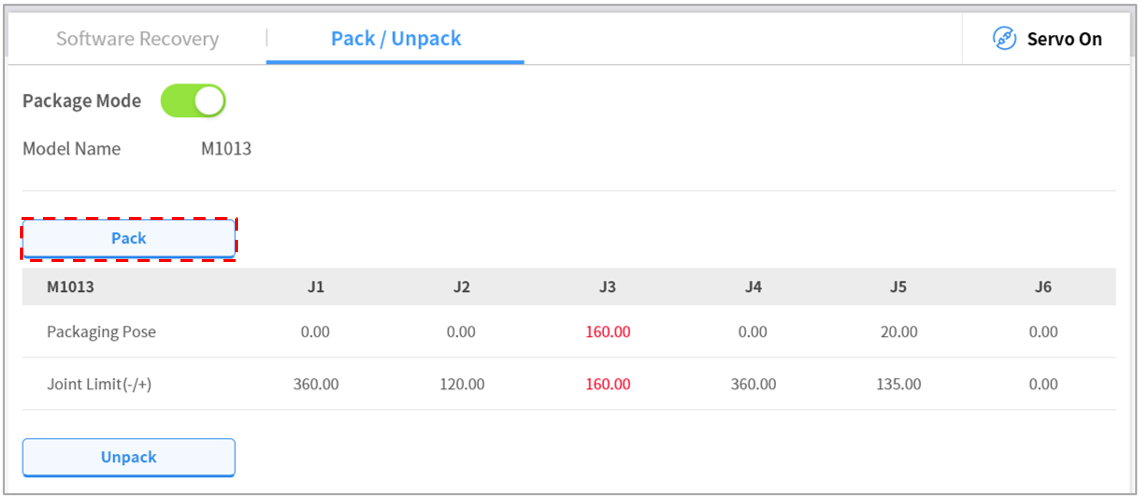
Packaging Mode Setting
To configure the packaging mode, follow these steps:
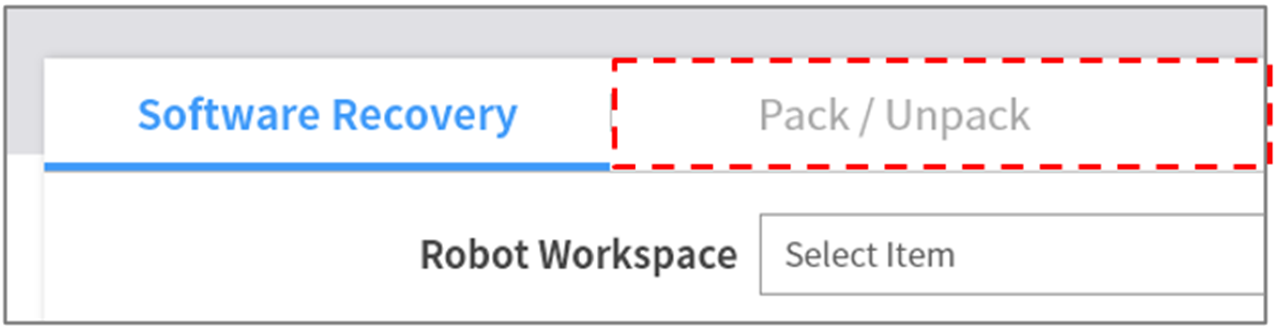
- Tap the Safety Recovery button in the Status window.

- Select the Packaging Mode tab.
- Tap the Packaging Mode toggle button to enable Packaging Mode.

- Tap the Go to Packaging Pose button.
- The robot automatically moves to the set packaging pose.
- To release the packaging pose, tap the Release Packaging Pose button to move the robot to home position, then tap the Packaging Mode toggle button to disable packaging mode.