
Controller I/O
Controller Digital Input
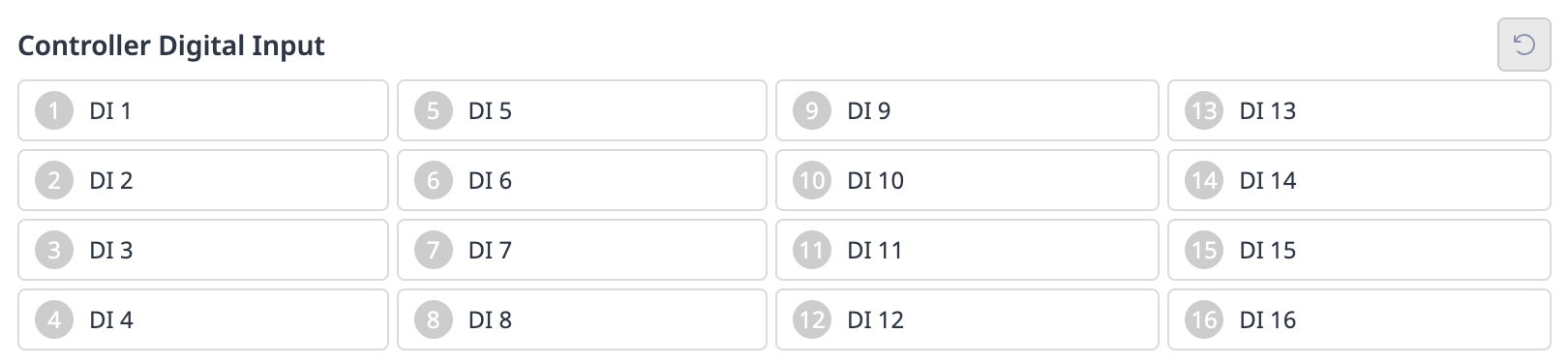
Check the port number of the device connected to the controller.
The following is displayed depending on the digital input status of the corresponding number.
If the digital signal is a high signal, the icon is displayed in light green.
If the digital signal is a low signal, the icon is displayed in gray.

Note
The same is true when the digital input is set as a safety input, the icon is displayed in blue when the digital signal is high, and gray when it is low.
Safety Input

Check the port number of the device connected to the controller.
The following is displayed depending on the digital input status of the corresponding number.
If the digital signal is a high signal, the icon is displayed in light green.
If the digital signal is a low signal, the icon is displayed in gray.
Controller Digital Output
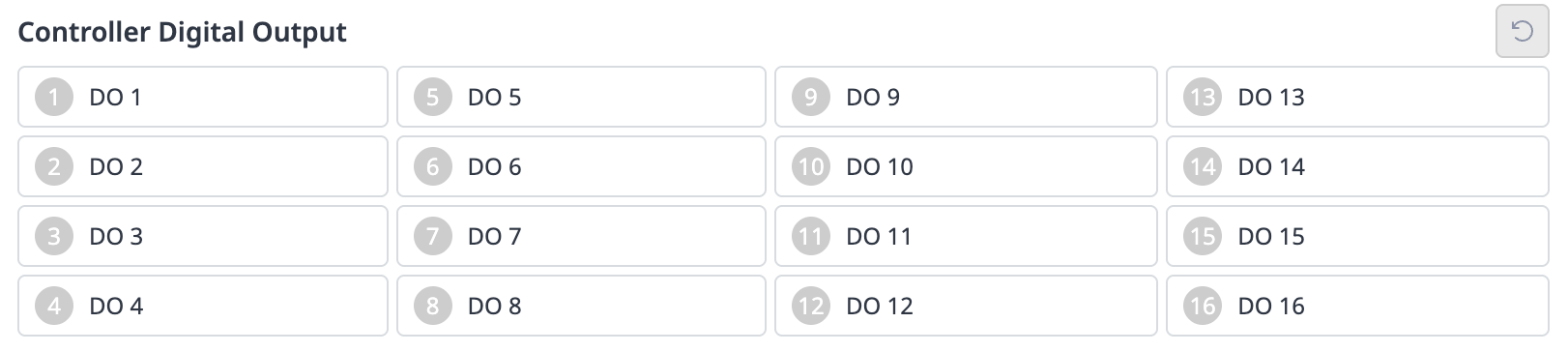
Check the port number of the device connected to the controller or flange.
Click the On/Off icon corresponding to the port number to activate or deactivate digital output.
When the On icon is pressed, the icon changes to light green and the corresponding port is enabled.
When the Off icon is pressed, the icon changes to gray and the corresponding port is disabled.
Controller Analog Input
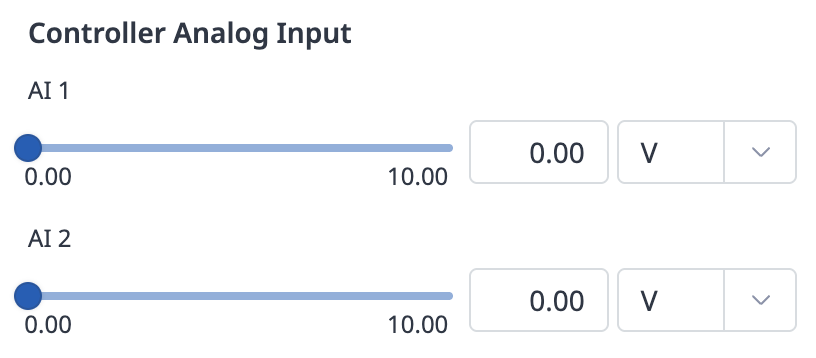
Click the drop-down list on the Controller Analog Input to select the item to check.
Check the analog input information of the selected item displayed on the screen.
Note
The analog input value cannot set the input value in the status window.
Controller Analog Output
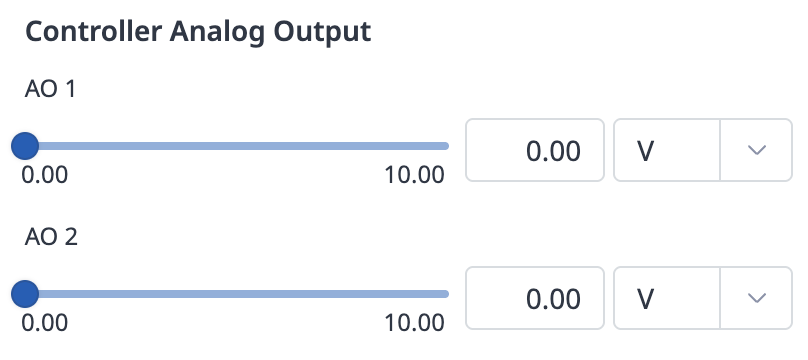
Click the drop-down list on the Controller Analog Output to select the item to check.
Analog output information of the selected item is displayed on the right side of the drop-down list.
The default value for analog output signal type is voltage.
Change the analog output value.