
Password settings and changes
Setting and disabling Password Lock.
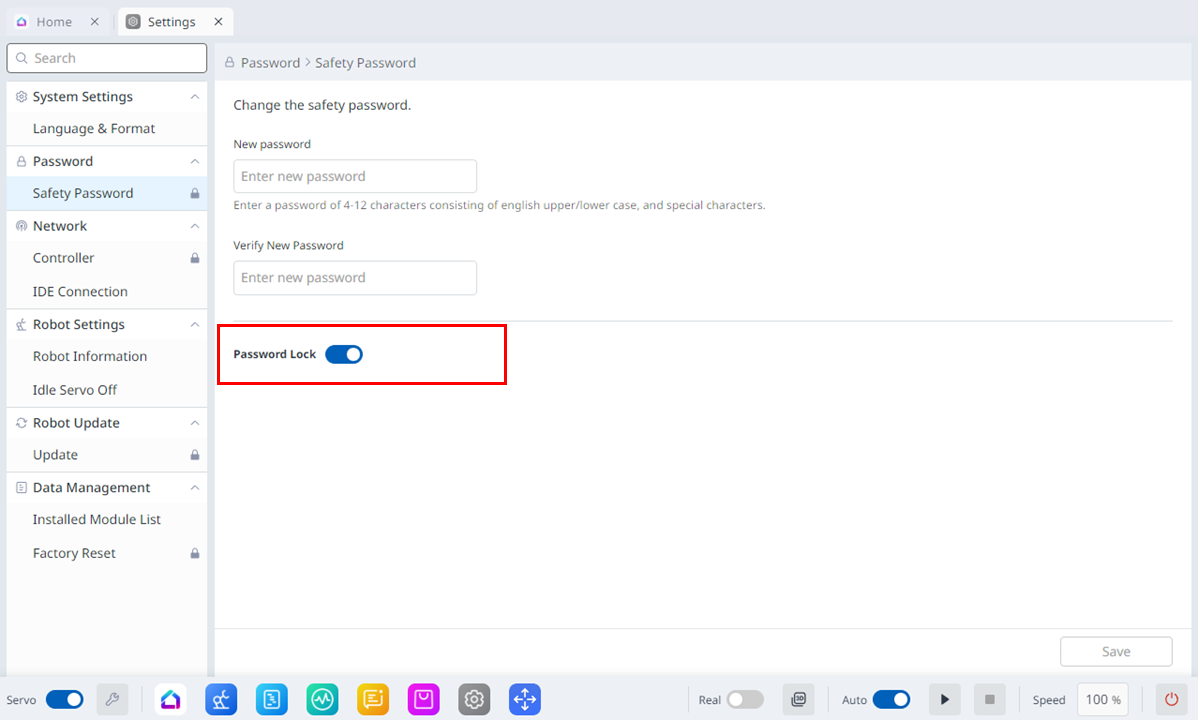
When changing various settings after robot installation, the process can be troublesome as the system constantly requests the password to be entered.
In this case, enter the password in Setting > Safety Password. If the system requests the password when the password is not changed, enter the following password.
admin
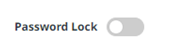
Touch the Password Lock toggle switch to disable the Password Lock function. Then all password lock functions will be disabled until the controller is rebooted.

Caution
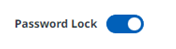
Once the administrator finishes setting up the system, the password lock function must be enabled again before the user starts operating the system.
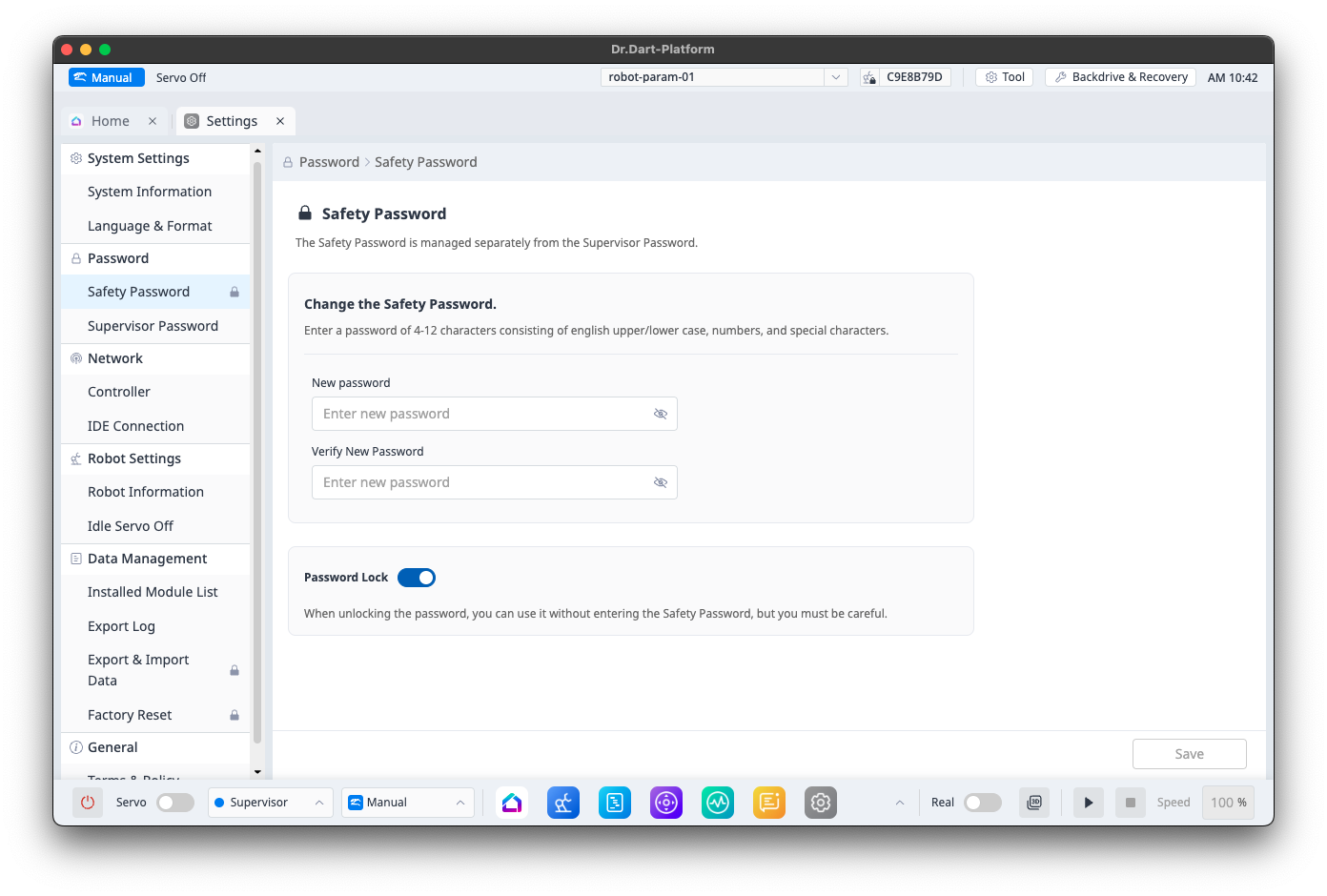
Changing Safety Password
You can change your safety password to a new one.
This function is only available unless a Safety Password is set.
Changing Supervisor Password
You can manage the supervisor password used when changing from Operator level to Supervisor level.
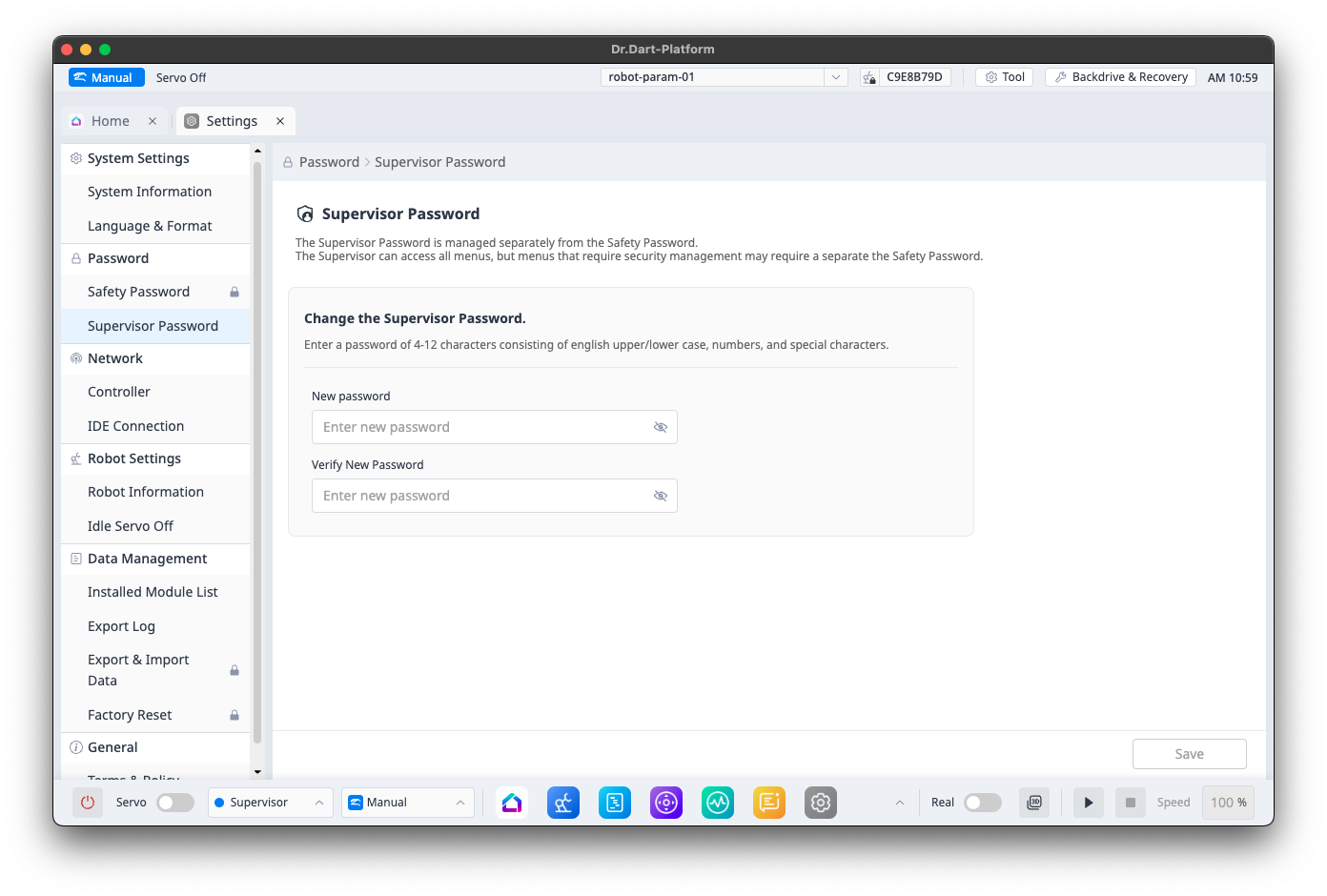

The default supervisor password is admin.