Overview of Footer

Menu Layout
| Item | Description | |
|---|---|---|
| 1 | Turn off button | This button turns off the platform. Press and hold the button for about 1-2 seconds. |
| 2 | Servo on/off switch | This is the section where you can turn on/off the servo. |
| 3 | Operator/Supervisor | This button can change Operator/Supervisor level. |
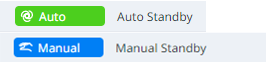
| 4 | Auto switch | This button changes the state of the robot to Auto or Manual. The changed value can be seen in the upper left corner of the screen.
|
| 5 | Home | You can go to the Dart-Platform home screen. |
| 6 | Favorite Modules | This is a list of favorite modules. |
| 7 | Virtual&Real switch |
|
| 8 | 3D Simulator button | This is a button that makes it easy to view the 3D Simulator while running the module. |
| 9 | Play/Pause/Resume/Stop | This button allows you to run, pause, resume, or stop the robot. |
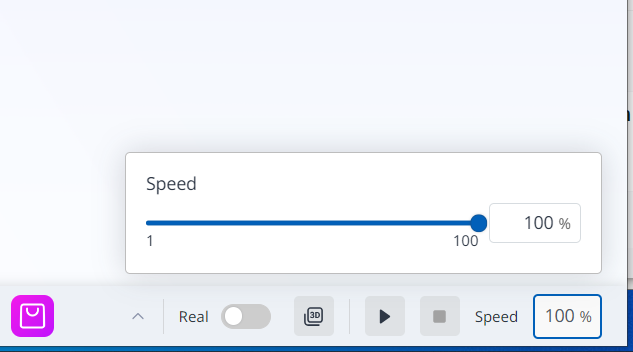
| 10 | Speed Slider |
|