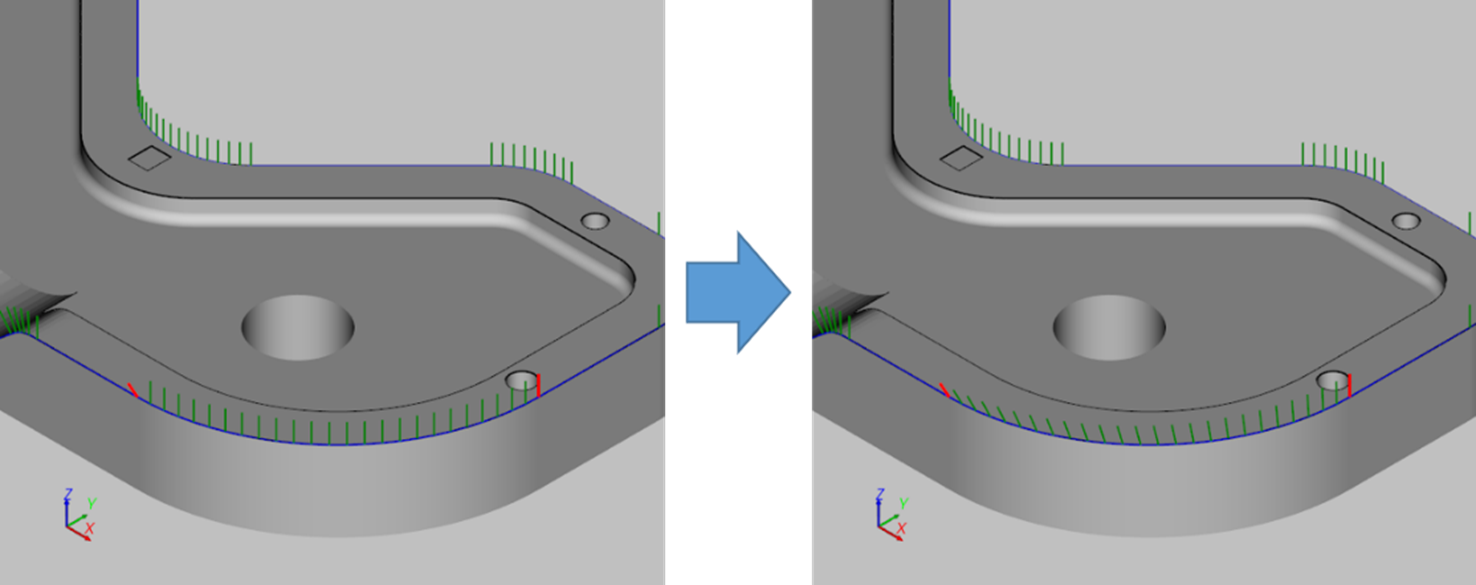
Change path orientation
The program provides a function to change the orientation of a path.
Path orientation rotation
- Open [Rotate Path Orientation] window.
After clicking the [Edit Path] button in the menu bar, select [Rotate Path Orientation (Path Point)] option.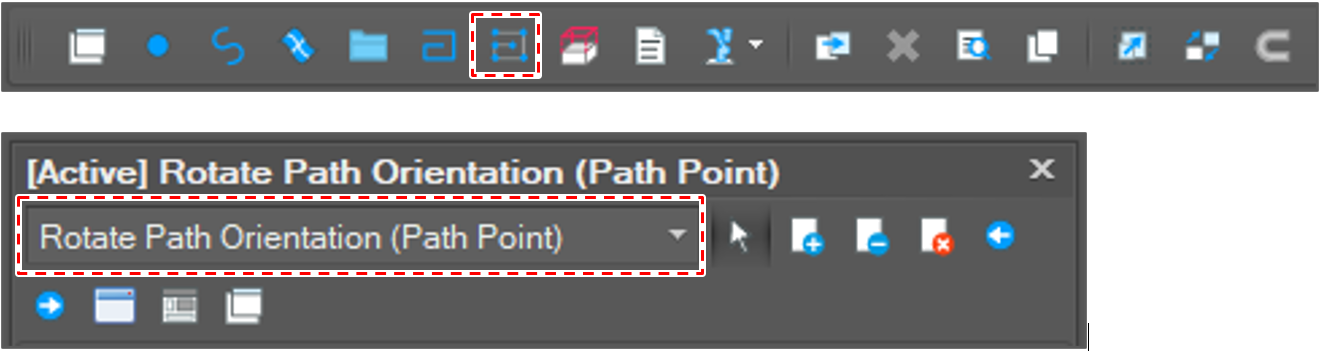
- Set rotation options.
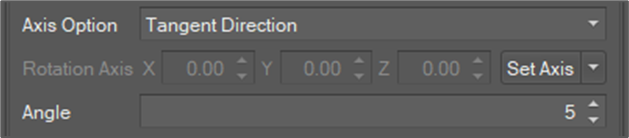
Axis option: There are options as below.
Tangent Direction
The tangent direction at the path point.
Perpendicular to the Tangent direction
The direction perpendicular to both the tangent direction and the head-up direction.
User Setting
The user can set direction directly.
- Rotation Axis: The direction when [Axis Option] is selected as [User Setting]
- Rotation angle: Angle in degree
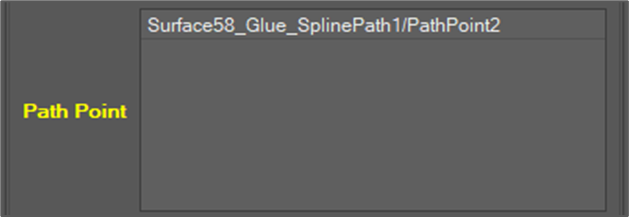
- Select path point objects to rotate.
- Click the [Rotate] button.

- Check the result.
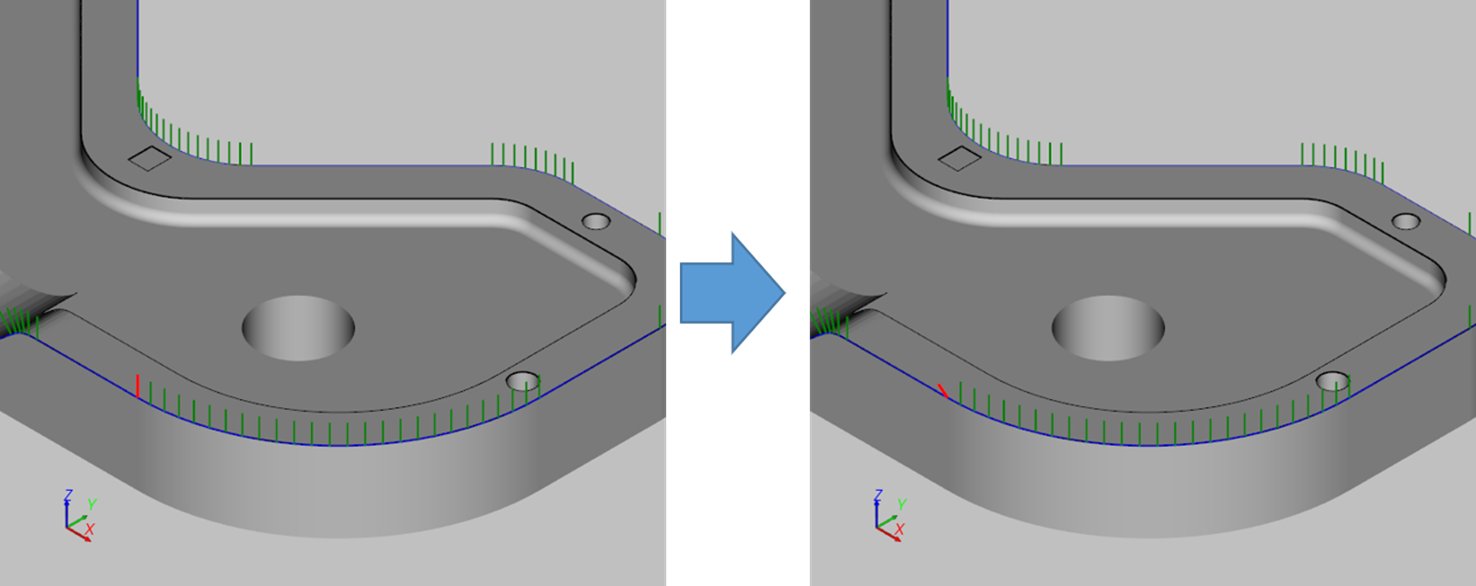
Path orientation interpolation
The fuction interpolates the orientation of all path points between two pivot path points evenly.
Orient the two waypoints at either end of the interval to be interpolated.- Open [Interpolate Path Orientation] window.
After clicking [Path Edit] button, select the [Interpolate Path Orientation(Path Point)] option.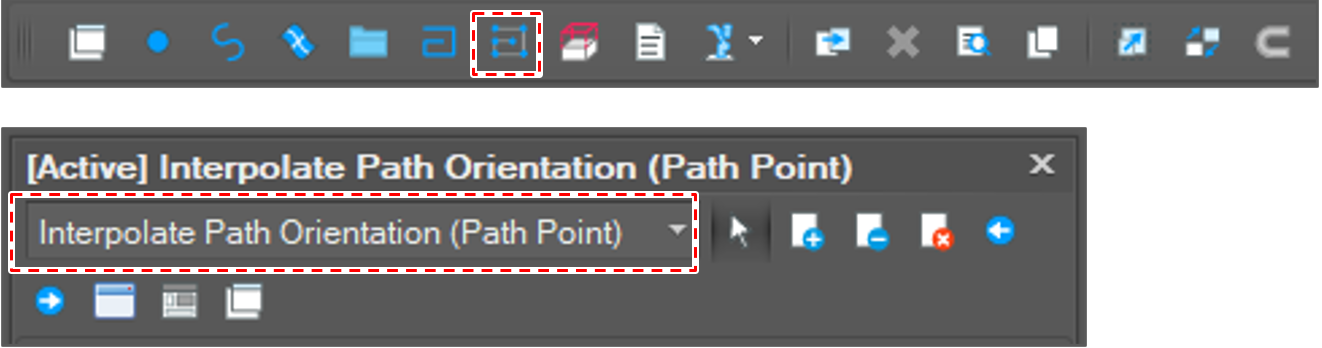
- Select two path point objects.

- Click the [Run] button.

- Check the result.